Disclosure: this article contains affiliate links. If you buy through them, we may earn a commission at no extra cost to you. It never decides our picks. Affiliate Disclosure · How we use AI
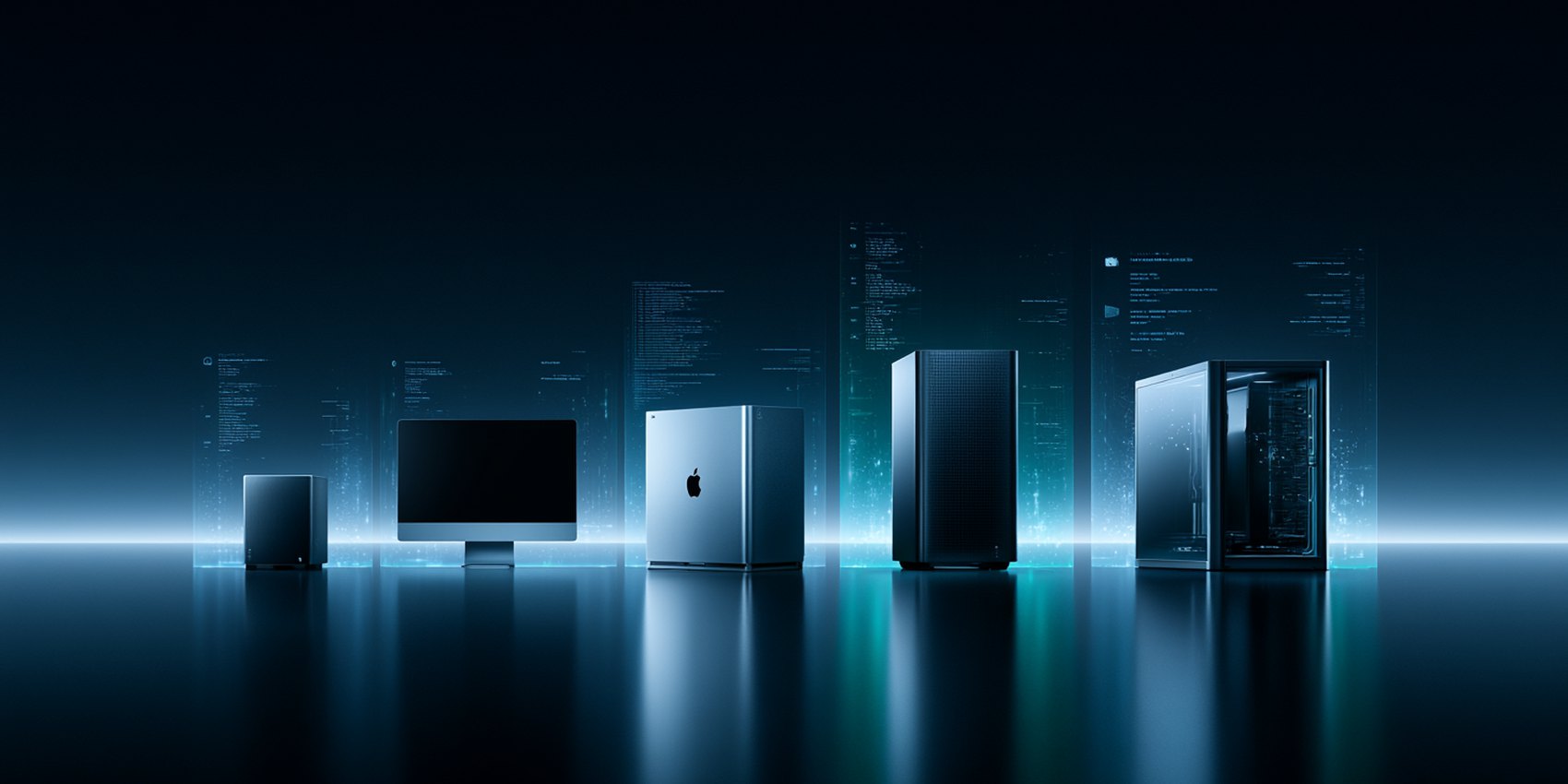
Running AI on your own machine changed everything. Here is the best desktop for AI at every budget, from a $1,500 tower to a personal supercomputer.
Picking the best desktop for AI comes down to one number that most spec sheets bury: how much memory your graphics chip can actually reach. That single figure decides which models you can load, how fast they answer, and whether image and video generation feels instant or painful.
Raw processor speed matters far less than people expect. A modest chip with plenty of fast memory will run a large language model that a much pricier gaming CPU simply cannot touch. Because of that, our picks for the best desktop for AI are sorted by what they let you run, not by benchmark bragging rights.
Below you will find the machines we would genuinely recommend, from an entry tower around $1,500 to NVIDIA’s own desktop AI supercomputer. Each one earns its place for a different kind of user, so read the “who is it for” line before you spend.
A word on prices first. Memory costs climbed sharply in 2026, so almost every machine here costs more than it did in summer. Every price below was checked in October 2026, and two of them moved by more than $1,500. If you came looking for the best PC for AI in one line, start with the list below.
Quick Picks: The Best Desktop for AI by Job
- Most cost-efficient with 24GB or more: Apple Mac Mini M5 Pro, from $1,699 with 24GB of unified memory
- AI image generation on a budget: HP OMEN 16L with a 16GB RTX 5060 Ti
- AI video generation: HP OMEN 45L with a 32GB RTX 5090
- Learning machine learning and experimenting: HP OMEN 16L, because CUDA runs every tutorial unchanged
- Largest local models for the money: GMKtec EVO-X2 with 128GB
- Research, fine-tuning and large datasets: NVIDIA DGX Spark
Each pick links to a full hands-on review, and the comparison chart near the end lines up memory, best use and price for all six. That chart is the fastest way to choose the best desktop for AI if you already know your budget.
HP OMEN 16L: The Best Budget Desktop for AI Image Generation
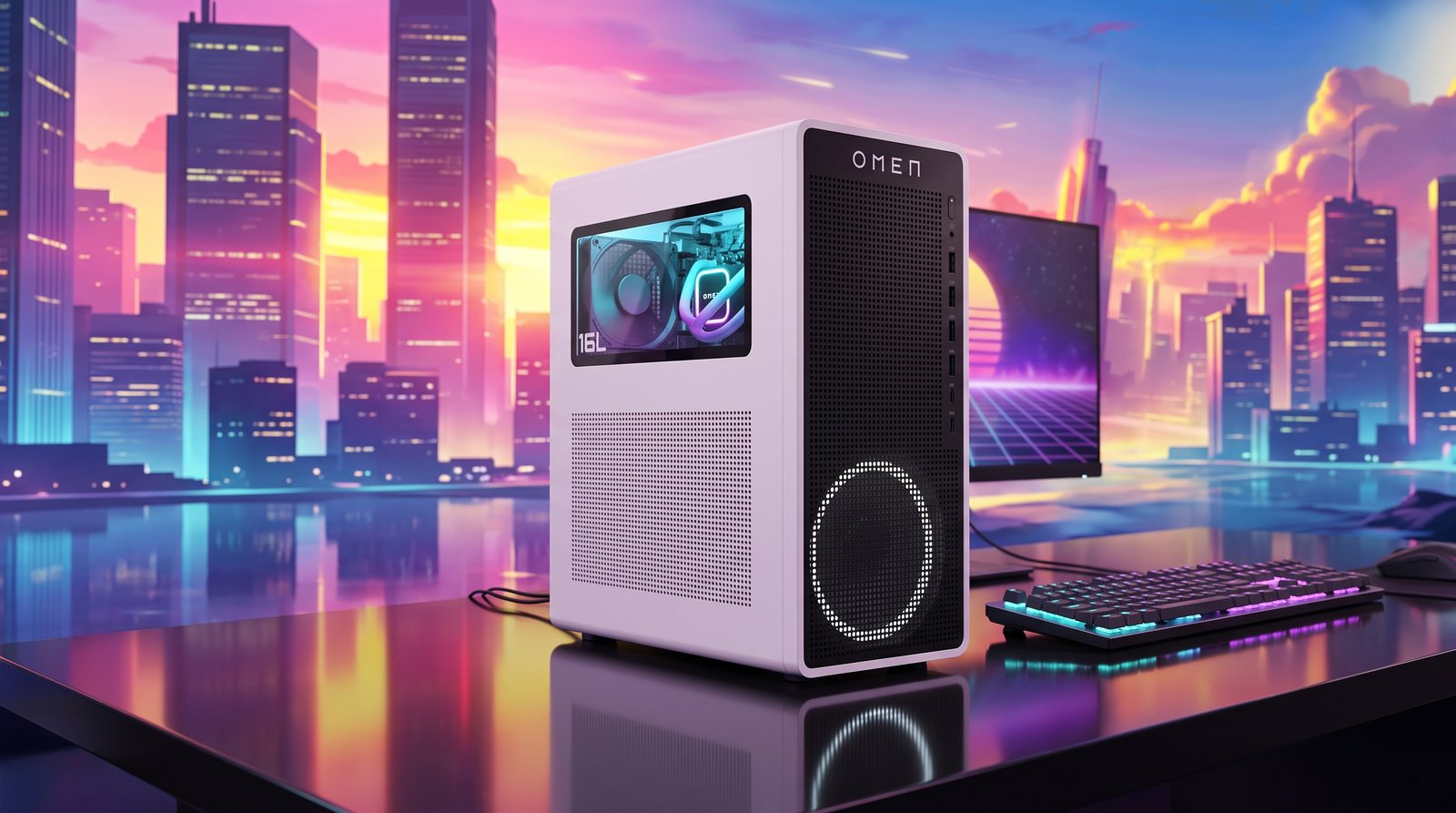
The HP OMEN 16L is the machine we point most people to first. It pairs an RTX 5060 Ti with a full 16GB of video memory, and that 16GB is the whole point: it is the practical floor for running Stable Diffusion comfortably and for loading smaller language models without constant swapping.
Meanwhile the rest of the build is sensible rather than flashy. You get a modern Intel Core Ultra chip, 32GB of system memory and a 2TB drive, which is plenty of room for model files that balloon fast.
Prices moved, though. The $1,099 sale price from early 2026 is gone, and current listings with the 16GB card run from about $1,500 to $1,850, depending on the processor and memory. Even at that level it remains the best desktop for AI on a tight budget.
Key Features
- NVIDIA GeForce RTX 5060 Ti with 16GB GDDR7 video memory
- Intel Core Ultra 7 265F, 20 cores for data prep and everyday work
- 32GB DDR5 memory and a 2TB PCIe SSD for model storage
- Runs Stable Diffusion and SDXL image generation locally
- Handles 7B to 13B language models at comfortable speeds
- Compact 16-liter case that fits on a normal desk
- Wi-Fi 6, Bluetooth 5.4 and Windows 11 Pro included
Who is it for?
Anyone starting with local AI on a budget. If you mostly generate images, experiment with smaller chat models, or want a machine that games as well as it renders, this is the sensible entry point. Skip it if you already know you want to run 70B models.
For the full benchmarks, read our HP OMEN 16L review.
Apple Mac Mini M5 Pro: The Value Sweet Spot for Local AI Models
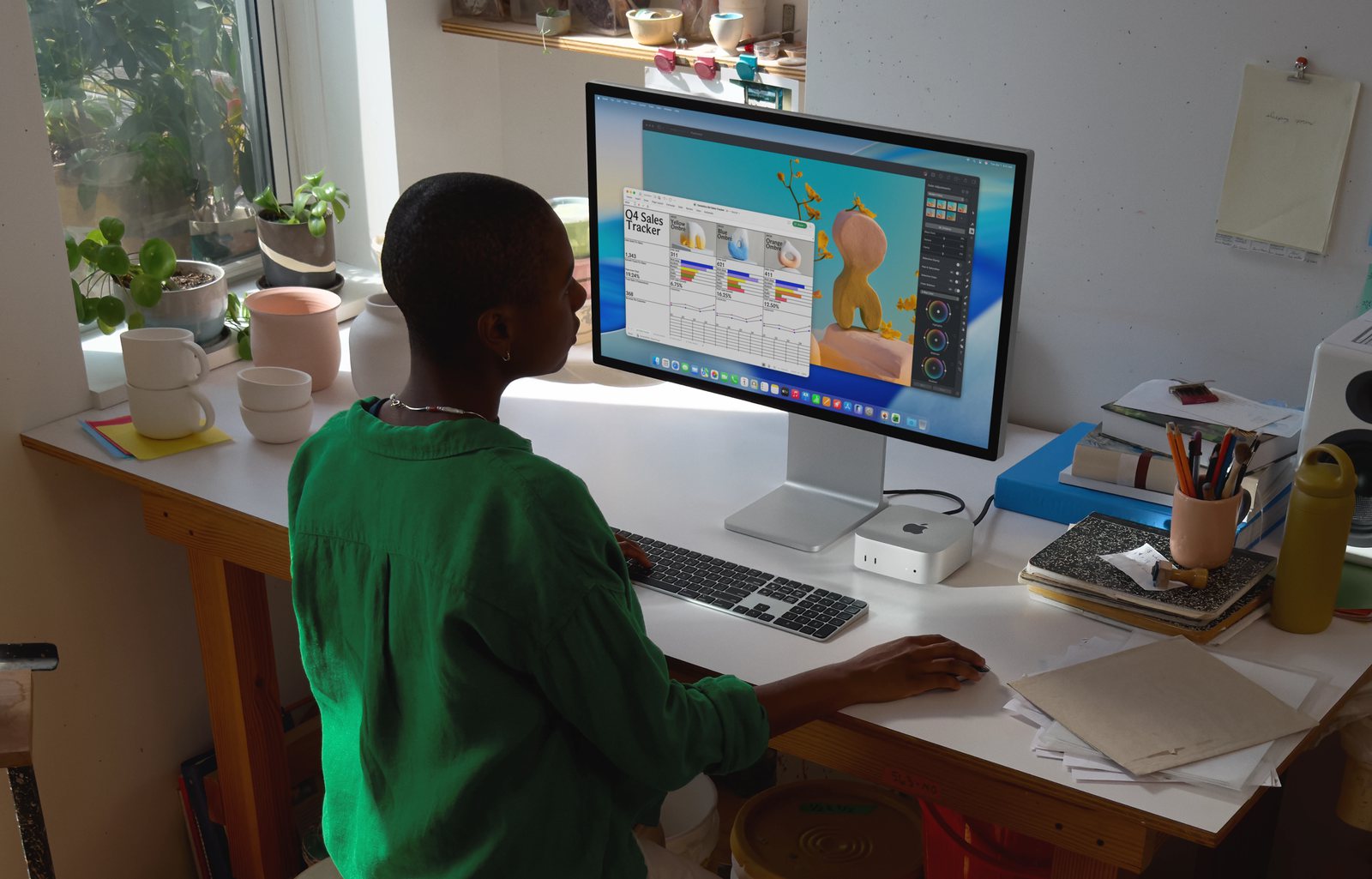
The Mac Mini M5 Pro is the quiet overachiever of this list. Apple replaced the M4 Pro model in September 2026, and the new one starts at $1,699 with 24GB of memory. Apple’s unified memory means the chip, graphics and neural engine all draw from one shared pool, so a 48GB configuration gives your models far more usable memory than a similarly priced graphics card ever could.
In practice that changes what you can run. A 48GB Mac Mini handles large 32B-class models that would choke a 16GB or 24GB Windows tower, and it does so from a box the size of a sandwich, in near silence.
Key Features
- Apple M5 Pro chip with 24GB, 48GB or 64GB of unified memory
- 48GB configuration is the sweet spot for local language models
- About 307 GB/s memory bandwidth for steady token speeds
- Runs large 32B-class models that most consumer graphics cards cannot load
- Works out of the box with Ollama, LM Studio and MLX
- Extremely quiet and draws very little power
- Tiny footprint, so it doubles as an always-on model server
Who is it for?
Developers and writers who want serious local AI without a tower, noise, or a big power bill. It is also the best pick if you already live in the Apple ecosystem. Video generation is its weak spot, so creators leaning on that should look at the NVIDIA machines instead.
For real-world numbers from the previous generation, see our Mac Mini M4 Pro review.
GMKtec EVO-X2: The Cheapest Route to 128GB for AI
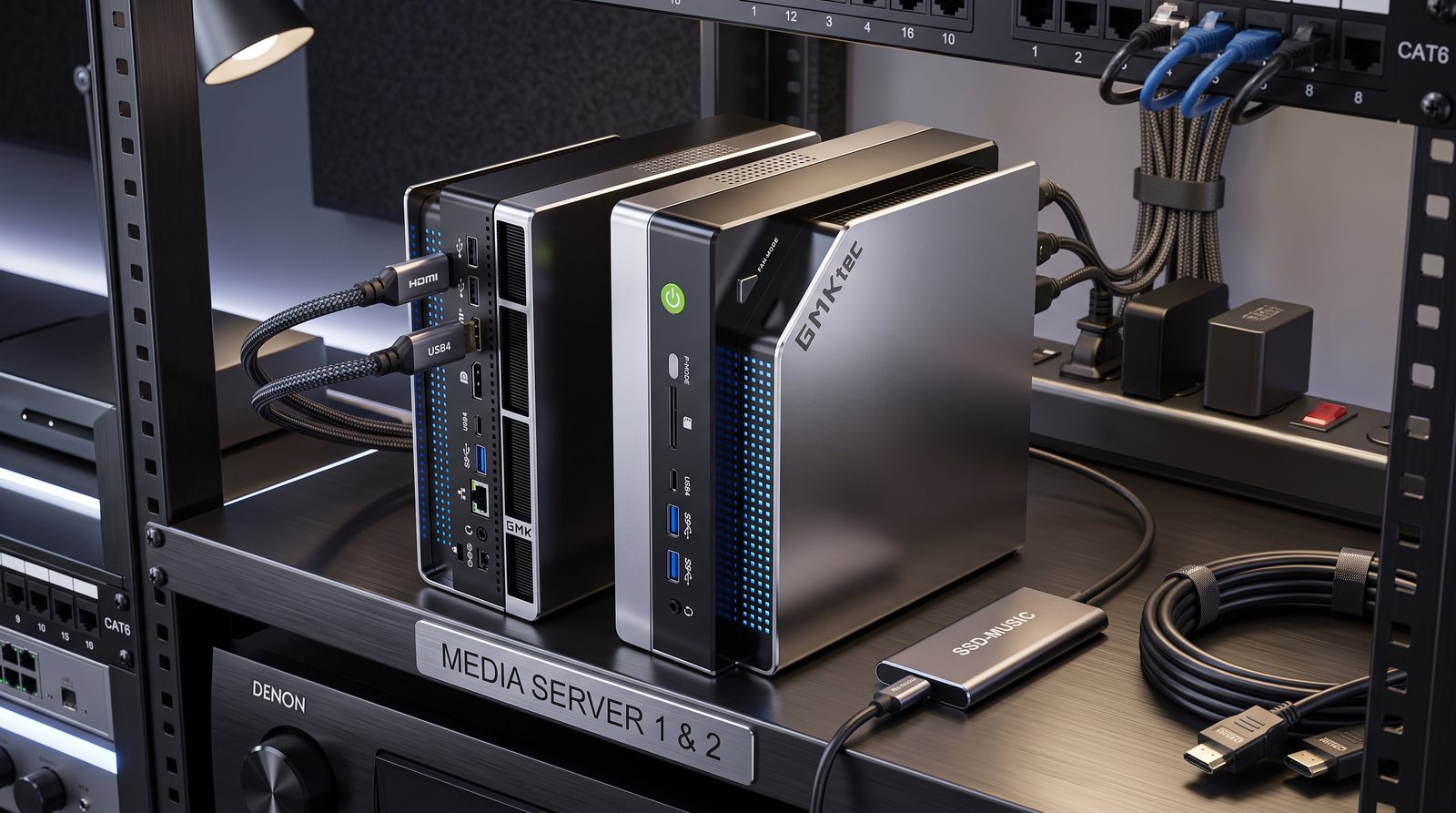
If your goal is simply to load the biggest model you can, the GMKtec EVO-X2 is the cheapest honest way there. Its AMD Ryzen AI Max+ 395 chip carries up to 128GB of unified memory, which is more than any consumer graphics card offers.
That headroom lets it hold a 70B model at 4-bit quantization with room to spare, and even mixture-of-experts models in the 235B class run at usable speeds. It stays cool and quiet while doing it.
The catch is the price. The 128GB version launched at $1,999 and sold for $3,649.99 on Amazon in October 2026, while the 64GB version costs $2,399.99. Even so, no other 128GB machine on this list comes close to that figure.
Key Features
- AMD Ryzen AI Max+ 395 with up to 128GB unified memory
- Holds a 4-bit 70B model with memory left over
- Runs large mixture-of-experts models at around 11 tokens per second
- Costs far less than a comparable multi-GPU tower
- Low power draw and quiet enough to leave running overnight
- Linux friendly, which suits self-hosted model servers
- Compact mini PC chassis that hides behind a monitor
Who is it for?
Tinkerers who want the largest possible model on a budget and do not mind waiting a little longer for long prompts. Its prompt processing is noticeably slower than NVIDIA hardware, so heavy coding agents and document retrieval can feel sluggish.
Our GMKtec EVO-X2 review goes deeper into its real-world speeds.
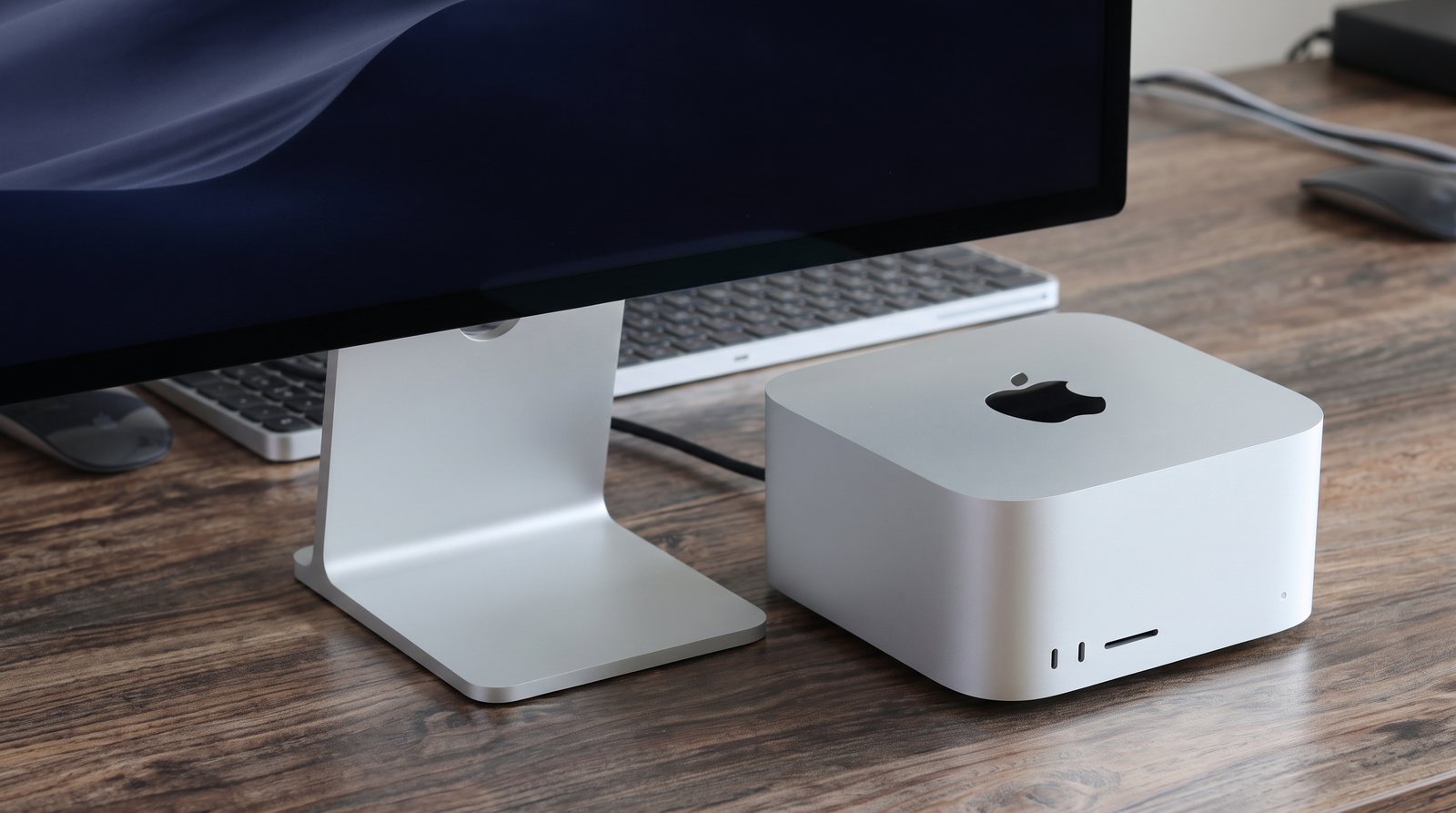
Apple Mac Studio M5 Max: The Fastest Apple Desktop for AI Work
The Mac Studio M5 Max is what you buy when the Mac Mini is close but not quite fast enough. Its wider chip carries two memory controllers instead of one, pushing bandwidth to roughly 614 GB/s against the Mini’s 307 GB/s.
That gap only really shows at the top end, once you are pushing 70B models or serving more than one person. Below that, the Mini keeps up. The M5 Max version, released in September 2026, can now be ordered with up to 128GB. Above it sits the M5 Ultra, which starts at $5,499 with 96GB and stretches to 512GB.
Key Features
- Apple M5 Max chip with 36GB to 128GB of unified memory
- About 614 GB/s memory bandwidth, the fastest of the unified-memory machines here
- Comfortable with 70B models where the Mac Mini starts to strain
- Serves models to several users or apps at once
- Silent under sustained load thanks to a large cooling system
- Plenty of ports, including front-facing storage card slots
- Excellent for video editing alongside AI work
Who is it for?
Professionals who run local models daily and value silence and build quality over raw graphics power. If you only need 128GB of memory, the GMKtec gets you there for less, though with slower memory.
For tests of the previous generation, see our Mac Studio M4 Max review.
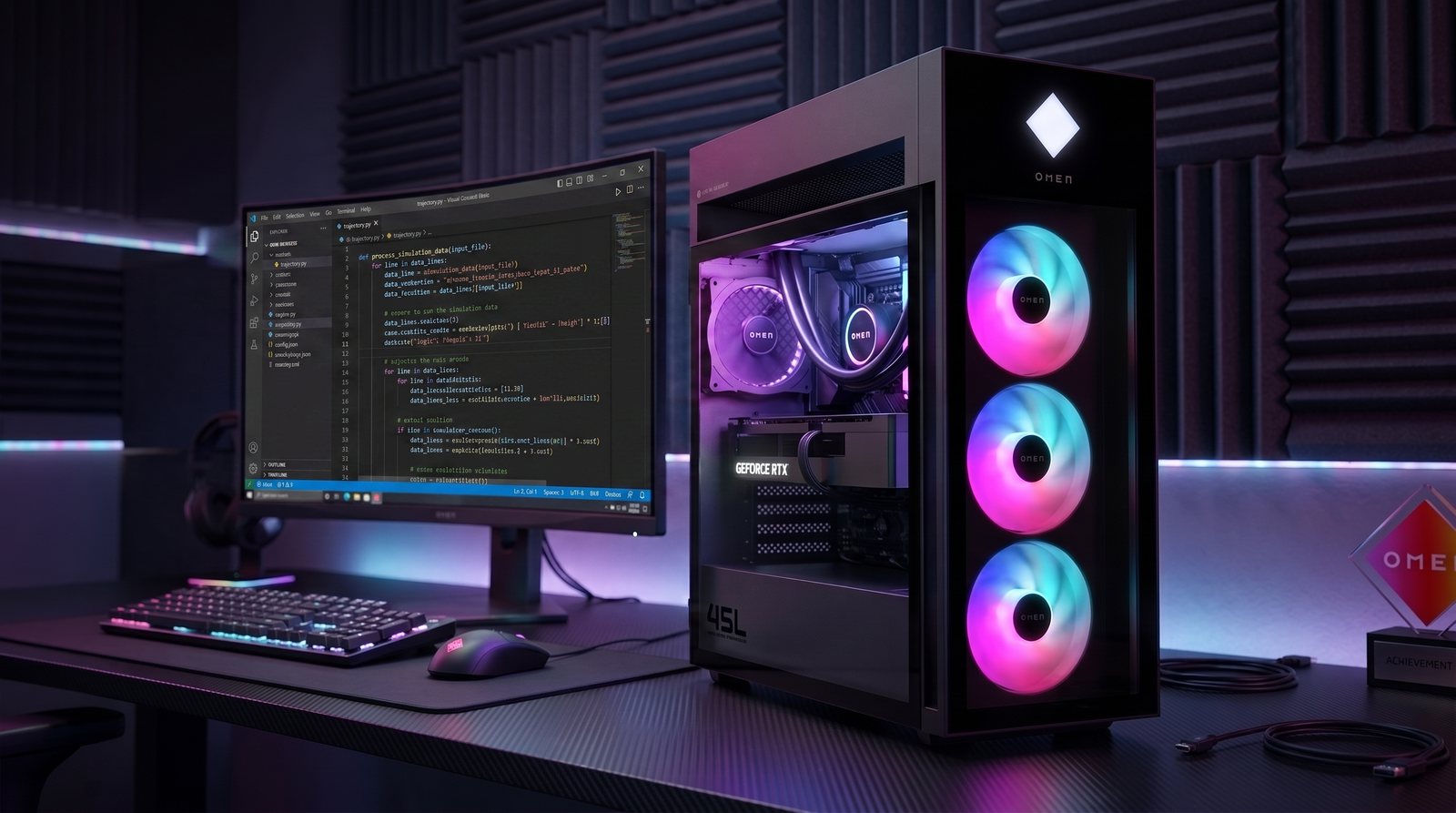
HP OMEN 45L: The RTX 5090 PC for AI Video Generation
When your work is visual, raw graphics power wins, and the HP OMEN 45L with an RTX 5090 is the fastest mainstream way to get it. Its 32GB of dedicated video memory chews through image batches and, more importantly, makes local video generation genuinely practical. Expect to pay for it, since RTX 5090 configurations ran from about $4,800 on sale to $5,500 during 2026.
It also runs 30B to 70B language models in quantized form. If you later want more, this is one of the few picks here you can open up and add a second card to, since unified-memory machines cannot be upgraded at all.
Key Features
- NVIDIA GeForce RTX 5090 with 32GB of GDDR7 video memory
- The quickest option here for local video generation
- Runs 30B to 70B models in quantized form
- Full CUDA support, so every AI tool works without workarounds
- Upgradeable tower, including a second graphics card later
- Intel Core Ultra 9 processor options for heavy data work
- Strong cooling for long training and rendering runs
Who is it for?
Creators and researchers whose work is image or video heavy, and anyone who wants the flexibility to upgrade. It is loud and power hungry compared with the Apple and mini PC options, so it suits an office rather than a bedroom.
Read our full HP OMEN 45L review for the image and video benchmarks.
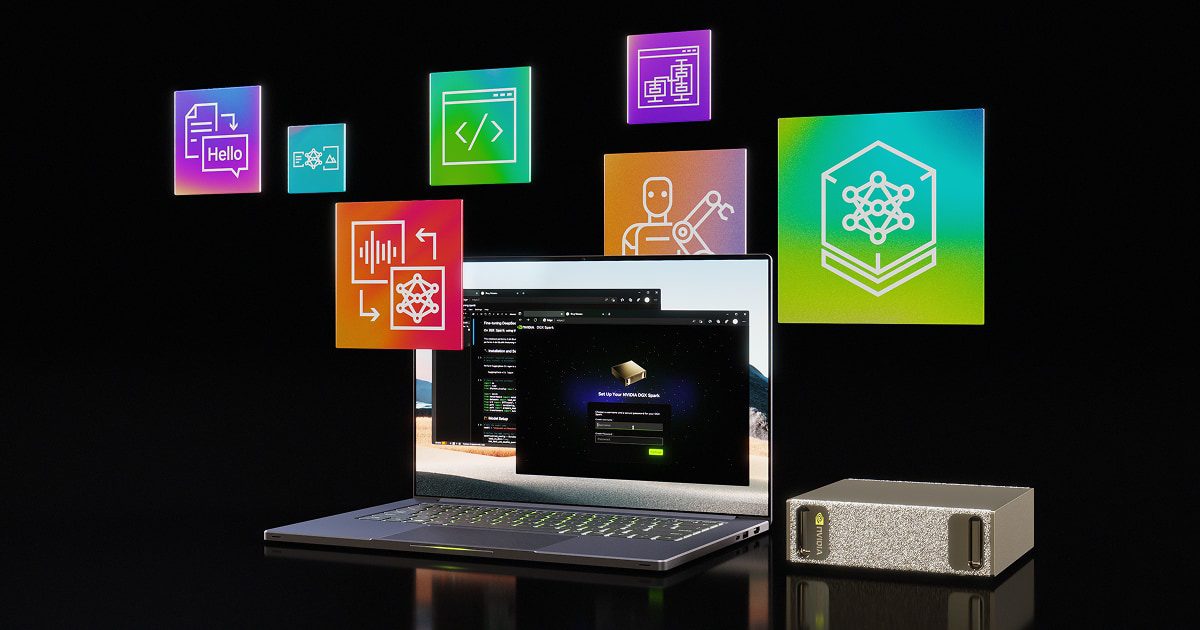
NVIDIA DGX Spark: A Desktop Built Only for AI
The NVIDIA DGX Spark is the only machine here designed for nothing but AI. Its GB10 Grace Blackwell chip pairs 128GB of unified memory with a full Blackwell graphics unit, delivering up to one petaFLOP of AI performance and running models up to roughly 200B parameters.
Crucially, it speaks native CUDA, so everything built for NVIDIA data center hardware runs unchanged. That is the practical difference between this and the unified-memory rivals: same memory pool, far faster prompt processing.
It is also the pick whose price moved most. The DGX Spark launched at $3,999, rose to $4,699 in February 2026 and was listed at $6,950 on NVIDIA’s own store in October 2026. Meanwhile, partner versions with 64GB of memory are reported at around $4,999. That makes it the hardest pick to call the best desktop for AI on value alone.
Key Features
- GB10 Grace Blackwell superchip with 128GB unified memory
- Up to one petaFLOP of AI performance at FP4 precision
- Handles models up to around 200B parameters locally
- Full CUDA support, identical to NVIDIA server hardware
- 20-core Arm processor and a 4TB NVMe drive as standard
- Much faster prompt processing than other 128GB machines
- Desktop sized, so it needs no server rack or special cooling
Who is it for?
Researchers, AI engineers and teams who prototype locally before deploying to NVIDIA servers. It is a specialist tool at a specialist price, so for image generation or general use one of the cheaper picks will serve you better.
Our NVIDIA DGX Spark review breaks down its bandwidth trade-off in full.
Still Not Sure Which Is the Best Desktop for AI?
Let one priority settle it: for quiet, everyday local models the Apple Mac Mini M5 Pro is the easy answer, while anything image or video heavy belongs on the RTX 5090 inside the HP OMEN 45L. The table below lines them all up by usable memory, best use and price.
Frequently Asked Questions
What is the best desktop for AI in 2026?
For most people it is the Mac Mini M5 Pro with 48GB of unified memory, because it runs large 32B-class models for about $2,300. If your work is image or video generation, an RTX 5090 tower such as the HP OMEN 45L is faster. On a tight budget, the HP OMEN 16L with 16GB of video memory is the sensible floor.
How much memory do you need to run local AI models?
As a rough guide, 16GB lets you run 7B to 13B models and generate images, 48GB opens up 70B models at 4-bit quantization, and 128GB reaches into the 200B range. Memory, not processor speed, is what limits you, so buy as much fast memory as your budget allows.
Is a Copilot+ AI PC good for running local AI models?
Generally no, and this trips up a lot of buyers. The neural processing unit in a Copilot+ AI PC is built for light on-device tasks such as background blur, live captions and small assistant features. Running a large language model or generating images needs plenty of fast graphics or unified memory, which is exactly what the machines on this list provide and what an NPU-focused AI PC does not.
Is a Mac or a PC better for local AI?
It depends on the job. Macs win on memory per dollar, silence and power draw, so they suit language models. NVIDIA PCs win on raw speed and CUDA compatibility, so they suit image and video generation and any tool that expects NVIDIA hardware. Choose the ecosystem that matches your main workload.
What is the best PC for AI video generation?
An NVIDIA machine with as much video memory as you can afford. The RTX 5090 with 32GB, as found in the HP OMEN 45L, is the strongest mainstream option, because video models are far heavier than image models and lean on CUDA acceleration that Apple hardware cannot match.
Can you run a 70B model on a desktop?
Yes, provided you have enough memory. A 4-bit quantized 70B model needs roughly 42GB to 48GB, which puts it within reach of a 48GB Mac Mini, a Mac Studio, the 128GB GMKtec EVO-X2 or the DGX Spark. A 16GB graphics card cannot hold one without heavy compromises.
Is the NVIDIA DGX Spark worth it?
For researchers and engineers, often yes, because it runs models up to about 200B locally and speaks the same CUDA as NVIDIA servers, so code moves across unchanged. For everyone else the $6,950 price is hard to justify when a Mac Mini or GMKtec mini PC covers most local AI work for a fraction of it.
Do you need a desktop, or is a laptop enough for AI?
A laptop is fine for lighter models and for working away from your desk, but desktops give you more memory, better cooling and sustained speed for the same money. If you want a portable option instead, see our guide to the best laptop for AI development.
What is the most cost-efficient AI computer with 24GB or more memory?
The Apple Mac Mini M5 Pro. It starts at $1,699 with 24GB of unified memory that the graphics chip can use in full, and it can be ordered with 48GB or 64GB. A Windows tower needs an RTX 5090 class card to offer more than 24GB of video memory, and those start near $4,800.
What is the best PC for AI image generation?
On a budget, the HP OMEN 16L, because its RTX 5060 Ti has the 16GB of video memory that Stable Diffusion and SDXL need. For large batches, upscaling or video, the HP OMEN 45L with a 32GB RTX 5090 is much faster. Image tools are built around NVIDIA CUDA, so a PC beats a Mac here.
Which desktop is best for learning machine learning?
An NVIDIA tower such as the HP OMEN 16L. Nearly every course, notebook and library assumes CUDA, so code runs without workarounds, and 16GB of video memory is enough to train small models and fine-tune compact ones. Move up only when your experiments stop fitting in memory.
What is the best mini PC for AI?
It depends on the budget. The Mac Mini M5 Pro is the best value for everyday local models, the GMKtec EVO-X2 is the cheapest way to 128GB, and the NVIDIA DGX Spark is the fastest small machine for serious work. All three fit on a desk and stay quiet.
Why did AI desktop prices go up in 2026?
Memory. Demand from data centers pushed up the cost of the fast memory these machines depend on. As a result, the DGX Spark went from $3,999 to $6,950, and the 128GB GMKtec EVO-X2 from $1,999 to about $3,650. Apple kept its starting prices but charges heavily for memory upgrades.
Is a gaming PC good for AI?
Yes, if it has an NVIDIA card with enough video memory. A gaming PC with 16GB of video memory handles image generation and small language models well. However, the size of the model you can load is capped by that video memory, which is why unified-memory machines win for large language models.
Want More on the Best Desktop for AI?
If you would rather build than buy, start with the card, because it decides everything else: compare the best GPU for AI and work outwards from there. Prefer something portable? Our picks for the best laptop for AI development cover the same ground on the move. And once the hardware is sorted, the best AI coding tools are what you will actually run on it.