

The best AI 3D model generators finally hand you a real file, not just another pretty render.
Renderers have been fooling our eyes for years. Type a prompt, wait a minute, and you get a gorgeous image of a building that does not exist anywhere except in a JPEG. That is useful for a mood board, yet it collapses the moment a client asks to walk around the thing. A picture has no geometry, so it cannot be measured, sliced, printed or dropped into Revit.
That is exactly the gap this list closes. Every tool below outputs an actual mesh, usually as OBJ, GLB, FBX or STL, which means you can open it in Blender, import it into SketchUp, hand it to a 3D printer or bolt it onto a game engine. Some build props and characters in seconds. Others take a hand sketch, a floor plan or a phone scan and rebuild the volume behind it.
We ranked the best AI 3D model generators by what actually matters once the novelty wears off: mesh quality, export formats, how honest the free tier is, and whether the license lets you sell what you make. Architects and product designers will find their picks flagged along the way, and if you only need beautiful stills, our AI for architecture design collection covers that side of the workflow instead.
So, what is the best AI 3D model generator in 2026? For most people it is Tripo AI when speed matters and Meshy when the texture will be seen up close. Rodin wins when the geometry itself is inspected. GrandpaCAD wins when the file goes to a printer, and the Tripo AI free tier when the budget is zero. Every free tier and starting price below was re-checked on September 26, 2026.
Tripo AI: Fast AI 3D Model Generation Tools for Concept Work
Tripo AI is the sprinter of this list. Feed it a sentence or a single photo and it returns a textured mesh in roughly eight seconds, which changes how you work: instead of committing to one idea, you generate twelve and throw away eleven. What that speed costs you in cleanup is covered in our Tripo AI review.
Speed does cost a little fidelity, so Tripo is at its best for blocking out massing studies, street furniture, props and quick client visuals. Afterwards you refine the winner in Blender.

Key Features
- Text to 3D and image to 3D from one prompt box
- Roughly eight seconds per draft model, so iteration stays cheap
- Rigging and animation on generated characters
- Direct bridges into Blender, 3ds Max, Maya, Unity and Unreal
- Batch exports on paid plans for whole asset sets
- Free tier of 200 monthly credits, about 13 models
Who is it for?
Anyone who thinks in iterations rather than single perfect outputs. Architects use it to populate a scene with furniture and clutter, while game and XR teams use it for placeholder props that survive into production.
Why choose
 ?
? Because no other generator turns a prompt into a usable mesh this quickly.
- 200 credits monthly, roughly 13 models
- Public models, non-commercial license
- 15 exports on the standard engine
- 3,000 credits monthly, roughly 200 models
- Private models plus full commercial rights
- Unlimited batch exports and DCC bridges
3D AI Studio: The Widest AI 3D Model Generator Toolkit for a Flat Fee
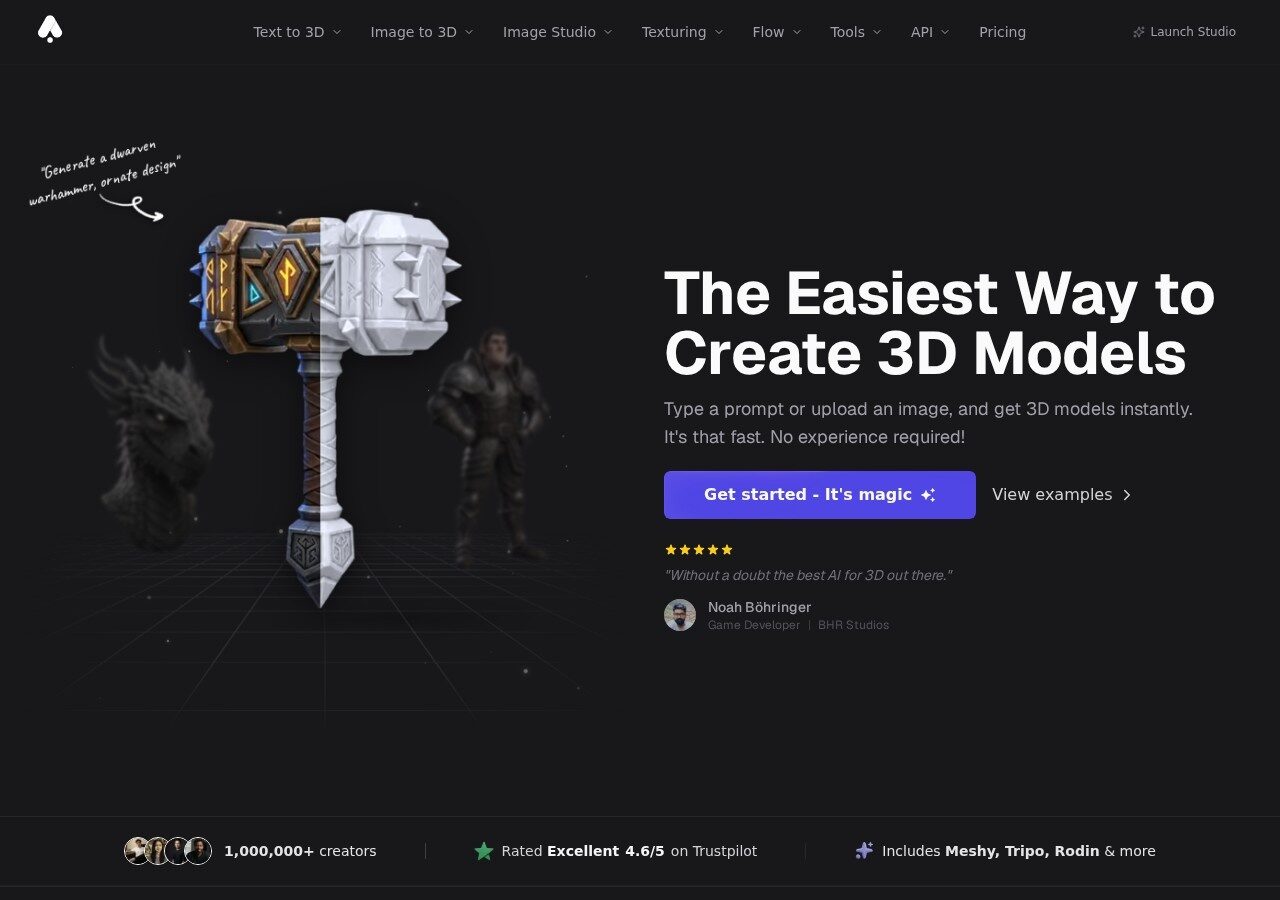
3D AI Studio earned its place on the strength of a free plan that no longer exists. As of September 26, 2026 the 1,000 credits and 100 assets a month that used to be free are the paid Basic plan at $19 a month. New accounts get a one-time batch of free credits with no card instead. What you still get for that fee is spelled out in our 3D AI Studio review.
It still runs several generation engines behind one interface, including Meshy, Tripo and Rodin. When one model misreads your reference you simply try another without learning a new tool. Studio at $29 unlocks every tool and 3,500 credits. Texture AI, remeshing and LOD generation are free on any plan.
Key Features
- Text to 3D and image to 3D in the browser, no install
- Multiple generation engines available from a single workspace
- Exports to GLB, OBJ, FBX, STL, USDZ and PLY
- Works with Blender, Unity, Unreal Engine and Godot
- Community model library you can download and remix
- Basic plan: 1,000 credits and up to 100 assets a month for $19
Who is it for?
Beginners who want one subscription instead of three, plus hobbyists printing at home. STL export is included on every plan. The one-time free credits are enough to test the pipeline before the $19 decision.
Why choose
 ?
? Because $19 buys the widest toolkit on this list, with several engines behind one screen.
- One-time free credits for new accounts
- No card required
- All generation tools to try
- Basic: 1,000 credits and up to 100 assets
- Studio $29: 3,500 credits, 600 assets, every tool
- 40 percent off on annual billing
Meshy: The AI 3D Model Editor That Wins on Textures
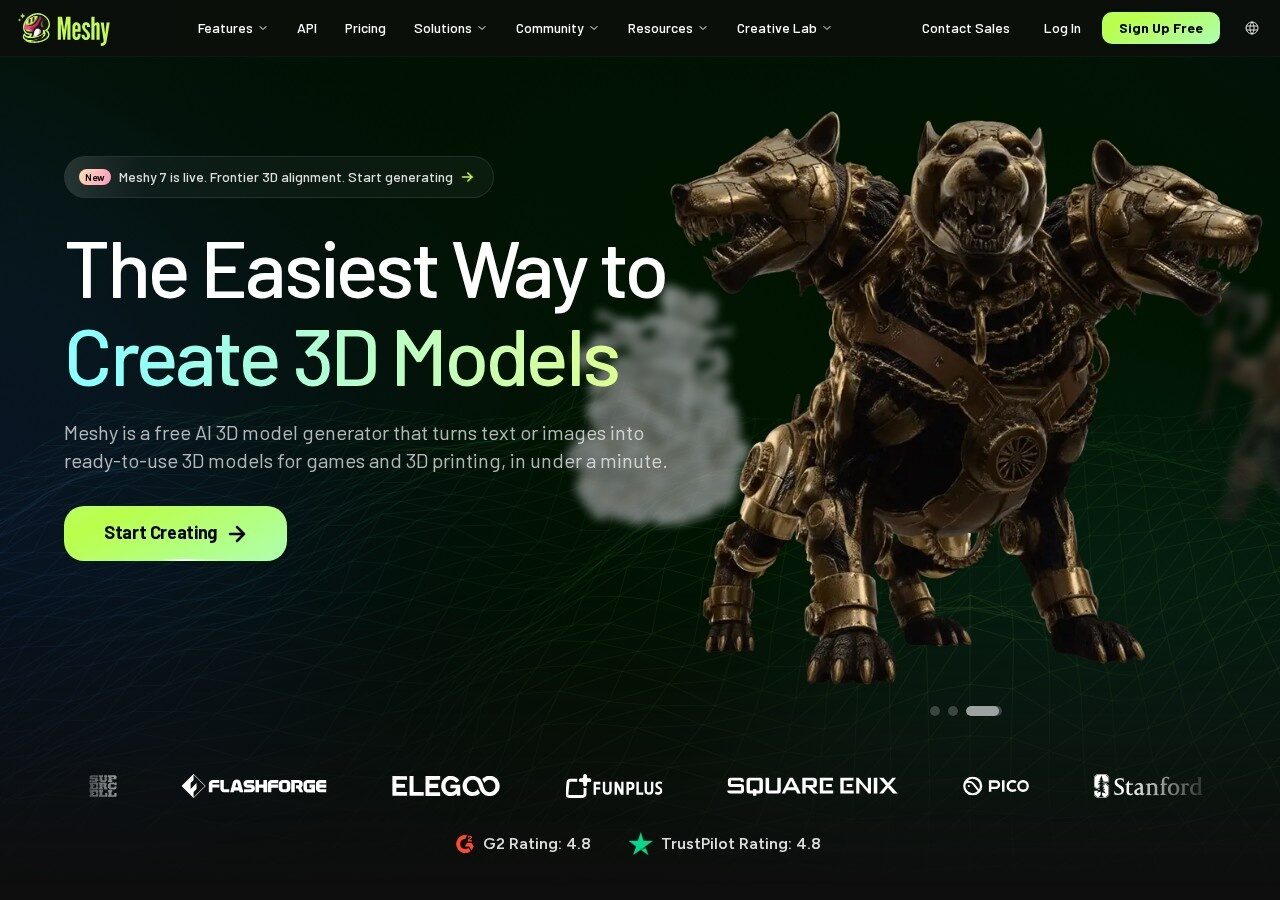
Meshy has quietly become the default choice for teams who care about how a surface looks up close. Geometry from other tools can match it, but its texturing and retexturing still set the bar, and you can drop in a mesh you modeled yourself and let Meshy paint it. The texture quality, and what it costs, is broken down in our Meshy AI review.
Format support is the widest here too, which matters when your pipeline ends in something stubborn.
Key Features
- Text to 3D, image to 3D and AI texturing of existing meshes
- Exports to FBX, OBJ, USDZ, GLB, STL and native BLEND
- Retexture the same mesh endlessly without regenerating geometry
- API access and ten concurrent jobs on paid plans
- Free outputs licensed under CC BY 4.0, so commercial use needs credit
- 100 free credits that reset on the first of each month, and a $10 Starter tier since 2026 for private assets
Who is it for?
Studios and freelancers whose work is judged close up: product visuals, hero props, e-commerce assets. Architects use its texturing pass to make generic massing blocks read as real materials.
Why choose
 ?
? Because its texture quality still beats everything else at this price.
- 100 credits every month
- Outputs under CC BY 4.0 with attribution
- Full text and image to 3D access
- Starter: 250 credits, up to 25 assets a month
- Private assets and 20 downloads a month
- Pro at $20 adds 1,000 credits and API access
GrandpaCAD: The Best AI 3D Model Generator for 3D Printing and CAD Parts
Most generators produce organic blobs that look fine on screen and fall apart the moment you need a tolerance. GrandpaCAD takes the opposite route by splitting the job in two: CAD AI for parts with real dimensions, Organic AI for everything sculptural.
You describe a bracket, a fixture or a facade component in plain language, then adjust parameters afterwards without burning another generation.

Key Features
- CAD AI for dimensioned, printable parts and Organic AI for shapes
- Parameter tweaks after generation cost nothing extra
- Bundled model viewer, repairer, converter and scaler
- Calculators for 3D printing and engineering built in
- Private models and a commercial license on the paid plan
- Credit packs from $12 stay valid for a full year
Who is it for?
Makers, engineers and architects who need geometry that measures correctly. If your model ends on a printer or a CNC bed rather than in a render, this is the pick that respects that.
Why choose
 ?
? Because it treats a 3D model as an engineered part, not a decorative blob.
- 3 AI generations to test the workflow
- Full access to the viewer and converter tools
- No card required
- 70 generations every month
- Private models and a commercial license
- Extra generations at $0.30 each
Sloyd: A Parametric 3D Model Creator AI for Game-Ready Assets
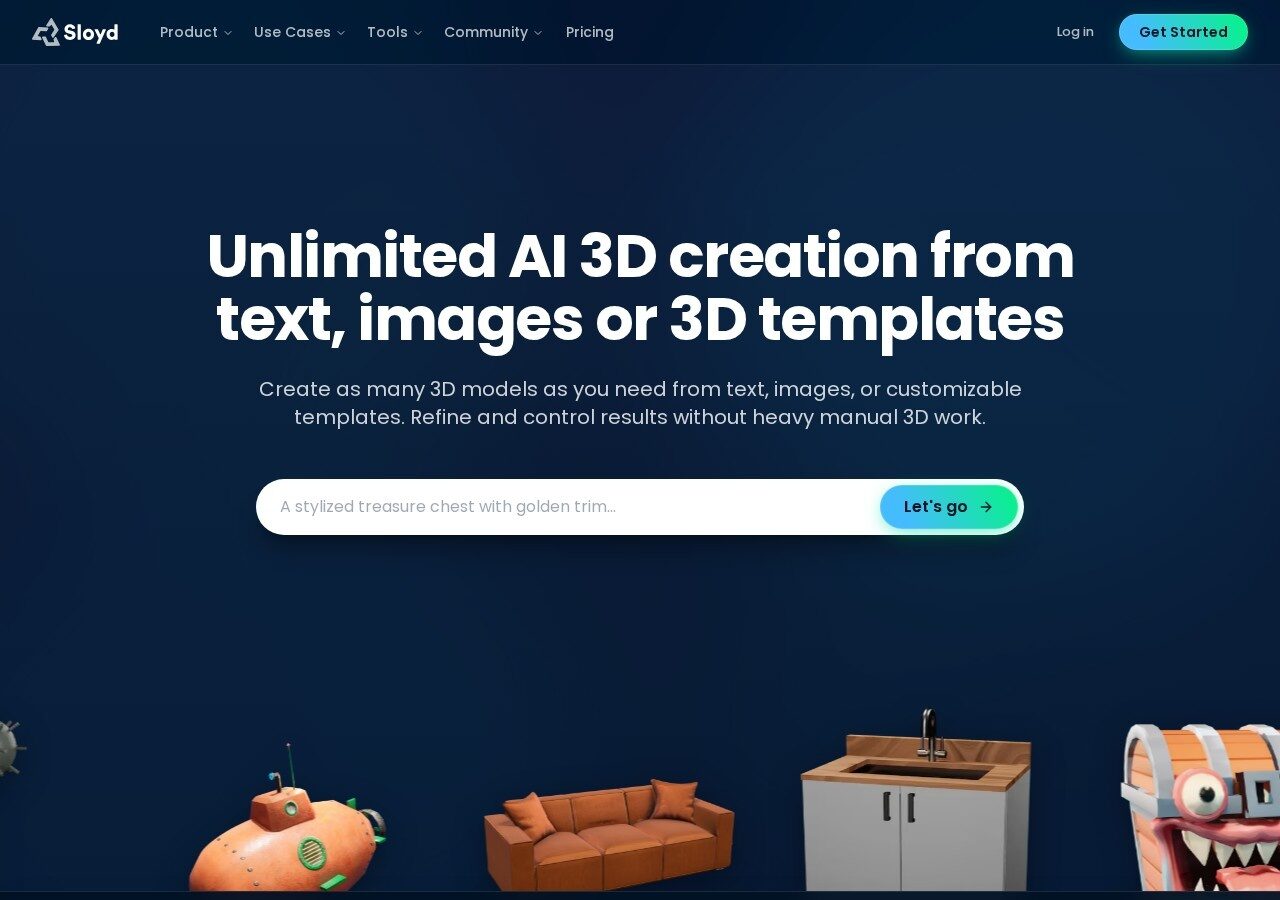
Sloyd works differently from the diffusion crowd. Alongside text and image generation it offers parametric templates you shape with sliders, so a chair stays a chair while its proportions change in real time. Nothing regenerates, nothing surprises you. What those sliders can and cannot reach is covered in our Sloyd AI review.
The payoff is clean topology. Meshes arrive game-ready instead of arriving as a triangle soup you must retopologize first.
Key Features
- Parametric templates adjusted live with sliders
- Text to 3D and image to 3D alongside the template library
- Clean, low-poly topology aimed at real-time engines
- Exports to GLB, OBJ and FBX for Unity, Unreal, Godot and Roblox
- Animation support plus free converter and viewer utilities
- Guest plan gives one AI generation a day and unlimited template edits
Who is it for?
Game developers, Roblox creators and anyone building large sets of similar objects. Architects can use the template side for repeatable elements such as railings, louvers and street fittings.
Why choose
 ?
? Because sliders beat re-rolling a prompt when you need one specific object.
- One AI generation per day
- Unlimited template customization in browser
- GLB and OBJ exports, personal-use license
- Full AI generation without the daily cap
- Commercial license and FBX export
- $12.50 monthly on annual billing
3D Model Maker: Let AI Create 3D Model Files From a Single Photo
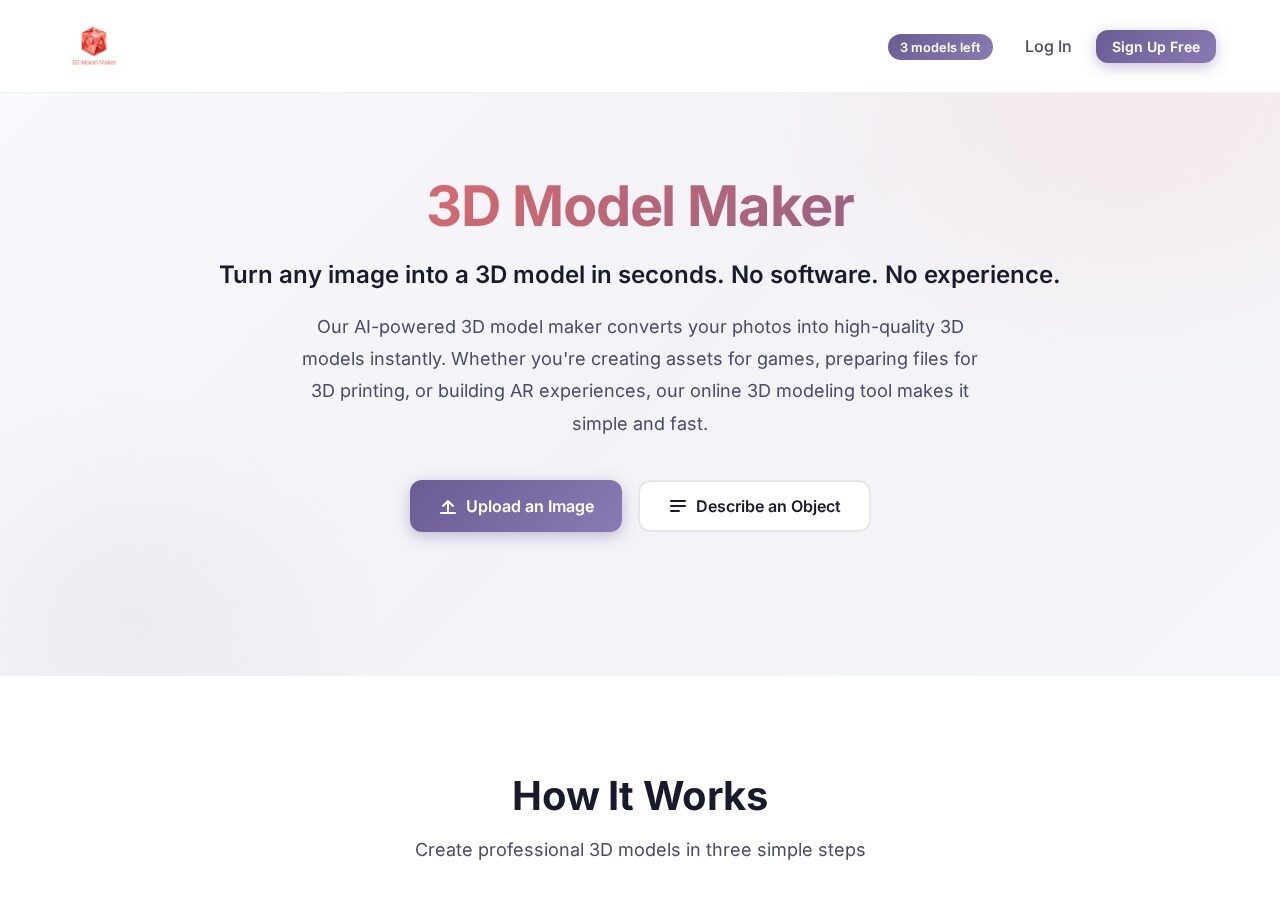
3D Model Maker keeps the scope deliberately narrow: you upload a photo, it returns a mesh. There is no timeline, no node graph and no learning curve, which is precisely why it suits people who need one object rather than a pipeline. How well one photo turns into one usable mesh is examined in our 3D Model Maker review.
An AI enhancement pass cleans up soft or noisy source images before generation, and every plan including the free one carries commercial rights.
Key Features
- Image to 3D and text to 3D from one simple screen
- AI image enhancement before the mesh is built
- GLB and OBJ downloads on every plan
- Commercial use rights included even on the free tier
- Entry paid plan starts under ten dollars
- Three free model creations with no card needed
Who is it for?
Small sellers, hobbyists and marketers who need an occasional 3D object without adopting another platform. It is the least intimidating tool here by some distance.
Why choose
 ?
? Because it is the cheapest honest way to turn one photo into one mesh.
- 3 model creations
- 2 AI image enhancements
- Commercial use rights included
- 15 model creations monthly
- 10 AI image enhancements
- Unlimited creations on the top plan
Rodin: AI 3D Model Generator With the Sharpest Geometry
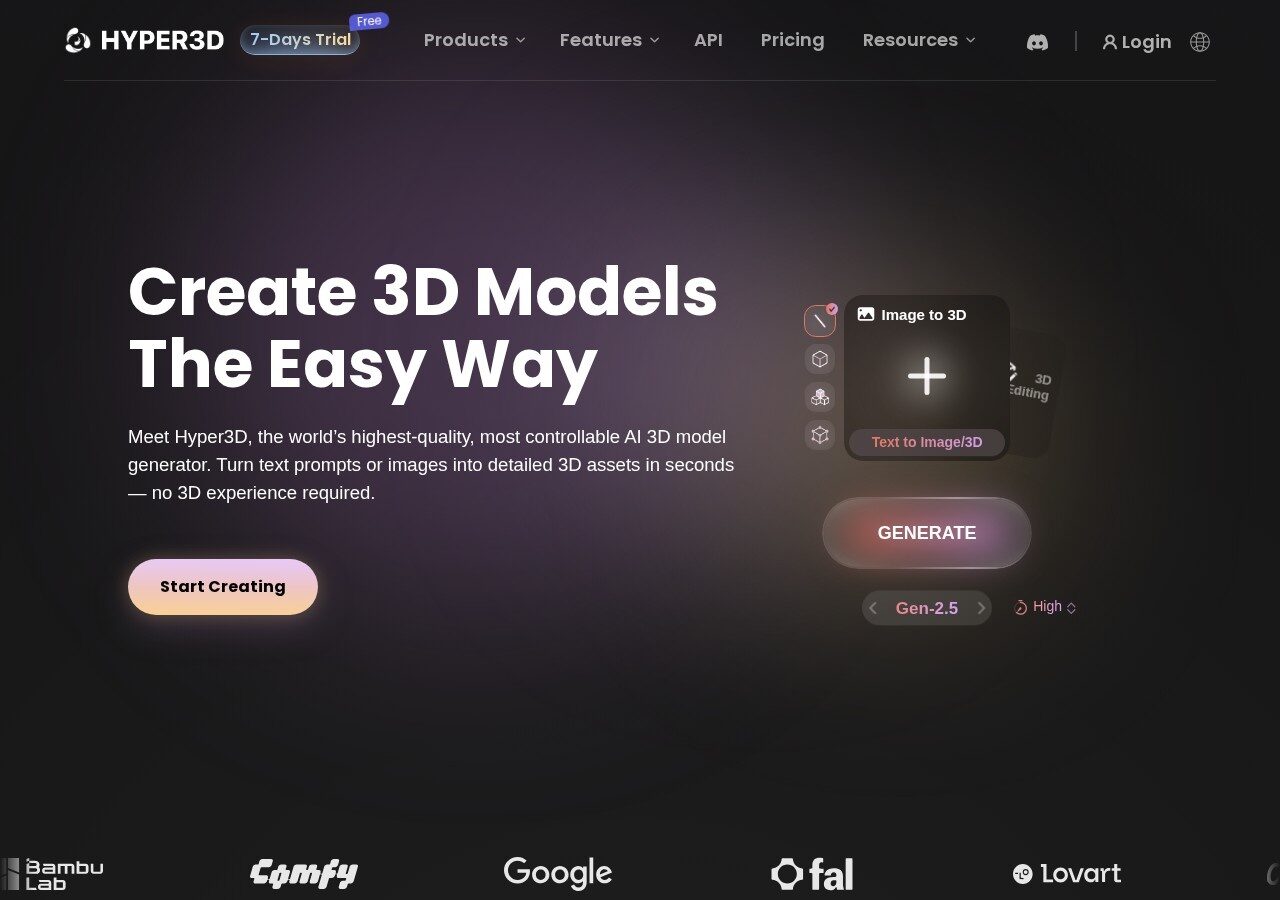
When the mesh itself has to hold up, Rodin from Hyper3D is the one to beat. It reads several reference images at once and reconstructs detail that single-image tools smooth away, which shows immediately on ornament, drapery and faces. How that geometry holds up against the rest of this list is in our Rodin AI review.
Its pricing is unusually fair too: you generate first, inspect the result, and only spend a credit once you decide to keep it.
Key Features
- Multi-image to 3D as well as text to 3D
- Smart low-poly output with a polycount you choose
- HD and custom textures plus normals baked from high-poly
- Preview before you pay, so failed generations cost nothing
- Full API access on the business plan
- Discounted access for verified students and educators
Who is it for?
Professionals whose output is inspected closely: character artists, sculptors, heritage and restoration work, and architects modeling decorative facades where detail is the whole point.
Why choose
 ?
? Because it keeps the detail that every other generator quietly sands off.
- Generate and preview before you confirm
- Pay only for results you keep
- Credits from $1.50 each
- Roughly 60 models every month
- Multi-image to 3D and HD textures
- $24 monthly on annual billing
Vizcom: Turn Hand Sketches Into AI 3D Models in Minutes
Vizcom starts where designers actually start, with a drawing. Sketch a form, let it render, then push the result into a 3D model you can spin and re-light rather than a flat image you can only admire.
That sketch-first order is why studios adopted it so quickly. Your hand stays on the concept instead of being replaced by a prompt.

Key Features
- Draw directly on canvas and render in your chosen style
- Sketch to 3D conversion with exportable models
- Around 20 3D models a month on the free Starter plan
- 4K exports and roughly 500 models monthly on Professional
- Shared workspaces and version history for teams
- Free Education plan with 15,000 monthly credits
Who is it for?
Industrial designers, automotive teams and architects who sketch before they model. If you already draw, this turns that skill into your fastest route to geometry.
Why choose
 ?
? Because it keeps your drawing in the loop instead of replacing it with a prompt.
- 20,000 credits and unlimited files
- Roughly 500 3D models monthly
- 4K exports and credit add-ons
Spline: Generate 3D Model AI Scenes Built for the Web
Spline is the outlier here, and deliberately so. It is a full browser-based 3D editor with AI generation folded in, aimed at interactive scenes that ship to a website rather than assets that ship to a render farm.
You still get standard 3D exports, so a Spline scene can leave the browser when it needs to.

Key Features
- Complete 3D editor running in the browser with no install
- AI generation for objects, textures and style transfer
- Exports to USDZ, STL and GLTF with color and texture
- Publish interactive scenes straight to a live web page
- Variables, APIs and webhooks for real interactivity
- Free plan for personal files with watermarked web embeds
Who is it for?
Web designers, product marketers and architecture practices that want a rotatable building on the site instead of a static hero image.
Why choose
 ?
? Because it is the only pick here that publishes an interactive scene, not just a file.
- Limited personal files
- Watermarked web exports
- Full access to the asset library
- 2,000 AI credits monthly on annual billing
- Unlimited 3D and 2D files, no watermark
- USDZ, STL and GLTF exports
Polycam: Floor Plan to 3D Model AI Scanning for Real Spaces
Every other tool on this list invents geometry. Polycam captures it. Walk a room with a phone and photogrammetry, LiDAR or Gaussian splats rebuild the space as measurable 3D, which makes it the natural companion to generative tools when a project starts inside an existing building.
Its Business tier also produces 2D and 3D floor plans and feeds BIM workflows, so a survey becomes a drawing set instead of a folder of photos.

Key Features
- Photogrammetry, LiDAR capture, 360 photospheres and Gaussian splats
- 2D and 3D floor plans plus BIM file creation on Business plans
- Exports to OBJ, FBX, DAE, USDZ, STL, PLY and point cloud formats
- Measurement tools and virtual walkthroughs for site records
- Team libraries with private sharing
- Free plan handles 150 images per capture with GLTF export
Who is it for?
Architects, surveyors and renovation teams working with as-built conditions. Pair a Polycam scan with a generative tool and you can drop new AI-made objects into a space that genuinely exists.
Why choose
 ?
? Because AI cannot invent the building you are actually renovating.
- 150 images per capture
- GLTF export and public link sharing
- All capture modes to try
- 300 images per capture and private sharing
- OBJ, FBX, STL, PLY and point cloud exports
- $150 yearly works out far cheaper
Kaedim: AI 3D Model Generation With a Human Quality Pass
Kaedim sells an outcome rather than a generator. You submit sketches, product photos, briefs or art direction, and production-ready meshes come back within hours after a review cycle that includes markup, revisions and sign-off.
That human layer is why studios such as Amazon, EA and CBS use it where raw generation would need cleanup anyway.

Key Features
- Sketches, references and briefs in, production meshes out
- Markup, compare and revise loop with unlimited revisions
- Turnaround usually measured in hours, not weeks
- ISO 27001 certification and encrypted asset handling
- Full commercial ownership of everything delivered
- Quote-based pricing rather than self-service plans
Who is it for?
Studios and brands with deadlines and standards that a raw generator cannot meet on its own. This is the outsourcing option, dressed in AI speed.
Why choose
 ?
? Because sometimes you need a delivered asset, not another generation to fix.
- Pricing agreed per studio and volume
- Unlimited revisions until approval
- Full commercial ownership included
Hunyuan3D and TRELLIS: The Free 3D Model Generator AI You Run Yourself
If you own a decent NVIDIA card, the strongest free option is not a website at all. Hunyuan3D from Tencent and TRELLIS from Microsoft Research both run locally, with no credits, no queue and no monthly bill.
Setup is the price you pay instead. Expect a Python environment, CUDA and an afternoon of troubleshooting before your first mesh appears.

Key Features
- TRELLIS ships under the MIT license with mesh, Gaussian and radiance field output
- Hunyuan3D 2.1 generates PBR materials from a single image
- No credits, no queue and no subscription of any kind
- TRELLIS needs at least 16GB of VRAM, tested on A100 and A6000
- Hunyuan3D wants roughly 10GB for shape and far more with texturing
- Hunyuan assets are commercially usable with a Created with Hunyuan 3D credit
Who is it for?
Technical users with a workstation and patience. Do check the Hunyuan license carefully, because its territory terms currently exclude the EU, the UK and South Korea.
Why choose Hunyuan3D and TRELLIS
?Because unlimited generation costs nothing once the hardware is already on your desk.
- Open weights you download and run locally
- MIT license on TRELLIS
- Requires your own NVIDIA GPU
Best AI 3D Model Generator for 3D Printing and STL Files
So, which is the best AI 3D model generator for 3D printing? GrandpaCAD, because it is the only pick here that treats a model as a part with dimensions rather than a sculpture. Its CAD AI mode outputs geometry you can scale to a real size. The bundled repairer closes the holes that stop a slicer from accepting a mesh.
For a free route to an STL file, Meshy exports STL on its free tier alongside FBX and BLEND. 3D AI Studio includes STL on every paid plan. Expect a repair pass in your slicer either way, because the diffusion tools in this list of the best AI 3D model generators produce surfaces first and watertight solids second. Polycam covers the other direction, scanning an existing object into an STL you can print again.
AI Tools for CAD and Engineering Designs
Is the question editable CAD rather than a printable mesh? Then the honest answer in 2026 is that none of the best AI 3D model generators returns a parametric feature tree. GrandpaCAD comes closest with parameter tweaks after generation. The dependable workflow is still to generate the form here, then rebuild the critical dimensions in Fusion, SolidWorks or FreeCAD. Export the final STL from there.
Best Free AI 3D Model Generator: What Each Free Tier Really Gives You
So, what is the best free AI 3D model generator? Tripo AI for volume, with 200 credits a month. Meshy if the free output has to be used commercially, because its CC BY 4.0 license allows that with attribution. 3D AI Studio, which used to win this section with 1,000 free credits a month, moved that allowance to a $19 plan in 2026. Every free tier across the best AI 3D model generators is a sample rather than a workflow. This is what each one actually allows as of September 26, 2026.
- Tripo AI: 200 credits, roughly 13 models, public and non-commercial
- 3D AI Studio: one-time free credits on sign-up, no card, then $19 a month
- Meshy: 100 credits, CC BY 4.0 license, attribution required for commercial use
- Sloyd: one AI generation a day, unlimited template edits
- 3D Model Maker: three creations, commercial rights included
- Rodin: unlimited previews, you pay $1.50 per credit only for results you keep
- Vizcom: 800 credits, around 20 3D models a month
Best Local 3D Model Generator to Run on Your Own GPU
The best local 3D model generator is TRELLIS from Microsoft Research if you have 16GB of VRAM, and Hunyuan3D 2.1 from Tencent if you need PBR materials from one image. Both are free without credit limits. Both sit at the technical end of the best AI 3D model generators, and both cost an afternoon of CUDA setup instead. Tencent has since moved newer Hunyuan3D versions behind its cloud API. Version 2.1 remains the open weights to download.
Text to 3D vs Image to 3D: Which of the Best AI 3D Model Generators to Use
Every tool on this list of the best AI 3D model generators accepts a text prompt. Still, the best text to 3D model AI and the best image to 3D model AI are not the same product. Tripo AI and Meshy are the strongest for text. Their prompt boxes have the widest style range and the fastest turnaround. For image to 3D, Rodin leads when you can supply several reference photos. 3D Model Maker is the simplest when you have exactly one.
Sketch to 3D is its own lane, and Vizcom owns it. You draw, it renders, then it lifts the drawing into a model. In practice most people run text first to find a direction, then feed a reference image back in. That is why the top picks among the best AI 3D model generators support both routes from one screen.
Which AI Tools Can Read the Geometry of a 3D Model You Upload?
Two of the best AI 3D model generators read a mesh you already have. Meshy accepts an uploaded model and paints it with its AI texturing pass. Your geometry stays untouched while the surface changes. Rodin takes multiple images of an existing object and reconstructs it. Polycam captures the real thing with a phone rather than reading a file.
If you want finished images straight from a rough 3D model, that is a rendering job rather than a geometry job. ReRender AI takes a viewport screenshot of your model and returns a photorealistic render with the design preserved. Vizcom does the same from a sketch. Neither reads the mesh itself, so nothing needs to be exported from the best AI 3D model generators above. A screenshot of your SketchUp, Rhino or Blender view is the input.
Still not sure which of the best AI 3D model generators fits your workflow?
Pick by output, not by hype. Need speed? Take Tripo. If the mesh will be inspected closely, take Rodin. When it has to be printed or machined, take GrandpaCAD. And if the building already exists, scan it with Polycam first. The table below lines up what each one is actually for, what the free tier really gives you, and where paid pricing begins.











Frequently Asked Questions
What is the best AI 3D model generator right now?
There is no single winner, because the tools split by output. Tripo AI is the best AI 3D model generator for speed, Rodin holds the crown for geometric detail, and Meshy leads on textures. For architecture specifically, GrandpaCAD handles dimensioned parts while Polycam captures spaces that already exist. Start from the file you need, then pick the tool.
Is there a genuinely best free AI 3D model generator?
Yes, with a caveat. Tripo AI gives 200 credits a month, about 13 models, but free output is public and non-commercial. Meshy offers 100 monthly credits under CC BY 4.0, so commercial use is allowed as long as you credit it. 3D AI Studio retired its 1,000 credit free plan in 2026 and now gives one-time credits. If you have an NVIDIA GPU, TRELLIS and Hunyuan3D are free without any credit limit at all.
Can AI create 3D model files for 3D printing?
It can, but the format matters. You need STL or a clean OBJ, plus geometry that is watertight and correctly scaled. GrandpaCAD is built for this and includes a repairer and a scaler, while 3D AI Studio, Meshy and Polycam all export STL. Generic prompt-to-mesh output usually needs a repair pass before a printer will accept it.
Do AI 3D model generators work for architecture and floor plans?
Partly, and the split is important. Generative tools are excellent for objects, furniture, facade details and massing studies. For a real building you are better served by scanning: Polycam produces 2D and 3D floor plans plus BIM files from a phone walkthrough. For rendering and layout instead of geometry, see our AI for architecture design collection and the AI landscape design tools that cover the site around the building.
What file formats do these tools export?
GLB and OBJ are close to universal here. Meshy adds FBX, USDZ, STL and native BLEND, 3D AI Studio covers GLB, OBJ, FBX, STL, USDZ and PLY, and Polycam adds point cloud formats such as PLY, LAS and DXF. Check the format before you subscribe, because several tools lock the more useful exports behind the paid tier.
Can AI generate editable CAD files, not just meshes?
Mostly no, and that is the honest dividing line in this category. Nearly every tool here is mesh first: you get STL, OBJ, GLB or FBX, so editing means retopology or remeshing rather than changing a dimension. GrandpaCAD comes closest, because its CAD AI mode is built for dimensioned, printable parts and ships a repairer and a scaler, but treat the result as printable geometry rather than a parametric feature tree you can edit step by step. If a wall is too thin or a joint is wrong, the dependable fix is still to rebuild that part in real CAD software and export the STL from there.
Are AI generated 3D models safe to use commercially?
Only if the license says so, and free tiers are where this bites. Tripo makes free models public and non-commercial, Meshy releases free output under CC BY 4.0 which requires attribution, while 3D Model Maker grants commercial rights even on its free plan. Paid plans generally include private models and full commercial use, so read the tier before you ship client work.
Do I need a powerful GPU to use these tools?
Not for the hosted ones. Tripo, Meshy, Sloyd and the rest render on their own servers, so a laptop and a browser are enough. Local models are the exception: TRELLIS asks for at least 16GB of VRAM and Hunyuan3D wants roughly 10GB for shape alone, which means a serious card. Our best GPU for AI guide covers what actually clears that bar.
How do image to 3D and text to 3D differ in quality?
Image to 3D is still the more reliable route, because a reference photo pins down proportion and silhouette that a sentence leaves open. Text to 3D has closed much of the gap and is faster for exploring ideas you have not drawn yet. In practice most people prompt first, pick a direction, then feed a reference image back in to tighten the result.
Which AI 3D model generator is best for 3D printing?
GrandpaCAD, among the best AI 3D model generators, because its CAD AI mode produces dimensioned parts and ships a repairer and a scaler. For a free STL, Meshy exports it on the free tier under CC BY 4.0, and 3D AI Studio includes STL on every paid plan. Run any generated mesh through your slicer’s repair tool before printing.
What is the best free AI 3D model generator in 2026?
Tripo AI, with 200 credits a month for public, non-commercial models, or Meshy with 100 credits under CC BY 4.0 if you need commercial use. 3D AI Studio retired its 1,000 credit free plan in 2026 and now offers one-time credits before a $19 Basic plan. Rodin lets you preview for free and pay only for results you keep. Verified September 26, 2026.
Which AI can read the geometry of a 3D model I upload?
Meshy is the clearest case among the best AI 3D model generators: upload your own mesh and its AI texturing paints it without changing the geometry. Rodin rebuilds objects from several photos, and Polycam scans real ones. Rendering tools such as ReRender AI read a screenshot of your model, not the file.
Can AI generate a finished image straight from a rough 3D model?
Yes, but that is a rendering tool rather than a 3D generator. ReRender AI turns a flat viewport screenshot into a photorealistic render while keeping your geometry, and Vizcom does it from a sketch. Use those for the image, and the tools on this page for the mesh.
What is the best local 3D model generator to run on my own GPU?
TRELLIS from Microsoft Research, under an MIT license, if you have at least 16GB of VRAM, or Hunyuan3D 2.1 from Tencent for PBR materials from one image. Both are free with no credit limits. Check the Hunyuan license, which excludes the EU, the UK and South Korea.
Want more than the best AI 3D model generators?
Geometry is one half of the job. If your next step is making that model look like a finished building, our AI for architecture design collection covers the rendering and layout side, and the AI landscape design tools handle everything outside the walls.
Working from references instead of prompts? Start with an AI image generator from text to lock the look first, then bring that frame into any image to 3D tool above. And if you plan to run TRELLIS or Hunyuan3D locally, check the best GPU for AI picks before you buy.



The gap I keep hitting with Meshy/Tripo-style generators is that you get a mesh, not something you can actually edit in CAD before you print. Printability checks help, but if a wall is too thin or a joint is wrong you are stuck remeshing. I have been using Luphra (https://www.luphra.com) to go from a prompt or sketch to an editable CAD-ready model first, then STL. Curious whether anyone here is getting usable STEP/CAD out of GrandpaCAD or still treating these as mesh-only.
Fair point, and it’s the right dividing line — mesh vs. solid, not printability checks.
Almost everything in this roundup is mesh-first: you get STL/OBJ/GLB, and “editable”
means retopo or remeshing, not changing a dimension. GrandpaCAD is the closest one on
the list to what you’re describing, because its CAD AI mode is built around dimensioned,
printable parts rather than organic shapes, and it ships a repairer and a scaler. But I’d
still treat the output as printable geometry, not a parametric feature tree — I haven’t
gotten a STEP file with a usable history out of it. If someone here has, I genuinely want
to see the file.
So the workflow most people end up with is boring but honest: generate with a mesh tool to
settle the design, then rebuild the load-bearing part in CAD where wall thickness and joints
are parameters you can type. Prompt straight to a real editable solid is the interesting
category, and it’s still a small one.
I’ll put Luphra on the test list and report back on what its export actually opens as in
FreeCAD/Fusion — “CAD-ready” means very different things depending on whether you get a
true solid or a mesh wearing a .step extension.
Honestly this cleared up a lot for me. I’ve been messing around with eaglercraft and got curious how these generators handle actual game-ready models, and the point about getting a real file instead of just a render is exactly what I’ve run into with other tools. Gonna try a few from your list this weekend.