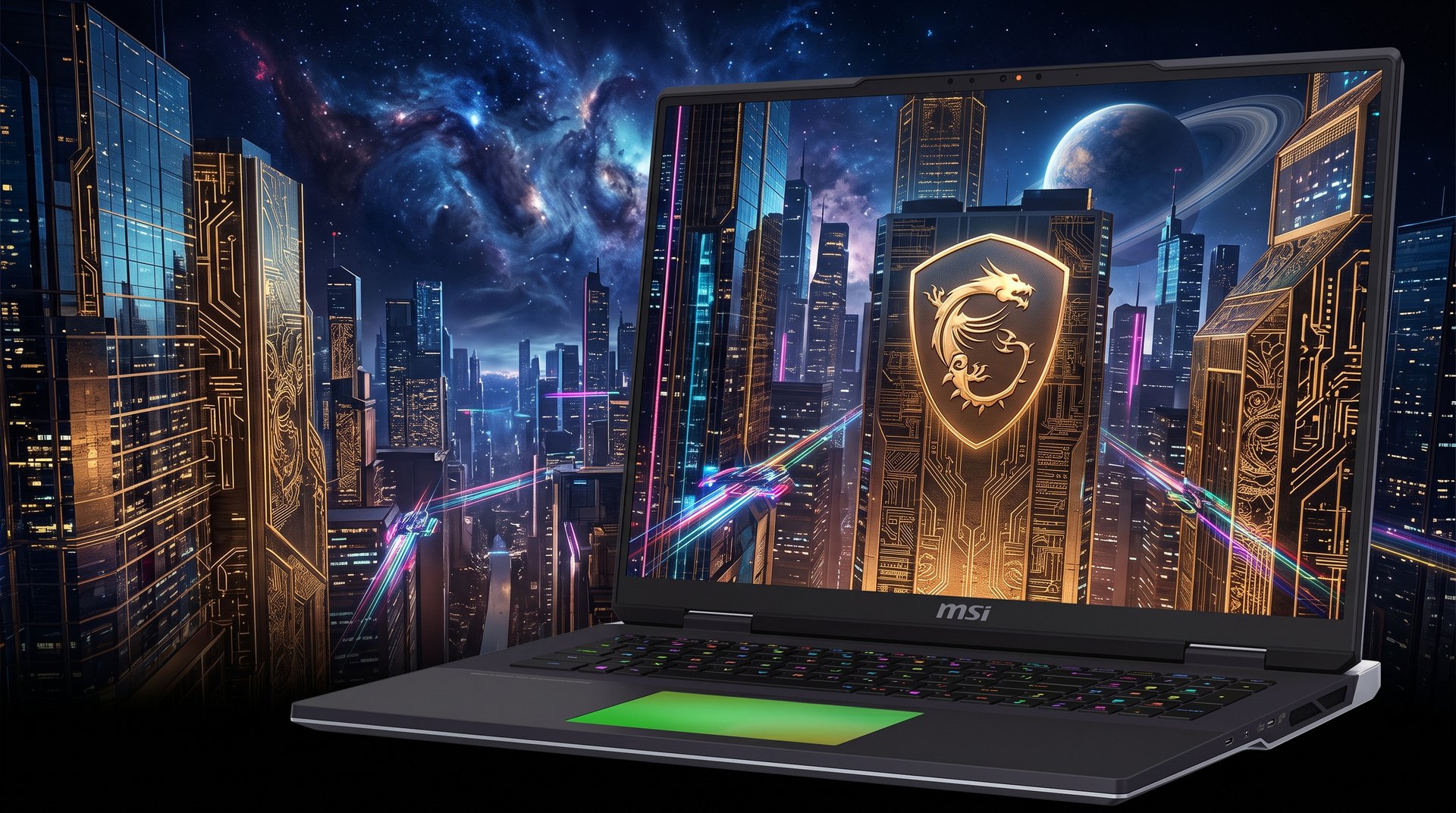
This MSI Titan 18 HX review puts the most extreme AI laptop money can buy — 96GB of RAM, a 4K Mini-LED screen, a mechanical keyboard — to the test, and asks who actually needs it.
What Is the MSI Titan 18 HX?
The MSI Titan 18 HX review verdict in a line: it is the uncompromising, max-everything desktop replacement of our roundup, and it is glorious overkill. The Titan 18 HX AI is an 18-inch gaming laptop that pairs Intel’s elite 24-core Core Ultra 9 285HX with the full 175W RTX 5090 (24GB of VRAM). Then piles on more of everything else: up to 96GB of DDR5, up to 8TB of NVMe storage, a stunning 4K Mini-LED display, dual Thunderbolt 5, and a per-key mechanical keyboard.
Still, in our best laptop for AI development roundup it is the no-compromise workstation pick. In fact, the one you buy when you want a true desk-bound AI rig in laptop form and budget is not the deciding factor. Plus, this review covers what all that excess actually does for AI work, and where it stops mattering.
It is also the heaviest and most expensive machine here. Meanwhile, if you want similar power in a calmer, lighter package, our Razer Blade 18 is the obvious alternative. Indeed, the Titan is for people who want the ceiling, not the compromise.
MSI Titan 18 HX Price and Where to Buy
There is no pretending this is affordable. Notably, the MSI Titan 18 HX AI ranges from roughly $5,262 to about $6,600 depending on memory and storage, with the headline 96GB-RAM, multi-terabyte builds at the top end. In fact, it is the most expensive laptop in our roundup, full stop.
Importantly, what you are paying for is the absolute ceiling on every spec at once: more RAM, more storage, more cooling, and a reference 4K Mini-LED panel. On top of that, whether that is worth thousands more than a Razer Blade 18 or a Lenovo Legion Pro 7i depends entirely on whether you will use the excess.
The MSI Titan 18 HX for AI Development
What is more, the Titan throws maximum hardware at AI. Also, some of it matters enormously; some of it does not. Still, here is the honest breakdown.
96GB of RAM: the real differentiator
Notably, every RTX 5090 laptop here has the same 24GB of VRAM. As a result, on its own the Titan does not run bigger GPU models than the others. Plus, what sets it apart is up to 96GB of system RAM — the most in the roundup. Meanwhile, that headroom helps when you offload parts of a model to system memory, juggle huge datasets, run several models or services at once, or keep a heavy IDE and data pipeline open alongside inference. Indeed, for memory-hungry workflows, it is genuinely useful.
Sustained power for marathon jobs
Moreover, MSI’s OverBoost Ultra cooling pushes up to 270W of combined CPU and GPU power. Indeed, the Titan is built to hold it for hours. AI training and long inference runs are exactly the kind of sustained load that rewards this. As a result, the Titan delivers some of the most consistent performance of any laptop here. Indeed, it does not throttle when the job drags on.
Standard 24GB VRAM limits still apply
Be clear-eyed about the ceiling: with 24GB of VRAM, the Titan runs the same model sizes as its rivals — 7B to 13B fully on the GPU, quantized 27B to 35B models, LoRA and QLoRA fine-tuning. Native CUDA means Ollama, LM Studio, and PyTorch all work; our guide on how to run LLM locally applies directly. For 70B-plus models you still need a high-memory Mac — no amount of system RAM changes that.
The 4K Mini-LED Display
The Titan’s 18-inch display is a true 4K Mini-LED panel: UHD+ (3840×2400) at 120Hz, with 100% DCI-P3 color and VESA DisplayHDR 1000 certification. Where the Razer Blade 18 uses a clever dual-mode IPS panel, the Titan commits to native 4K Mini-LED. Notably, deeper contrast, brighter HDR, and pin-sharp detail for content creation.
For an AI developer who also grades video, generates high-resolution images, or simply wants the most pixels and the best HDR, it is a superb, reference-grade screen. The 120Hz refresh is lower than the 240Hz panels elsewhere, but for work rather than esports that is a non-issue.

Design, Mechanical Keyboard, and Ports
The Titan looks and feels like the workstation it is: a massive, slab-like 18-inch chassis with an RGB touchpad and a genuine per-key mechanical keyboard. As a result, a rarity that typists and developers will appreciate after hours of code. In fact, it is the heaviest machine in our roundup by a clear margin. You do not so much carry it as relocate it.
Connectivity is, fittingly, maximal: dual Thunderbolt 5, multiple USB ports, HDMI 2.1, 2.5Gb Ethernet, an SD reader. Wi-Fi 7, plus extra NVMe slots and a Gen5 SSD heatsink for expansion. Ultimately, this is a laptop designed to anchor a desk and drive several monitors and external drives at once. Meanwhile, a docked workstation you can occasionally move.
MSI Titan 18 HX Review: Performance and Thermals
Unsurprisingly, the Titan is among the fastest laptops in existence. Moreover, the 285HX is a higher-binned chip than most rivals use, and the RTX 5090 runs at its full 175W. Crucially, the cooling lets both sustain peak power. Notebookcheck described its performance as “no-holds-barred,” and for AI that means quick inference and the most consistent long-run throughput of the group.
Thermals and noise
The flip side of 270W of sustained power is heat and noise. The Titan’s cooling is effective, but at full tilt it is loud, and the chassis runs warm. As such, this is a machine you plant on a desk and let breathe, not one you balance on your lap.
Creative work and battery
With 96GB of RAM, a true 4K Mini-LED screen. The full RTX 5090, the Titan tears through Blender, video editing, and large image-generation batches. Still, it is as much a creative workstation as an AI one. Battery life is, predictably, the worst of the group; this is a plug-in machine and makes no apology for it.
MSI Titan 18 HX Specs
Here is the MSI Titan 18 HX AI spec sheet at a glance:
- GPU: NVIDIA GeForce RTX 5090 Laptop, 24GB GDDR7, full 175W
- CPU: Intel Core Ultra 9 285HX, 24 cores (elite-binned)
- RAM: up to 96GB DDR5 — the most in the roundup
- Storage: up to 8TB NVMe (Gen5 + Gen4, extra slots)
- Display: 18-inch UHD+ 3840×2400 Mini-LED, 120Hz, 100% DCI-P3, DisplayHDR 1000
- Cooling: OverBoost Ultra, up to 270W total power
- Keyboard: per-key mechanical (a roundup exclusive)
- Ports: dual Thunderbolt 5, USB-A, HDMI 2.1, 2.5Gb Ethernet, SD
- Wireless: Wi-Fi 7, Bluetooth 5.4
- Price: approximately $5,262–$6,600 by configuration
MSI Titan 18 HX AI — key AI specs at a glance.
How the MSI Titan 18 HX AI Compares to the Razer Blade 18
Pros and Cons
What we liked
- Most RAM in the roundup — up to 96GB DDR5 for memory-hungry workflows
- Up to 8TB of fast NVMe storage with room to expand
- Sustained 270W OverBoost power — no throttling on marathon AI jobs
- Reference 4K Mini-LED display with DisplayHDR 1000
- A genuine per-key mechanical keyboard — unique here
- Dual Thunderbolt 5 and a maximal port selection for a docked setup
What could be better
- Most expensive laptop in the roundup by a clear margin
- Heaviest and least portable — a true desktop replacement
- Loud and warm at full 270W load
- Worst battery life of the group
- 96GB of RAM does not raise the 24GB VRAM ceiling for big models
Who Should Buy the MSI Titan 18 HX?
In short, the MSI Titan 18 HX is for the professional who wants a no-compromise AI and creative workstation that happens to fold up. Who will genuinely use the excess: 96GB of RAM for memory-hungry pipelines, 8TB for huge datasets, sustained 270W for marathon training, and a 4K Mini-LED screen for content work. If money is not the deciding factor and you want the ceiling on everything, this is it.
Conversely, it is not the pick if you value portability, quiet, or value. Moreover, it is the heaviest, loudest, and most expensive laptop here. Most developers will be better served by the lighter, quieter Razer Blade 18 machine or one of the value options in the best laptop for AI development roundup. And remember: all that RAM does not lift the 24GB VRAM ceiling. As a result, 70B-plus models still belong on a high-memory Mac.
In the end, the ideal buyer is a studio professional or serious researcher who treats this as a desktop replacement, leaves it docked. Demands maximum sustained performance and memory above all else.
Final Verdict: Is the MSI Titan 18 HX Worth It?
The MSI Titan 18 HX is the most extreme laptop in our roundup, and within its money-is-no-object remit it delivers. What is more, it offers the most RAM, the most storage, a reference 4K Mini-LED display, a mechanical keyboard. The sustained 270W power to keep marathon AI jobs running without throttling. Still, the honest caveats are weight, noise, battery, and a price that tops the entire group. Crucially, plus the reminder that its 96GB of system RAM does not raise the 24GB VRAM ceiling. If you want a true desk-bound AI workstation with no compromises and the budget to match, the Titan is unmatched. Everyone else should buy lighter and cheaper.
Frequently Asked Questions
Is the MSI Titan 18 HX good for AI development?
Yes, for a no-compromise desktop-replacement workstation. It has the full 175W RTX 5090 (24GB VRAM), an elite 285HX CPU, up to 96GB of RAM. Sustained 270W cooling for marathon jobs. The catch is that it is heavy, loud, and the most expensive option here.
How much RAM does the MSI Titan 18 HX have?
Up to 96GB of DDR5 — the most in our roundup. That helps with large datasets, CPU offloading. Running multiple models or services at once, though it does not raise the 24GB VRAM limit for GPU-bound models.
How much does the MSI Titan 18 HX cost?
Roughly $5,262 to $6,600 depending on memory and storage, with the 96GB-RAM, multi-terabyte builds at the top. It is the most expensive laptop in our best-laptop-for-AI-development roundup.
What display does the MSI Titan 18 HX have?
A true 18-inch 4K Mini-LED panel: UHD+ (3840×2400) at 120Hz, 100% DCI-P3, with VESA DisplayHDR 1000 certification. By contrast, reference-grade for content creation alongside AI work.
How much VRAM does the MSI Titan 18 HX have?
24GB of GDDR7 on the RTX 5090 at a full 175W. What is more, the same as the other RTX 5090 laptops. It runs 7B to 13B models at full speed and quantized 27B to 35B models; 70B-plus models need a high-memory Mac.
Is the MSI Titan 18 HX better than the Razer Blade 18?
For maximum specs, yes. On top of that, the Titan offers more RAM (96GB), more storage, a 4K Mini-LED screen, and a mechanical keyboard. The Razer Blade 18 is lighter, much quieter, cheaper, and has AI-specific software. Choose the Titan for the ceiling, the Blade for everyday usability.
Does the MSI Titan 18 HX have a mechanical keyboard?
Yes. Importantly, a per-key mechanical keyboard, which is rare on a laptop and a genuine perk for developers who type all day. It is one of the few laptops in this class to offer one.
Want More Than This MSI Titan 18 HX Review?
Compare it against every rival in the best laptop for AI development roundup, or see our MacBook Pro M5 Max review for the big-model local AI alternative.