
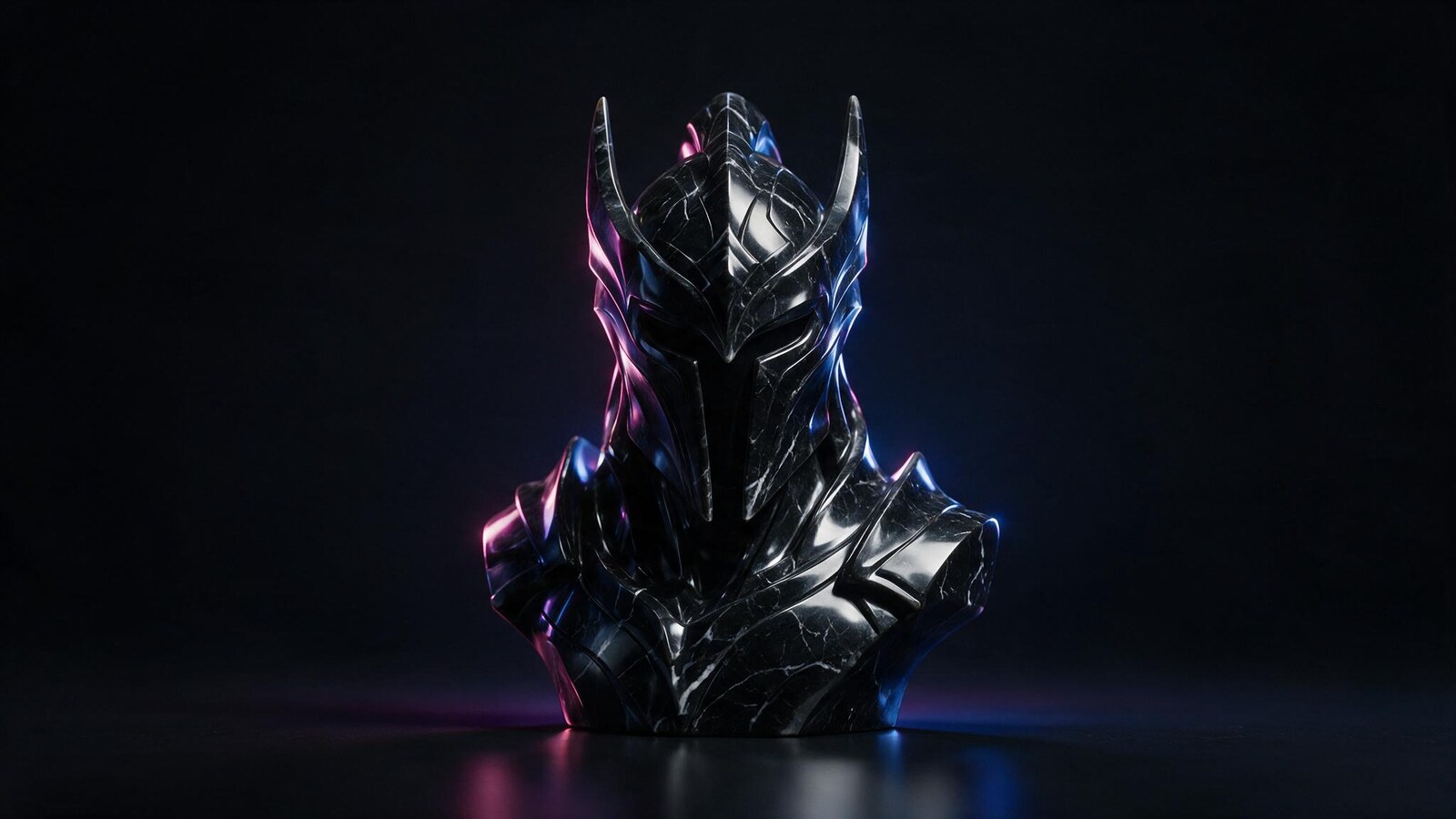
This Rodin AI review covers the generator that keeps the detail everything else sands off.
One clarification before anything else. Auguste Rodin sculpted The Thinker, and he has nothing to do with this software. The subject of this Rodin AI review is the 3D generator published at hyper3d.ai, which is why most people search for rodin ai 3d rather than the name alone.
The distinction the tool actually cares about is a different one. Most generators are judged on speed or on texture. Rodin is judged on geometry, and that is a much harder thing to fake.
It sits seventh in our best AI 3D model generators comparison, and it is the one we reach for when the mesh will be inspected closely. Here is what it does, what it costs per model, and where the price stops making sense.
What Is Rodin AI?
Rodin AI is a browser based 3D generation platform from Deemos, a studio that also builds the ChatAvatar and HyperHuman tools. You give it a text prompt or one or more reference photographs, and it reconstructs a full 3D asset with UVs and PBR materials already in place.
The release covered by this Rodin AI review is Gen-2.5, and it exposes five quality tiers. The fast tiers return a draft in roughly thirty to ninety seconds, while the higher ones take two to five minutes and produce geometry aimed at real production work rather than a demo reel.
Two things separate it from the rest of this category. It reads several views of the same object instead of guessing the hidden side from one photo, and it lets you regenerate a single region of a model rather than rolling the dice on the whole thing again.
Who Is Rodin AI For?
Rodin AI suits people whose output gets inspected up close. Character artists, sculptors, product designers and anyone doing heritage or restoration work will see the difference on ornament, drapery, folds and faces within one generation.
It also suits studios with a pipeline. Smart low poly output, quad meshes on the Business tier and a full API mean the results are meant to enter a real workflow rather than sit in a portfolio.
Casual users are the wrong audience. If you need one object for a store listing this week, the per credit pricing and the quality controls are overhead you will not use. Architects modelling facades sit somewhere in between, and our AI for architecture design collection covers what happens after the geometry exists.
How Does Rodin AI Work?
Learning how to use Rodin AI takes about ten minutes, because the interface hides its depth well. Four parts of it earn the price.
Rodin AI Image to 3D: Several Views, One Mesh
Single image reconstruction is the norm in this category, and it means the back of your object is invented. Rodin accepts multiple views of the same subject and reconstructs from all of them together.
The effect is immediate on anything asymmetric. Detail that other tools smooth into a bulge stays where you photographed it, and the hidden side stops being a guess.
Multi image input sits on the paid Creator tier rather than the free one, which is a fair place to put the feature that most justifies paying.
Rodin AI Text to 3D and ControlNet Guidance
Prompts work the way you expect, and the results are strong for a text pipeline. More interesting is what sits behind them: 3D ControlNet lets you steer generation with bounding boxes, voxels or a point cloud.
In other words you can constrain proportions before generating instead of rejecting twelve results afterwards. For anyone modelling to a spec, that is the difference between a toy and a tool.
Text to 3D still trails image input on fidelity here, as it does everywhere. Use prompts to block out a shape, then bring in references when the detail has to be right.
Smart Low Poly, Quads and Ready Made UVs
Most AI meshes arrive as dense triangle soup that an engine will choke on. Rodin ships a smart low poly mode with a polycount you choose, and the Business tier adds high poly quad output for subdivision workflows.
UVs come laid out already, so textures apply without a manual unwrap. Combined with the polycount control, that removes the two slowest cleanup steps in the usual AI to engine route.
It is not a substitute for a human retopology pass on hero assets. It is close enough that background and secondary assets can skip one entirely.
Partial Editing and Free Redos
When one part of a model is wrong, Rodin regenerates that region and leaves the rest intact. Every other generator in our comparison asks you to run the whole prompt again and hope.
Redos are budgeted rather than unlimited: Creator includes twenty geometry redos and six material redos, and Business raises those to fifty and fifteen. Generating and inspecting before you confirm costs nothing.
That combination changes how the tool feels in daily use. You iterate toward a result instead of buying lottery tickets, which is the single strongest argument in this Rodin AI review.
How Good Is Rodin AI in Practice?
On detail, and this Rodin AI review compared it directly against eleven rivals, Rodin is the best generator we tested. Ornament stays crisp, fabric keeps its folds, and faces survive in a way single image tools never manage. Feed it four clean reference photographs of a decorative object and the result is genuinely close to usable.
The trade is time and attention. The high fidelity tiers take two to five minutes, and getting the most out of the quality settings, ControlNet inputs and redo budget takes real learning. This is not a tool you use once and understand.
Texture quality is very good but not the class leader. Meshy still edges it there, which is why the two tools split this category between them rather than one winning outright.
Rodin AI Pricing: Is Rodin AI Free?
Rodin AI pricing works differently from everything else in this comparison. You are not buying generations, you are buying downloads, and generating costs nothing until you decide to keep a result.
| Plan | Price |
|---|---|
| Free | $0, pay as you go at $1.50 per credit, generate and redo without charge |
| Creator | $30 per month, or $24 per month billed annually, roughly 60 models |
| Business | $120 per month, or $96 per month billed annually, roughly 416 models plus full API |
| Education | Creator level access at a discount for verified students and educators |
| Enterprise | Custom pricing, private deployment and dedicated support |
So is Rodin AI free? Partly, and in an unusually honest way. You can generate, inspect and redo as much as you like without paying, and credits are only spent when you download something you want to keep. The free tier has no monthly credit allowance, caps stored assets at ten, and leaves multi image input, smart low poly and HD textures on the paid side. At $1.50 a credit, a casual user who downloads five models a month pays under ten dollars, while Creator at $30 makes sense from roughly twenty models upward. Business at $120 is an API and volume decision rather than a quality one, since the generator underneath is the same. Every figure in this Rodin AI review came from the official pricing page in August 2026.
Meshy AI vs Rodin: Textures Against Geometry
These two sit at the top of our comparison for opposite reasons. Meshy leads on texture and PBR quality, and it exports six formats including native BLEND. Rodin leads on the mesh itself, and nothing else we tested reconstructs fine detail as faithfully.
Pick Meshy when the surface sells the asset: stylised props, marketing renders, anything where colour and material do the work. Pick Rodin when the form sells it, or when the model will be seen from close range and from angles you cannot control.
Their pricing philosophies differ just as sharply. Meshy sells monthly credits you consume whether or not you like the output, while Rodin lets you generate freely and charges only on download. For anyone who iterates a lot before committing, that alone can decide it.
Is Rodin AI Legit? What to Expect
Rodin AI is a real product from an established team. Deemos launched Hyper3D Rodin publicly in 2025 and has shipped steadily since, with Gen-2.5 adding production controls that industry coverage at 80.lv documented in detail. The same studio builds ChatAvatar and the HyperHuman line, which is why searches for rodin ai hyperhuman lead back here.
Expectations are best set around effort rather than trust. The generator is strong, the controls are deep, and neither will do much for you in the first ten minutes. Budget an afternoon to learn the quality tiers before judging the output.
One practical caution: because credits attach to downloads, it is easy to generate enthusiastically and then discover the results you want cost more than a subscription would have. Check the credit price against your monthly habit early.
Rodin AI Alternatives Worth Testing
vs. Tripo AI
The speed alternative. Drafts arrive in roughly ten to thirty seconds against two to five minutes at Rodin’s high tiers, with auto rigging for biped and multi legged characters at $19.90 a month. Lower geometric fidelity, far faster iteration.
vs. 3D AI Studio
The one to start with if budget decides everything. Its free tier hands over 1,000 credits and up to 100 assets a month, which is a different universe from ten stored assets. Output is a clear step below Rodin on detail.
vs. Hunyuan3D and TRELLIS
Free and open source, run on your own GPU, with no credits and no per download charge. The trade is setup time and hardware, and results that need more cleanup than Rodin’s.
Where It Excels (and Where It Falls Short)
Pros
- Best geometric fidelity of any generator in our comparison
- Multi image input reconstructs the hidden side instead of inventing it
- You generate and redo for free and pay only when you download a keeper
- Partial editing fixes one region without regenerating the whole model
- Smart low poly with polycount control, plus quads on the Business tier
- Ready made UVs and PBR textures remove the two slowest cleanup steps
- Six export formats including STL for printing and USDZ for Apple AR
- Full API access and discounted education pricing
Cons
- At $1.50 a credit, heavy downloading gets expensive quickly
- Free tier has no monthly credits and stores only ten assets
- Multi image input, smart low poly and HD textures are paid features
- High fidelity tiers take two to five minutes per generation
- Quality tiers, redo budgets and ControlNet inputs take real time to learn
- Texture quality trails Meshy despite the stronger geometry
Final Verdict: Is Rodin AI Worth It?
Rodin AI is worth it when the mesh has to survive scrutiny. Nothing else we tested reconstructs fine detail this faithfully, and the pay on download model means the experiments that fail cost you nothing at all.
It is the wrong choice for volume, for speed and for anyone who wants a result without learning the controls. A user who needs forty rough props this week will be happier and poorer nowhere near Rodin.
The score in this Rodin AI review reflects a professional tool priced like one. Start on the free tier, generate your hardest reference set, and look closely at the geometry before you spend a single credit, because that first inspection tells you everything the marketing cannot.
Want More Than This Rodin AI Review?
Rodin is one of twelve tools we put through the same tests. The full best AI 3D model generators comparison ranks every option by output quality, free tier and price, from eight second concept meshes to printable CAD parts and open source models you run on your own hardware.
Once the geometry exists, the job usually turns into lighting and presentation. Our AI for architecture design collection covers the rendering side of that same pipeline.
Frequently Asked Questions
What is Rodin AI?
Rodin AI is a browser based 3D generation platform published at hyper3d.ai. It converts text prompts and one or more reference images into 3D models with clean topology, ready made UVs and PBR textures. The current release is Rodin Gen-2.5, which offers five quality tiers from fast drafts to production level detail. It is unrelated to Auguste Rodin, the sculptor.
Who developed Rodin AI 3D?
Deemos, a 3D and AI studio that also builds ChatAvatar and the HyperHuman tools. The company launched Hyper3D Rodin publicly in 2025 and has released successive generations since, with Gen-2.5 adding production controls such as quad output, symmetry forcing and micro detail settings.
Is Rodin AI free?
There is a free tier, and it works differently from most. Generating and redoing models costs nothing, and credits at $1.50 each are spent only when you download a result. The free plan carries no monthly credit allowance, stores up to ten assets, and leaves multi image input, smart low poly and HD textures to paid plans.
How much does Rodin AI cost?
Creator is $30 a month, or $24 a month billed annually, and covers roughly 60 models. Business is $120 a month, or $96 annually, for roughly 416 models plus full API access. Verified students and educators get Creator level access at a discount, and enterprise pricing is quoted individually.
How do you use Rodin AI?
Upload one or more reference images, or type a prompt, then pick a quality tier and generate. Inspect the result in the browser, redo any region that is wrong, and only confirm the download when you are satisfied. Choose your export format last, since geometry and textures are already prepared.
Meshy AI vs Rodin, which is better?
Meshy wins on textures and PBR materials, and it exports six formats including native BLEND. Rodin wins on geometry, especially for ornament, fabric and faces, and its pay on download model suits people who iterate heavily. Choose by whichever half of the asset carries your project.
What file formats does Rodin AI export?
STL, FBX, OBJ, GLB, GLTF and USDZ. That covers 3D printing, Blender and Maya, Unity and Unreal, web viewers and Apple AR Quick Look, so the model rarely needs converting after download.
Is Rodin AI good for 3D printing?
Yes, more so than most generators here, because STL export is native and the geometry holds fine detail instead of smoothing it away. Check wall thickness and watertightness in your slicer before printing, as you would with any generated mesh.



The geometry-first framing is fair — most image-to-3D tools look fine in a turntable and fall apart under close inspection. Rodin’s multi-view reconstruction and regional regen are the parts that actually matter if the mesh has to survive a slicer, not just a render. After export I still check wall thickness and non-manifold edges before printing, sharp geometry or not. If you want a free STL to bench a Rodin export against a known-printable file, Luphra has one at https://luphra.com.