Disclosure: this article contains affiliate links. If you buy through them, we may earn a commission at no extra cost to you. It never decides our picks. Affiliate Disclosure · How we use AI
Ten thousand credits buy about two minutes of 1080p Ray3.2 footage: that number is the spine of this Luma AI review.

Luma AI made its name with Dream Machine, the video tool that went viral in 2024. Two years later the company sells something bigger: agents, image models and a credit wallet for rival video models too. This Luma AI review asks whether the new Luma still works for one person with one idea.
The short answer is yes, with a price tag that surprises people. The pictures are cinematic and the controls are deep. However, there is no cheap entry plan any more, so the pricing section deserves your attention.
What Is Luma AI?
So, what is Luma AI? It is a generative media platform from Luma Labs, often searched as Luma Labs AI or, in Spanish, as Luma IA. Amit Jain is the CEO and co-founder. The company started with 3D capture and later became known for the Luma AI video generator, Dream Machine.
Today the homepage calls Luma “your creative partner”. You type a goal, and Luma Agents plan the work across video, images, audio and text. Underneath sit Luma’s own models: Ray3.2 for video and UNI-1 for images.
Many readers still ask for Luma Dream Machine by name. It is the same family of tools, and the Ray models still power it. In other words, Dream Machine is the video studio, while Luma AI is the whole company and platform.
Who Is Luma AI For?
Luma suits people who direct shots for a living. Ad agencies, film teams, motion designers and brand studios get the most from keyframes, HDR and agents. Luma itself names entertainment, advertising and gaming as its main markets.
It suits hobbyists less well than it once did. The entry plan costs $30 a month, which is double what some rivals ask. So the reader this Luma AI review has in mind is someone who will use the extra control.
How Does Luma AI Work?
How does Luma AI work? You open the web app, describe a shot or upload an image, then pick a model and a resolution. Every generation costs credits, and the price depends on length, quality and model.
Luma AI Video Generator: Ray3.2 in Review

Ray3.2 arrived on June 9, 2026, and it is the flagship model. It makes clips up to 20 seconds long at 1080p. In addition, it generates native HDR and exports 16-bit EXR files for colour grading.
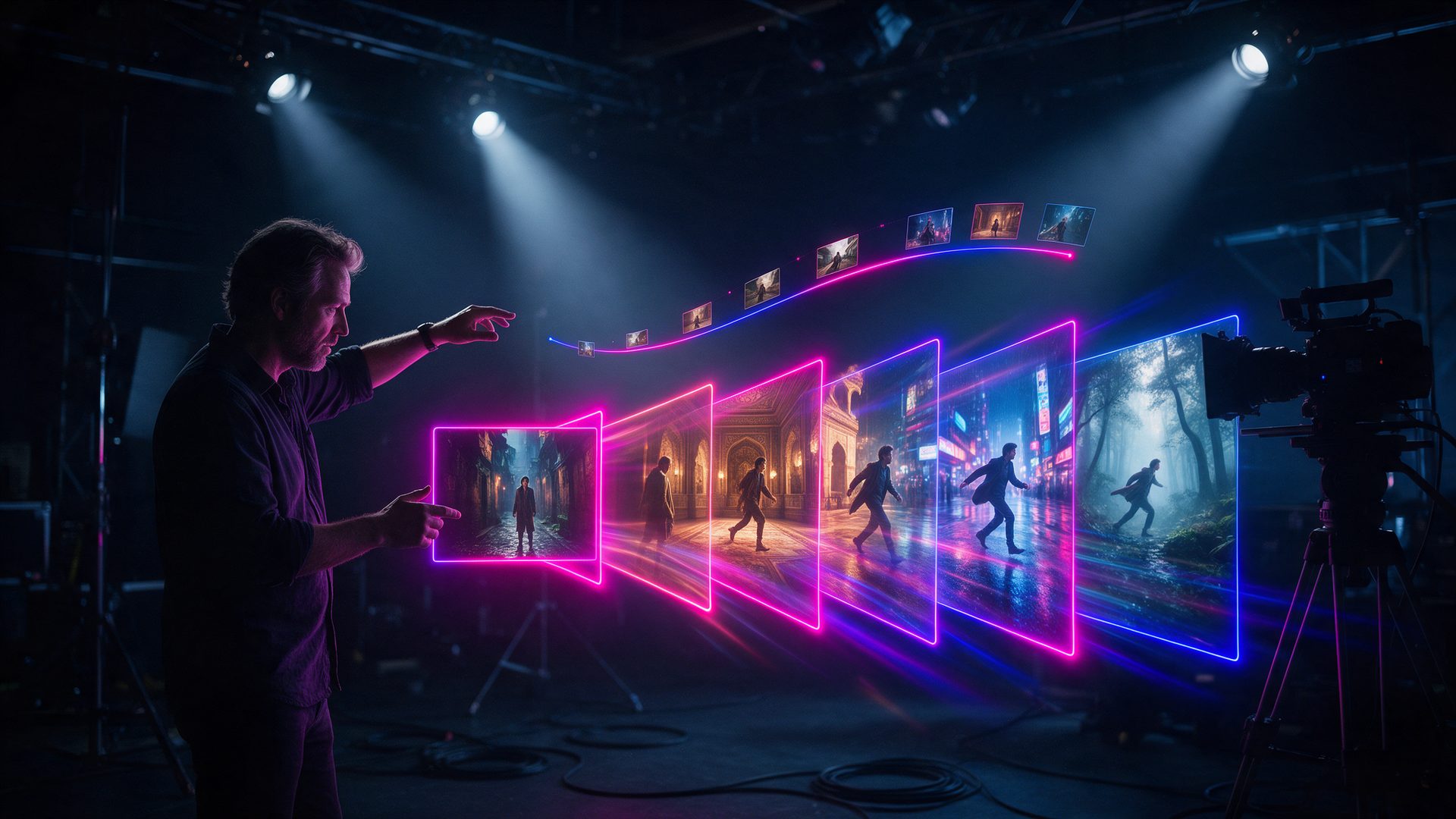
Control is the real selling point. You can set up to 16 keyframes per clip to steer pacing, motion and camera paths. Performance tracking also carries body posture and facial expressions for up to eight faces.
Draft Mode, Ray3.14 and Video Editing
Luma keeps the older Ray3.14 model next to Ray3.2. It is cheaper per second, so it suits early tests. Meanwhile, Draft quality costs a fraction of 1080p and lets you find the shot before you pay for detail.
Editing tools sit beside generation. Video to video restyles existing footage, Extend adds seconds, and Reframe changes the aspect ratio or swaps a background while keeping the light.
Luma Agents and UNI-1 Images in This Luma AI Review
Luma Agents launched in March 2026 and now lead the homepage. You describe a deliverable, such as a set of ads, and the agent plans the steps. It then calls the right models for images, video and sound.
UNI-1 is the house image model. It carries style, character and brand references into each picture, so a campaign keeps one look. Higher plans mainly buy more agent usage: Pro gives 4x and Ultra 15x.
Luma AI Review of Credits: Third-Party Models, One Balance
Luma no longer sells only its own models. The pricing page lists Kling 3.0, Veo 3.1, Seedance 2.5, MiniMax H3, Nano Banana Pro, GPT Image 2 and ElevenLabs audio. As a result, one subscription can stand in for several.
Each model draws from the same wallet at its own rate. That is handy for comparisons. Still, it makes the real cost of a project harder to predict.
How Good Is Luma AI in Practice?
In practice, the image quality is the strength. Ray3 topped Luma’s own evaluation for professional video in October 2025, and Ray3.2 adds the frame control directors asked for. Motion feels filmic rather than floaty.
The billing model is the weak spot, and it is the first thing this Luma AI review would flag. According to eesel, subscription credits are charged on submit, so failed or unusable clips still cost you. Monthly credits also do not roll over.
Because of this, plan for several tries per usable shot. A community estimate quoted by eesel puts a usable clip on the $30 plan at over $1.25 when a prompt needs five attempts. In addition, eesel notes that only Enterprise customers can opt out of model training.
Luma AI Pricing: Is Luma AI Free?
Luma AI pricing is now built on three individual plans and monthly credits. The figures below come from the official pricing page on October 14, 2026. Yearly billing lowers each plan
| Plan | Price |
|---|---|
| Plus | $30 / month, or $25 / month billed yearly (10,000 credits, commercial use) |
| Pro | $90 / month, or $75 / month billed yearly (40,000 credits, 4x Luma Agents usage) |
| Ultra | $300 / month, or $250 / month billed yearly (150,000 credits, 15x Luma Agents usage) |
| Team / Enterprise | Custom (shared credits, SSO, custom fine-tuning on Enterprise) |
So, is Luma AI free? The homepage invites you to try it for free, yet the pricing page lists no free plan. According to eesel, the older Dream Machine free tier gave about 250 credits a day, in draft quality, with a watermark and for personal use only. How much is Luma AI once you pay? Plus costs $30 a month. However, Ray3.2 at 1080p costs 400 credits for five seconds, so 10,000 credits equal about two minutes of footage before retries. At 720p the same credits stretch to roughly eight minutes. Therefore the honest answer from this Luma AI review is simple. Plus is enough to learn the tool, and steady client work starts at Pro.
Luma AI Review Matchup: Luma vs Kling
Kling is the rival most buyers weigh first, and searches like Kling vs Runway vs Luma Dream Machine show it. Our Kling AI review covers it in depth. Both tools make cinematic clips from text or images, and both bill by credits.
The difference is control versus cost. Luma adds HDR, EXR export, 16 keyframes and agents. Kling AI, on the other hand, starts far cheaper and usually gives more seconds per dollar.
Curiously, Luma now offers Kling 3.0 inside its own app. So pick Luma when you need a full production desk. Pick Kling when you mostly need many clips on a small budget.
Is Luma AI Legit? What to Expect
Luma is a real and well funded company. In November 2025 it raised a $900 million Series C led by HUMAIN, as Advanced Television reported. AMD Ventures, Andreessen Horowitz, Amplify Partners and Matrix Partners also took part.
The company did not publish its valuation, but several outlets put the Luma AI valuation at about $4 billion. Total funding now passes $1 billion. Meanwhile, the money goes into training large world models.
So the product is no scam. The risk sits in the billing rules instead. Credits are spent on submit, they expire monthly, and cancelling mid-cycle ends access to what is left. Check your balance before a long session.
Luma AI Review: Alternatives Worth Comparing
Luma AI vs Kling AI

Kling AI is the value pick. It makes long, smooth clips and costs far less per second than Luma.
Choose it when you need many clips more than HDR or keyframe control.
Luma AI vs Hailuo AI

Hailuo AI comes from MiniMax and aims at fast, expressive clips with 2K output. Our Hailuo review covers its credit math.
It suits social video and starts at a much lower monthly price.
Luma AI vs Runway

Runway is the closest match in ambition. It pairs Gen-4.5 with Aleph editing and Adobe plugins. Our Runway review explains the trade-offs.
Its entry plan is cheaper, though its credits run out just as fast.
Where It Excels (and Where It Falls Short)
Pros
- Ray3.2 makes 20-second 1080p clips with native HDR and 16-bit EXR export
- Up to 16 keyframes per clip give real control over pacing and camera paths
- Plans include third-party models such as Kling 3.0, Veo 3.1 and Seedance under one balance
- Luma Agents can plan a whole campaign across images, video and audio
- Commercial use is included from the $30 Plus plan
- Well funded company after a $900 million Series C in November 2025
Cons
- No free plan on the current pricing page, and the entry plan costs $30 a month
- 10,000 Plus credits equal only about two minutes of 1080p Ray3.2 video
- Credits are charged on submit, so failed clips still cost you
- Monthly credits do not roll over to the next month
- Only Enterprise customers can opt out of model training
- The mix of models and rates makes project costs hard to predict
Luma AI Review Verdict: Is Luma AI Worth It?
Is Luma AI good? Yes, for people who direct shots and grade colour. Ray3.2 gives more control than most rivals, and the agents save real time on campaign work.
For casual creators, the maths is harder. Two minutes of 1080p footage for $30 is a sketchbook, not a production budget. So test one real project on Plus before you commit to a yearly plan.
By the end of this Luma AI review one rule stood out. Price your project in seconds of final footage, not in credits, and Luma becomes easy to judge.
Want More Than This Luma AI Review?
Luma is one option in a crowded field. Our overview of the best AI video generation platforms compares the leading tools side by side.
Meanwhile, if the budget is zero, see the best free AI video generators for tools with daily credits.
Frequently Asked Questions
What is Luma AI?
Luma AI is a creative platform from Luma Labs. Its Ray3.2 model turns text or images into video, and Luma Agents plan whole projects across images, video and audio.
Is Luma AI free?
Not on the current plans. The pricing page starts at $30 a month. However, the site offers a free trial, and the older Dream Machine free tier gave limited daily draft credits.
How much does Luma AI cost?
Plus costs $30 a month, Pro $90 and Ultra $300. Yearly billing lowers those to $25, $75 and $250 a month. Team and Enterprise pricing is custom.
How do you use Luma AI Dream Machine?
Sign in, describe the shot or upload an image, then choose a model and a resolution. After that, generate and refine. Each clip uses credits based on length and quality.
Who owns Luma AI?
Luma AI, Inc. is a private company led by CEO and co-founder Amit Jain. In addition, investors include HUMAIN, AMD Ventures and Andreessen Horowitz.
Is Luma AI the same as Luma Dream Machine?
Mostly, yes. Dream Machine is the video studio that made Luma famous. Luma AI is the company and the wider platform, which now also includes agents and image models.
Is Luma AI worth it?
It is worth it for creators who need HDR, keyframes and agents. Still, casual users may find the $30 entry plan too small for regular 1080p video.
What are the best alternatives to Luma AI?
Kling AI, Hailuo AI and Runway are the closest alternatives. In general, Kling and Hailuo cost less per second, while Runway offers deeper editing tools.