
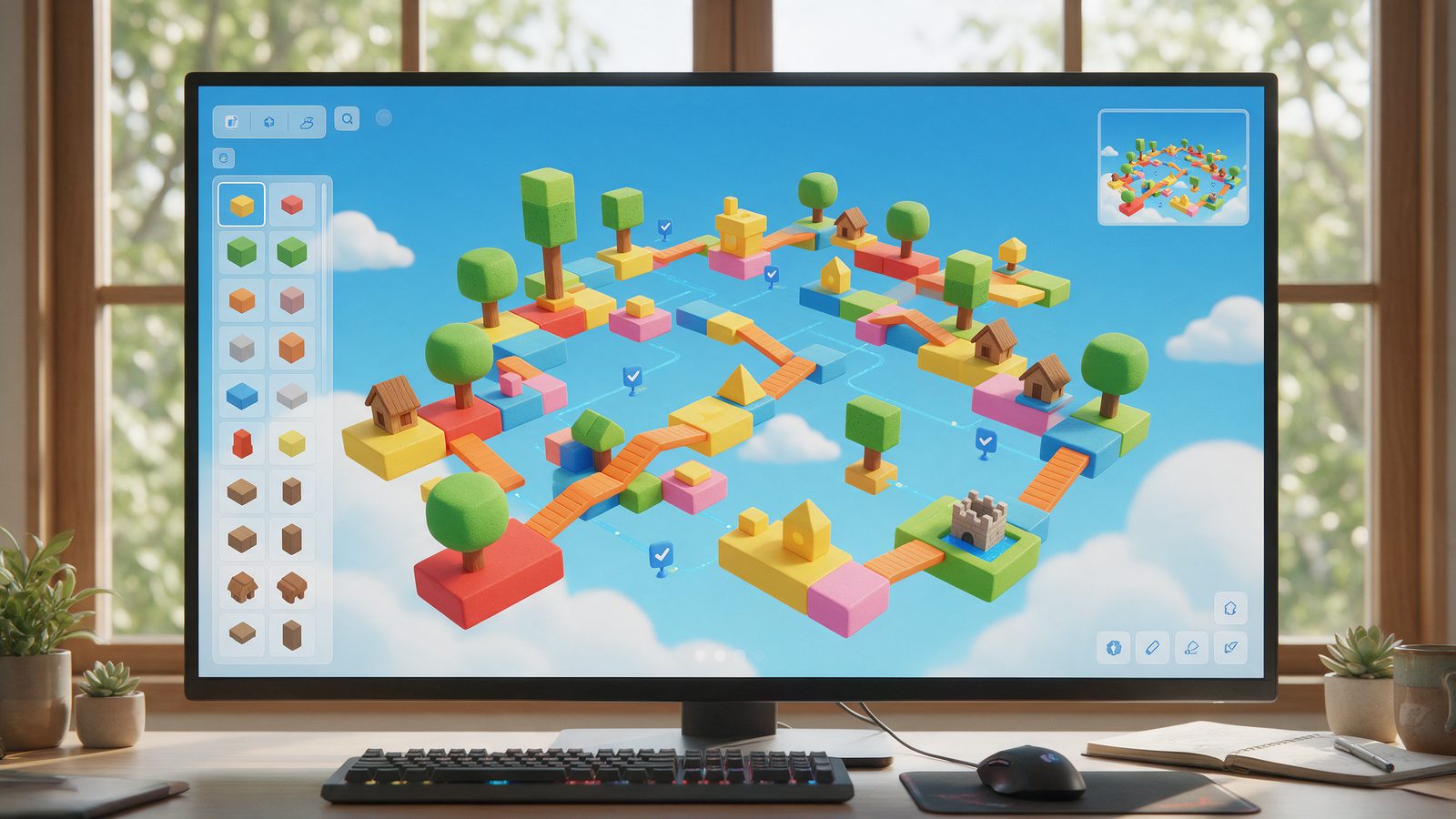
Want to learn how to make a Roblox game with AI? You no longer need a plugin or a coding course. Roblox Studio ships with its own Assistant. It plans a game, builds the parts, writes the Luau scripts and playtests with you.
This guide follows the official Creator Hub docs, checked on 13 October 2026. Every menu name below comes from those pages. You also get five prompts to copy, plus the facts on Lemonade and Claude.
What you need before you start
Before you learn how to make a Roblox game with AI, sort out three things. First, a Windows or Mac computer. Roblox lists Windows 10 or macOS 10.14 as the minimum, with 3 GB of RAM, and it recommends 8 GB. Second, a Roblox account, because Studio asks you to sign in. Third, one small idea. Roblox itself suggests an obby, an obstacle course, as a first project.
Studio is a free download. However, the Roblox Studio setup page lists Windows and Mac only. So plan to build on a computer, not on a phone.

How to Make a Roblox Game With AI, step by step
Install Roblox Studio and sign in
Studio is a free app for Windows and Mac. Download it from the Creator Hub, open the installer and click Launch Studio. Then sign in with your Roblox account. No account yet? Create one at roblox.com first. Younger builders should do that with a parent.
Open a Baseplate and the Assistant
Pick the Baseplate template. It starts with a spawn location and a flat floor. Next, click Assistant on the right side of the mezzanine bar, Studio's main toolbar. A chat window opens. That window is your Roblox AI game maker.
Plan the game before you build
Click the Agent dropdown and select Plan. Then describe your game. Assistant answers with a step by step build plan, and it may ask questions first. A good plan builds the world first and the scripts second. Is the plan too big? Ask Assistant to simplify it.
Obby plan
Plan a simple obby with 5 stages that get harder. Start with the physical course: a spawn platform, jump platforms, kill bricks, one moving platform and a finish area. Then add scripts for checkpoints, so players respawn at the last one they touched, and a win message at the end. Keep the scope small and break the work into steps I can playtest one at a time.Tycoon plan
Plan a simple tycoon where each player owns a small bakery plot. A dropper spawns bread every 3 seconds, a conveyor carries it to a collector, and the collector adds coins to a leaderboard. Players spend coins on 3 upgrade buttons that each add a faster dropper. Build the plot and parts first, then the scripts, in steps I can playtest.Click Build, then playtest
Plans never run on their own. Click Build and Assistant creates a playable prototype. If it stops with a maximum output length message, click Continue. Then press F5 to test with your avatar and Shift+F5 to stop. Check the spawn, every jump, each checkpoint and the win zone.
Generate and fix Luau scripts with AI
Now use Assistant as a Roblox AI script generator. Name the exact part, the service and the behavior you want. When something breaks, describe what you expected and what happened. Better still, paste the error from the Output window.
New script
Add a script that makes the part named MovingPlatform1 move up and down 10 studs repeatedly using TweenService. Put the script inside the part, and explain each line with a short comment so I can learn Luau.Bug fix
Bug report. Expected: {what should happen}. Actual: {what happens instead}. Error from the Output window: {paste the error here}. Find the cause, fix the script, and tell me in two sentences what was wrong.Generate materials, textures and 3D models
Type slash commands straight into the chat. The material command restyles existing parts. The mesh command creates one textured model from a text prompt or an image. The procedural model command creates a model you can resize later. Select a Part first and the mesh will fit inside it. For a texture on a single mesh, enable the Texture Generator under File > Beta Features.
3D model
/generate_mesh a weathered stone archway covered in moss, low poly, sized for the start of an obbyImport an outside 3D model, if you need one
This step is optional. Export your model from Meshy or Tripo as an FBX or OBJ file. In Studio, open File > Import, pick the file, check the warnings and click Import. Meshy also has a Send to Roblox bridge on its Pro plan and above. It handles static models under 20 MB.
Publish, then decide who can play
Go to File > Publish. Add a name, a genre and a description, then click Save. Your game now lives in the cloud, but only you can open it. To release it publicly, Roblox asks for an age check and one content question. Answer No to restricted content and the game gets a Content May Vary label for age-checked users aged 16 and up. Reaching all ages takes extra verification.
Roblox AI Assistant and the rest of Roblox Studio AI
So what is actually built in? The Roblox AI Assistant is the main tool. Roblox describes it as an AI helper that answers questions, generates content and performs actions directly in Studio. In practice, it creates and edits objects and scripts. It also inserts Creator Store assets and explains any code you select.
Roblox Studio AI goes further than chat, though. Code Assist suggests completions while you type in the Script Editor. The Material Generator turns a phrase into a tiling material. The Texture Generator, still in beta, paints a texture onto a single mesh. Meanwhile, Assistant keeps your chats in the cloud, one set per place.

Roblox AI script generator tips that save you hours
Assistant works well as a Roblox AI script generator, but it rewards precise prompts. The official Assistant prompt guide gives three rules. First, be specific and use instance names exactly as you spelled them. Second, select the object before you ask, so Assistant knows the target. Third, ask it to add a script when something should happen during play. Otherwise, Assistant tends to make the change at edit time.
Does Roblox script AI get it right every time? No. Roblox admits that a generated script might not function flawlessly. Therefore, playtest after every change. Then paste any error from the Output window back into the chat.
How to connect Claude AI to Roblox Studio
There are two official routes, and neither needs a third-party plugin. The first one keeps you inside Assistant. Open Assistant, click the three dots and choose Manage API Keys. Next, select Anthropic and enter your API key. Then pick a Claude model in the Model drop-down. OpenAI and Google Gemini keys work the same way.
The second route uses the Studio MCP server, which is built into Studio. Open Assistant, click the three dots and choose Manage MCP Servers. Then turn on Enable Studio as MCP server. After that, expand Quick connect and switch on Claude Desktop or Claude Code. A green indicator confirms the connection. As a result, Claude can read your place, edit scripts, run Luau and start a playtest.
One warning comes straight from the Studio MCP server docs. Connected clients can read and change your open places, so only connect clients you trust. Quick connect also lists Cursor, Codex CLI, Gemini CLI, Antigravity and Visual Studio Code. If you like this way of working, see our list of the best vibe coding tools.

Lemonade AI Roblox agent: what we could confirm
Lemonade is the third-party name people search for most. Its site calls it the first agent for making games on Roblox and claims over 500K creators. Its terms describe it as a middle layer between Roblox Studio and its own systems. In other words, your project files stay on Roblox.
However, the public site shows no price list and no setup guide. The terms only mention a paid subscription with higher prompt limits. So pricing is not published, and we have not tested it. Start at lemonade.gg if you are curious. Also, ask a parent before you pay for anything.
Content rules, and a note for parents
AI does not change the rules. All content, including AI-generated content, must follow the Roblox Community Standards. Roblox moderates what its own generators produce. With third-party tools, however, you are responsible for everything your game shows to players.
Does your game let players chat with an AI model? Then you must disclose that in the Content Maturity questionnaire. In addition, players must see a notice that they are talking to AI. Roblox spells this out in its generative AI guidelines.
For parents: a published game stays private by default. Releasing it to the public requires an age check on the account. Younger creators should take that step together with a parent or guardian. Also, Roblox can use published games to train its AI models when data sharing is on. You can switch that off in the Creator Hub settings.
Where the built-in generators stop
Assistant’s meshes suit props and scenery. They default to a cap of 10,000 triangles. Moreover, procedural models are limited to 50 per rolling 24 hours. For a hero asset, you may want a dedicated 3D tool instead. Meshy and Tripo both export FBX and OBJ files, and Studio’s Importer accepts both formats. We compare them in our guide to the best AI 3D model generators.
Try Meshy for 3D Game AssetsBeyond How to Make a Roblox Game With AI
Roblox is one path, and you now know how to make a Roblox game with AI inside Studio. If you would rather build for the browser or for mobile, read our wider guide on making a game with AI outside Roblox. And when you want to compare prompt-to-game builders side by side, see our roundup of the best AI game maker tools.
Frequently Asked Questions
Does Roblox use AI?
Yes. Roblox builds AI into Studio through Assistant, Code Assist, the Material Generator and the Texture Generator. It also uses AI for in-game chat translation and Avatar Setup, and it moderates AI-generated content.
How to use Roblox generative AI?
Open Assistant in Studio and type a slash command. One command generates a textured 3D mesh, another a resizable procedural model, and a third a new material. The Material Generator and Texture Generator sit under the Window menu, in 3D.
How to use AI in Roblox Studio?
Click Assistant on the right side of the mezzanine bar, then type what you want in plain language. Assistant can build parts, write scripts and insert Creator Store assets. Switch the Agent dropdown to Plan for bigger jobs.
How to use Roblox Studio AI?
Install Studio, sign in and open a Baseplate. Then open Assistant, plan the game, click Build and playtest with F5. Beta tools such as the Texture Generator must first be enabled under File, Beta Features.
How to use Lemonade AI Roblox agent?
Lemonade is a third-party agent that sits between its own site and Roblox Studio. Its homepage shows a prompt box behind a sign-in. The site publishes no setup guide or prices, so we cannot confirm more.
What is the best AI for Roblox scripting?
Start with the built-in Assistant, because it reads and edits your place directly. If you prefer another model, add an Anthropic, OpenAI or Google API key in Assistant. You can also connect Claude, Cursor or Codex through the Studio MCP server.
Is there a Roblox AI game maker?
Yes. Assistant in Roblox Studio works as a Roblox AI game maker. In Plan mode it writes a build plan, and the Build button turns that plan into a playable prototype. You still playtest and polish it yourself.