
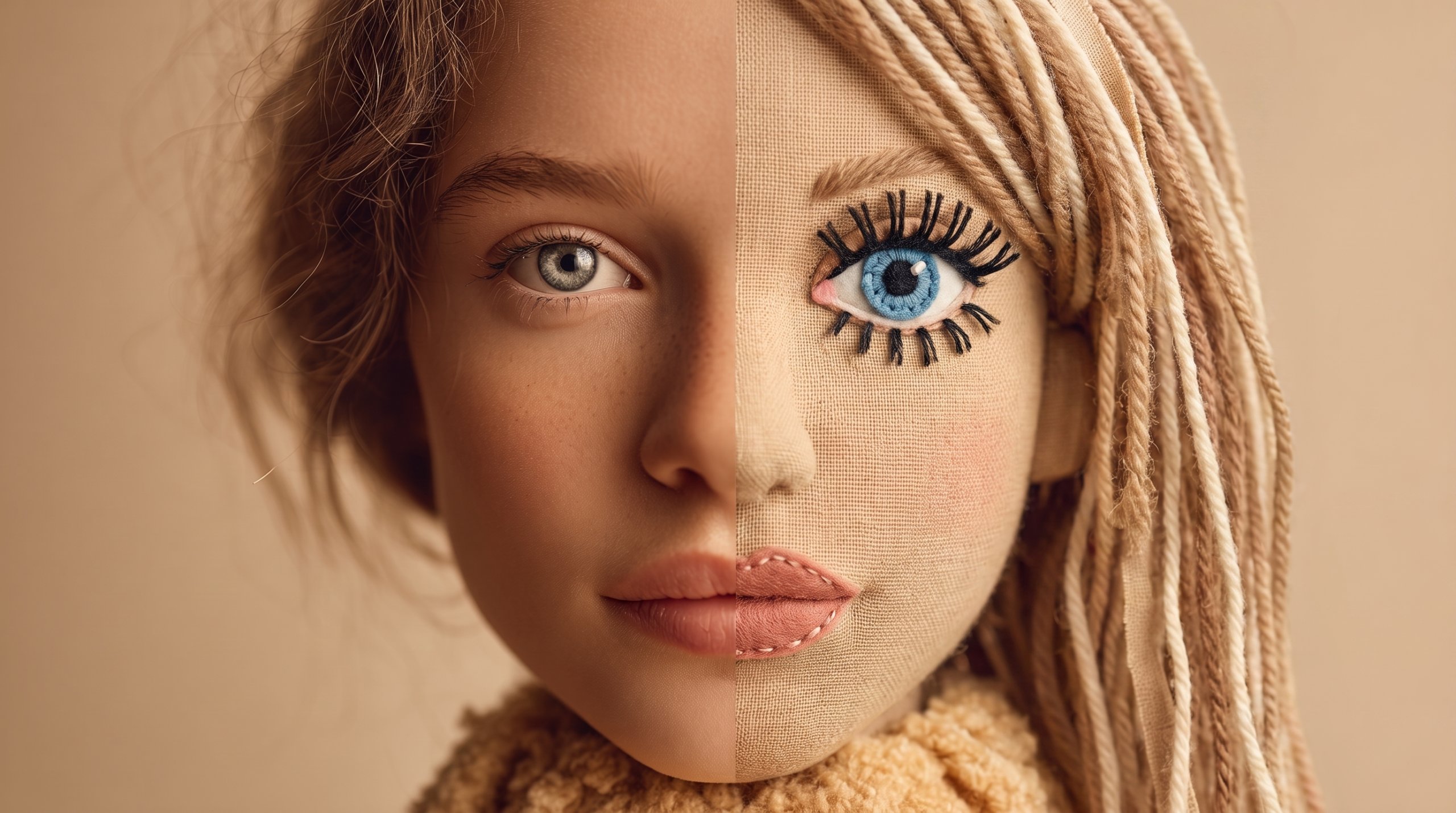
The Viral Plush Toy AI Prompt Trend, Explained
Right now, the plush toy AI prompt trend is sweeping Instagram, TikTok, and Pinterest. People are turning ordinary selfies into soft, huggable plushies in seconds. As a result, the look is cute, cozy, and weirdly real. Best of all, you can make one yourself in just a few minutes.
So how does it work? First, you upload a clear photo. Then, you paste a detailed prompt into your AI image tool. After that, the AI rebuilds you as a stitched, fuzzy toy while keeping your features recognizable. Therefore, it feels like your own custom plushie came to life.
For the most part, Google’s Gemini app and its Nano Banana model power these edits. However, ChatGPT can run the same prompt too. Specifically, a strong prompt sets the fabric, the stitching, the pose, and the lighting. Moreover, the better the prompt, the cuter the result.
Below, you’ll find three copy-and-paste prompts plus a few quick tips. First, pick your favorite plushie style. Then, drop in your photo and generate. Finally, share your new toy self and watch the likes roll in.
The Best Plush Toy AI Prompts to Try
Below are three ready-made prompts for the plushie trend. First, pick the style you like best. Then, copy it, add your photo, and generate. Each prompt keeps your face while changing everything else, so let’s get stitching.
The Classic Plush Toy AI Prompt
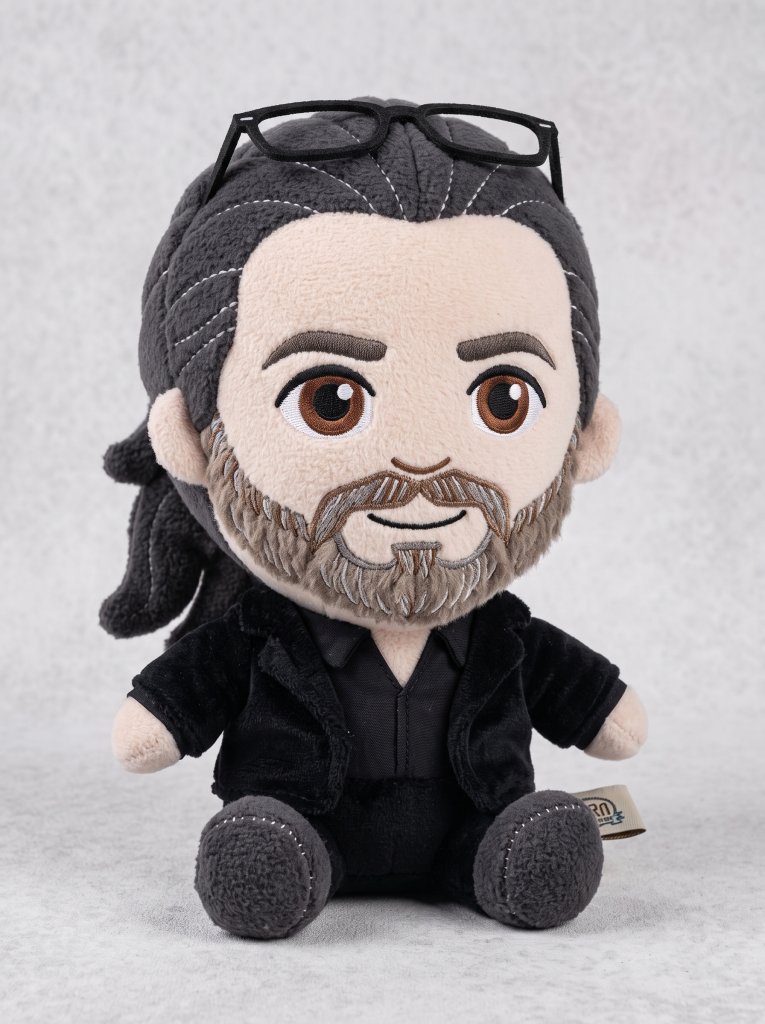
IMAGE PROMPT
A soft, high-quality plush toy of the character in the image, with an oversized head, small body, and stubby limbs.
Made of fuzzy fabric with visible stitching and embroidered facial features.
The plush is shown sitting or standing against a neutral background.
The expression is cute or expressive, and it wears simple clothes or iconic accessories if relevant.
Lighting is soft and even, with a realistic, collectible plush look.
Centered, full-body view. 1080x1080.





Tip: Use a clear, well-lit selfie so the AI keeps your face and outfit accurate.
The Cozy Crochet Doll Variation
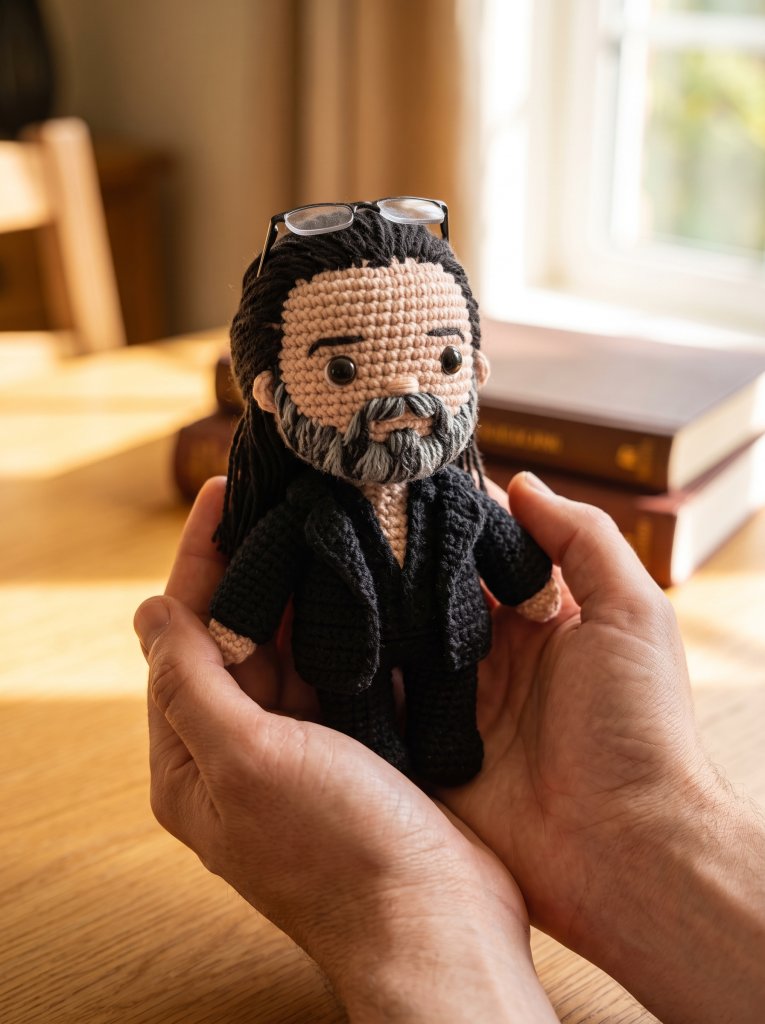
IMAGE PROMPT
A close-up, professionally composed photograph showcasing a hand-crocheted yarn doll gently cradled by two hands.
The doll has a rounded shape, featuring the cute chibi image of the character in the uploaded image, with vivid contrasting colors and rich details.
The hands holding the doll are natural and gentle, with clearly visible finger postures, and natural skin texture and light/shadow transitions, conveying a warm and realistic touch.
The background is slightly blurred, depicting an indoor environment with a warm wooden tabletop and natural light streaming in from a window, creating a comfortable and intimate atmosphere.
The overall image conveys a sense of exquisite craftsmanship and cherished warmth.


Tip: Soft, natural window light sells the handmade, cozy feel.
The Plush Keychain Variation
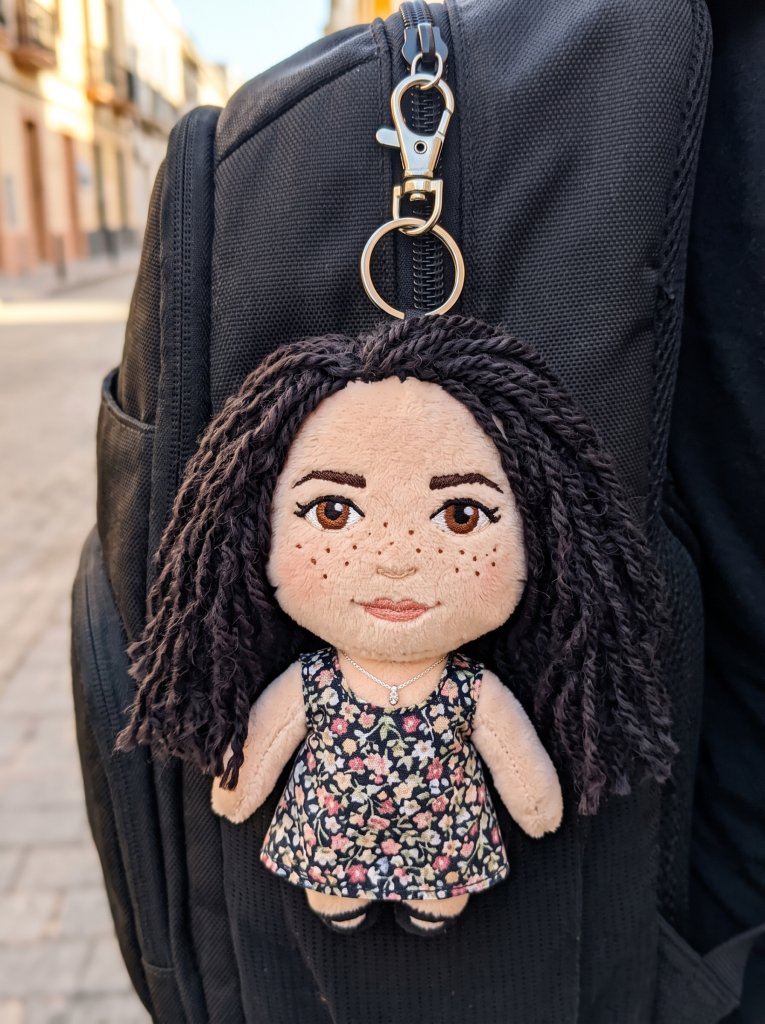
IMAGE PROMPT
A small, soft plush toy keychain of the character in the image, hanging from a backpack zipper.
The plush has an oversized head, tiny stubby limbs, and fuzzy fabric with visible stitching and embroidered facial features.
A metal keyring clip is attached to the top of its head.
The background is a slightly blurred everyday setting with soft natural light.
Cute, collectible, photorealistic plush look. Centered close-up, 1080x1080.
Tip: Keep the face forward so the mini plush still looks like you.
Tips for the Best Plush Toy AI Photos
So, do you want your plushie to look flawless? Then a few small tweaks make a big difference. First, start with a sharp, well-lit photo. Clear input always gives cleaner output.
Next, keep your face turned toward the camera. As a result, the AI preserves your likeness far better. Also, add the line do not change my face if your tool keeps drifting.
For a softer look, ask for warm, even lighting and a neutral background. However, feel free to swap in fun accessories or colors. Moreover, you can run the same prompt twice and simply pick the cuter result.
Finally, do not stop at one. Try each prompt, mix the styles, and build a whole plushie set. For more copy-and-paste ideas, browse our how-to guides on AI Miracle.
Want More?
Loved turning yourself into a plushie? Then keep creating. Explore the best AI image generators from text to run these prompts, or browse the top AI video generation platforms to turn your plush toy into a short animated clip.
Prompt inspiration is a story from nanobanana.im — source.
Frequently Asked Questions
Which AI tool is best for the plush toy AI prompt?
For the most part, Google’s Gemini app with the Nano Banana model gives the softest, most realistic plush results. However, ChatGPT can run the same prompt too. So, test both and keep whichever one preserves your face best.
Is the plush toy AI trend free to use?
Yes, you can start for free in most cases. Gemini offers free image generation, and ChatGPT includes some free image credits. As a result, you can try the plushie look without paying anything.
How do I stop the AI from changing my face?
Always add the line do not change my face to your prompt. Then upload a clear, front-facing selfie. Good lighting and a straight, head-on angle help a lot.
Can I turn myself into a plushie with ChatGPT?
Yes. Just upload your photo and paste the same plush toy AI prompt into ChatGPT. The wording works across tools, so you can use whichever app you prefer.
Why does my plush toy photo look fake or distorted?
Usually, this comes from a blurry or dark input photo. Therefore, start with a sharp, well-lit image. Also, keep the prompt details about fabric, stitching, and soft lighting so the toy reads as real.
What makes a good plush toy prompt for Gemini?
A strong plush toy prompt for Gemini names the fabric, the stitching, the pose, and the lighting. Moreover, it asks the AI to keep your face. Specific details protect your likeness and boost the cute factor.
Can I do the plushie trend on my phone?
Absolutely. The Gemini and ChatGPT apps both run on Android and iPhone. So, you can upload a photo, paste the prompt, and turn yourself into a plush toy right from your phone.