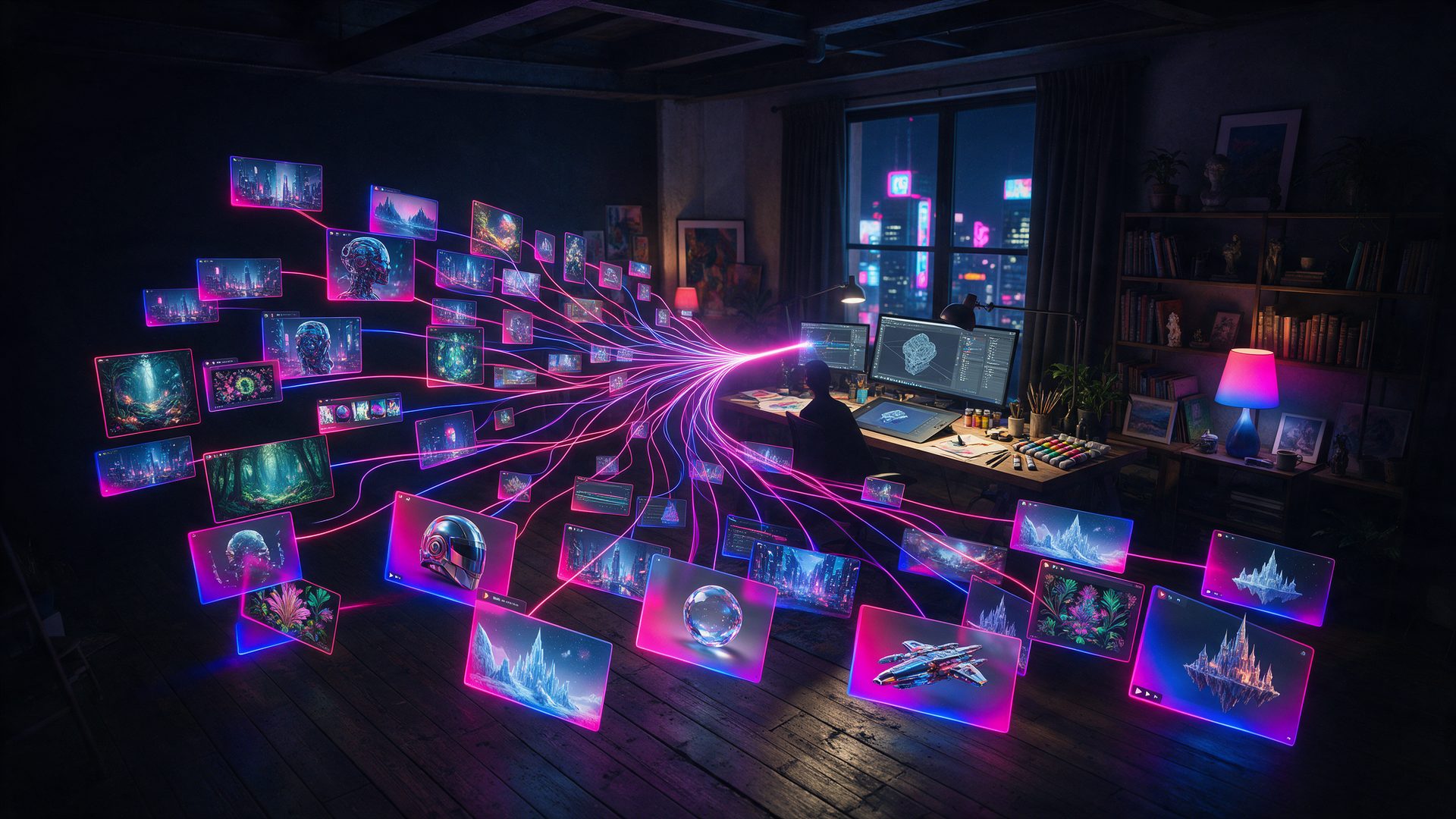
Free, made by Google and fast enough to scare Figma users: this Google Stitch review checks what you can really take out of the canvas.

Searches for Stitch AI keep climbing, and the pitch explains why. You type one sentence, and a full app screen appears in under a minute. This Google Stitch review looks past that first minute, because the first minute is the easy part.
Instead, we went through the official docs, three Google announcements and four third-party reviews. Then we compared what Google promises with what designers report. As a result, every claim below has a source, and the gaps are marked as gaps.
One warning before you start. Google publishes no pricing page for this tool, so the limits come from reviewers and they disagree. We show the disagreement instead of picking a number.
What Is Google Stitch?
Google Stitch is an AI design tool from Google Labs. It turns a prompt, a sketch, a screenshot or your voice into user interface designs for mobile and web apps. In addition, it hands you the code behind every screen.
Google introduced it on 20 May 2025 as a Labs experiment built on Gemini 2.5 Pro. Several reviewers trace its roots to Galileo AI, a startup they say Google bought that year. Some people still type it as Stitch AI or Google Stitch AI, and all three names lead to the same product.
The tool changed shape in 2026. In March, Google rebuilt it around an infinite canvas, a design agent and voice control, and called the idea vibe design. Then, at I/O in May, it added a real-time agent that streams its work onto the canvas while you watch, as Google explained in its own announcement.
The site still carries a Beta badge today. So treat it as a fast-moving product, not a finished one.
Who Is Google Stitch For?
Stitch suits people who need a credible interface before they have a designer. Founders, product managers and developers get a clickable concept in an afternoon. Therefore it works well for pitches, stakeholder meetings and first versions.
It suits full-time designers less. They will use it for exploration and then move to Figma for the detail work. Large design teams with a strict brand system will also hit its edges early.
In short, pick it to start a design. Do not pick it to finish one.
How Does Google Stitch Work?
The workflow has three steps: prompt, iterate, export. You choose App or Web, describe the screen and pick a design mode. After that, the agent draws on a shared canvas and you steer it with text or voice.
Design Modes: The Engines Behind This Google Stitch Review

The official docs list four design modes, and each one runs on a different model. Fast uses Gemini Flash and exports to code or Figma. Meanwhile, 2.5 Pro builds higher quality designs in HTML and exports to coding agents.
Thinking with 3 Pro runs on Gemini 3 Pro and trades speed for reasoning. Google calls it the heavy lifter for complex dashboards. Finally, Redesign uses Nano Banana Pro to restyle an existing app from a screenshot.
However, the labels move. On the day we checked, the home page selector read Balanced, a name the docs do not use.
Canvas, Voice and the Real-Time Agent
The canvas is infinite, so every direction stays visible side by side. You can drop images, text or code onto it as context. Moreover, an agent manager runs several design directions in parallel.
Voice is the unusual part. You can talk to the canvas, ask for a critique or request three menu options while you speak. Since May 2026 the agent also streams its work live, so you can redirect it before it finishes.
Prototypes and DESIGN.md in This Google Stitch Review
A static mockup hides problems, so Stitch turns screens into a clickable prototype. You link screens, press Play and click through the flow. In addition, the tool can generate the logical next screen from a click.
DESIGN.md is the feature developers talk about. It is a plain markdown file that stores your design rules, and Stitch can extract one from any URL. Because Google open-sourced the draft format, other tools and coding agents can read it too.
Export: What This Google Stitch Review Could Take Out

According to the docs, every design exists as an image and as HTML code. You select the screens, click download and receive a zip file. Fast mode also offers a Figma export.
Notice what is missing. The docs describe HTML as a base that another AI model converts to React, Vue, Flutter or SwiftUI. Consequently, the framework code is a second step, not a button.
Beyond files, Google added three handoff routes in 2026: Google AI Studio, Google Antigravity and direct publishing through Netlify. Developers also get an MCP server, an SDK and a CLI.
How Good Is Google Stitch in Practice?
Speed is real. Moda timed about 45 seconds for a first screen and roughly three minutes for a five-screen flow. Reviewers also agree that spacing, hierarchy and typography look professional on the first try.
Where It Slows Down
The trouble starts with longer flows. UXMagic found that the third and fourth screens of an onboarding test came out nearly identical. Similarly, button radius and header weight drifted between screens.
Editing is the second weak spot. Moda reports only two element-level options, Edit Text and Edit With AI. So a small fix often means a new prompt, and a new prompt can change parts you liked.
Keep one caveat in mind while reading this Google Stitch review. Moda, UXMagic and Banani all sell rival tools, so their criticism is not neutral. Still, the same three complaints appear in every source: generic layouts, thin editing and code that needs a developer.
Google Stitch Pricing: Is Google Stitch Free?
We could not verify an official price list for this Google Stitch review, because Google does not publish one. Every reviewer we read says the tool is free with a Google account and has no paid tier. The limits, however, are reported three different ways.
| Plan | Price |
|---|---|
| Price | Free, no credit card and no paid plan, according to Moda, Banani and Justin McKelvey |
| Limits per Moda and UXMagic | 350 standard and 200 experimental generations a month |
| Limits per Banani | 400 design credits and 15 redesign credits a day, reset daily |
| Official source | None found. Check Stitch Settings in your own account for the current allowance |
So is it free? Yes, as far as anyone outside Google can tell. However, you cannot buy more capacity when you run out, which means heavy users simply wait for the reset. In addition, Labs products can change or close without notice, and several reviewers expect a paid plan that Google has not announced.
Google Stitch vs Figma: What This Review Found
Figma is still the precision tool. It gives you pixel-level control, shared libraries and mature team workflows, and Moda lists its Pro plan at $16 a month per seat. Therefore it remains the place where a design gets finished.
Stitch wins the first hour. It produces five connected screens from a sentence, costs nothing and never asks you to draw a rectangle. Justin McKelvey calls it the best free option on the market for solo builders.
As a result, most reviewers use both. They explore in Stitch, export to Figma and polish there.
Is Google Stitch Legit? What to Expect
Yes. Google Labs builds and runs it, and Google product managers announce each update on the company blog. You sign in with an ordinary Google account, and nobody asks for a card.
Expect an experiment, though. There is no service guarantee, no published roadmap and no promise that free access will last. For that reason, export anything you care about instead of leaving it on the canvas.
Google Stitch Review: Alternatives Worth Comparing
Google Stitch vs Lovable

Lovable goes one step further than a design. It builds the working app, with a database and hosting, from the same kind of prompt. Its free plan gives five build credits a day, and Pro starts at $25 a month. Our Lovable review covers the details.
Google Stitch vs Base44

Base44 targets internal tools and small business apps. You describe the logic, and it ships the app with logins and data included. The free plan offers 25 message credits a month, while paid plans start from $16.
Google Stitch vs Replit

Replit is the pick when you want to see and edit the code. Its agent writes the project in a browser workspace and deploys it. Core costs $20 a month, so it suits builders who have outgrown mockups.
Where It Excels (and Where It Falls Short)
Pros
- Free with a Google account, with no card and no paid tier to upsell
- A first screen in about 45 seconds and a five-screen flow in about three minutes
- Four design modes, including Gemini 3 Pro reasoning and a Redesign mode for old apps
- Clickable prototypes straight from the canvas
- DESIGN.md files carry design rules into other tools and coding agents
- Handoff to Figma, AI Studio, Antigravity and Netlify, plus an MCP server
Cons
- No official pricing or limits page, and reviewers report conflicting caps
- You cannot buy more generations when the allowance runs out
- Element-level editing is thin, so small fixes need new prompts
- Longer flows drift: repeated screens and inconsistent buttons
- Code export is HTML first, and other frameworks need a second AI step
- Still a Beta from Google Labs with no long-term guarantee
Google Stitch Review Verdict: Is It Worth It?
The short answer from this Google Stitch review is yes, for the first draft. Nothing else gives you five connected screens, a prototype and the HTML behind them for free. For a founder with an idea and no designer, that changes the first week of a project.
The limits are just as clear. Editing is coarse, long flows drift and the exported code is a starting point. Moreover, nobody outside Google knows how long the free allowance will last.
By the end of this Google Stitch review, the advice was simple. Use Stitch to find the design, then move it somewhere that can finish the job. If you want a working product instead of a picture of one, start with an app builder.
Want More After This Google Stitch Review?
Stitch covers the design half of vibe coding. For the other half, our guide to the best vibe coding tools compares Lovable, Replit, Cursor and Google Antigravity on price and output.
If you would rather skip mockups and ship, the best AI app builder roundup ranks seven tools that return a working app. You can also read our Cursor AI review for the code editor side, or the Google Flow AI review for another Google Labs product.
Frequently Asked Questions
What is Google Stitch AI?
Google Stitch is an AI design tool from Google Labs. It turns text prompts, images and voice into user interface designs for mobile and web apps. In addition, it exports prototypes and HTML code.
Is Stitch AI free?
Yes, according to every reviewer we read. Google Stitch needs only a Google account, with no card and no paid plan. However, Google publishes no official limits, and reviewers report different monthly and daily caps.
How does Google Stitch AI work?
You choose App or Web, describe the screen and pick a design mode. Then the agent draws the design on an infinite canvas. After that, you refine it with text or voice, preview a prototype and download the result.
Who owns Stitch AI?
Google owns it. Google Stitch is a Google Labs product, announced in May 2025 and updated by Google product managers since. Several reviewers add that it grew out of Galileo AI, a startup they say Google bought in 2025.
What is the purpose of Google Stitch AI?
The purpose is speed at the start of a project. Google Stitch lets anyone create a high-fidelity interface from plain language. Therefore founders and developers can test an idea before a designer opens Figma.
Can Google Stitch export to Figma?
Yes, with a condition. The official docs say Fast mode exports to code or Figma, while 2.5 Pro exports to coding agents. Reviewers describe the Figma result as a usable starting point, not a pixel-perfect file.
Does Google Stitch have an MCP endpoint?
Yes. The official docs include sections for an MCP server, an SDK, a CLI and Agent Skills. As a result, coding agents can call Google Stitch directly and pull designs into a development pipeline.
Is Google Stitch better than Figma?
Not for finishing work. Google Stitch is faster for first concepts and costs nothing. Meanwhile, Figma remains stronger for precise edits, shared libraries and team workflows, so most reviewers use both.