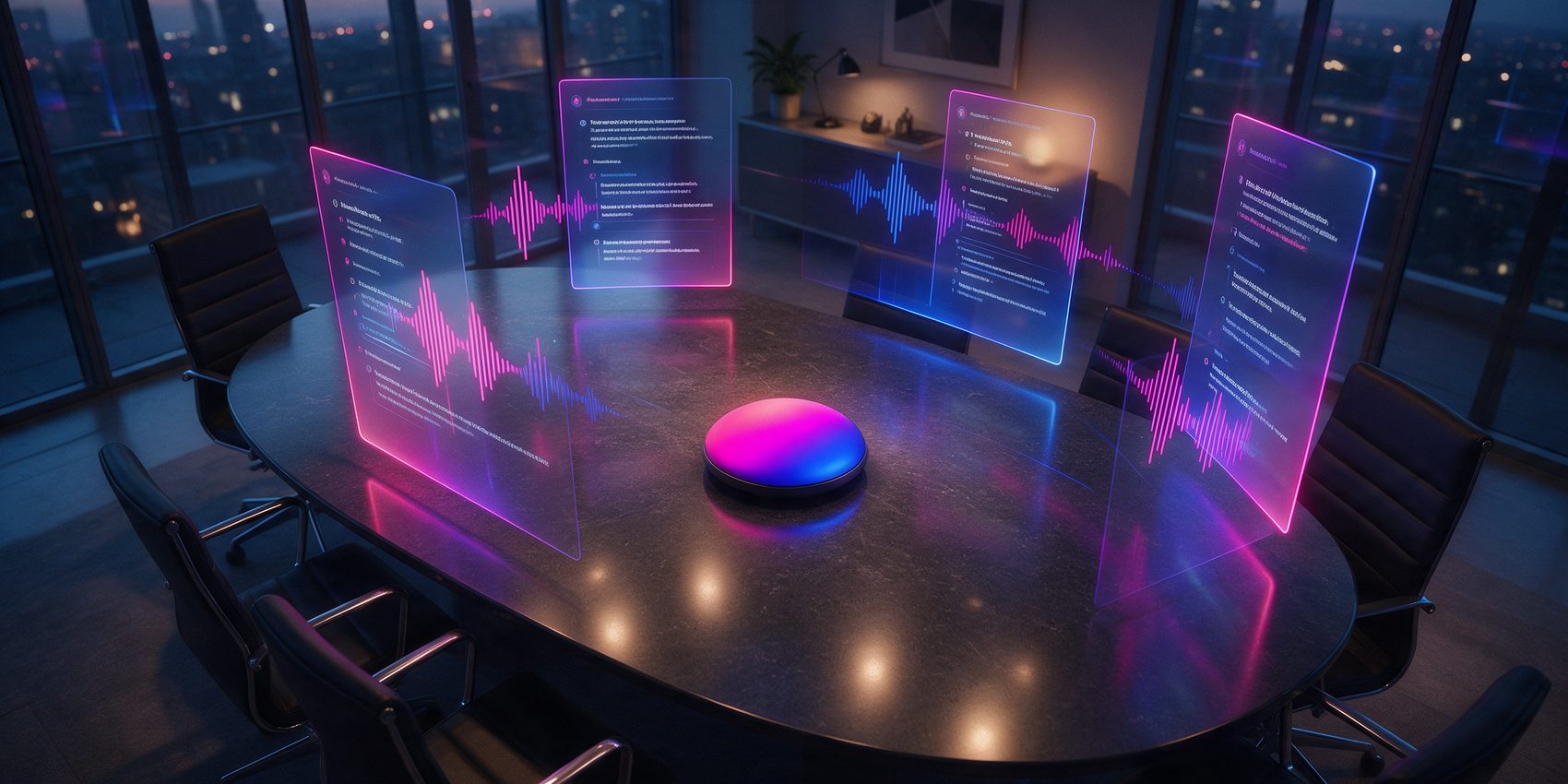
Eight tools, one question: do you want a robot in your meeting, or a better page afterwards? Here is the best AI note taker for each answer.
The best AI note taker for you depends on one decision you make before you compare a single feature. Either something joins the call and records it, or nothing joins and you get notes instead of a recording.
Both camps are represented below. Furthermore, we checked every price on the vendor’s own plan page in September 2026, so the shortlist for the best AI note taker reflects what you actually pay today, not last year.
One more split matters: online meetings versus the ones that happen across a table. Only two picks here handle a room with no dial-in, so the best AI note taker for a site visit is not the one you want for a Zoom call.
Granola: The Best AI Note Taker With No Bot in Your Call
Granola is the notepad half of this list, and the reason the category argued about itself this year. Nothing enters the participant list. The app listens through your computer audio while you type your own shorthand, then expands your outline using the transcript.
Naturally investors agreed: the company raised 125 million dollars at a 1,5 billion dollar valuation in March 2026. Our full Granola review digs into the workflow and the one privacy catch.

Key Features
- No bot joins the meeting, so nothing appears in the participant list
- Your typed notes become the outline the AI expands
- AI chat searches across your whole meeting history
- MCP connector feeds notes to Claude, Cursor, Figma and Replit
- Runs on macOS, Windows, iOS, Android and Apple Watch
- Templates keep a standup and a discovery call looking different
Who is it for?
Founders, consultants and anyone whose notes are a thinking tool. Skip it if you need a replayable recording or clean speaker labels on a crowded call.
Why choose
 ?
? The only pick here that produces notes in your own voice, because half of them are yours.
- Unlimited history
- Advanced models
- Notion, HubSpot, Zapier
- MCP and API access
The full Granola Review tests the bot-free workflow, every plan price and the model-training setting most people miss.
Otter.ai: The Best AI Note Taker Everyone Already Knows
Otter.ai is what most people picture when they hear AI meeting notes. Its bot joins Zoom, Teams and Google Meet, records the call, labels who spoke, and leaves you a searchable transcript you can replay.
However, that visibility is the trade. Everyone in the room knows it is running, which is a feature in a compliance-minded company and a problem in a candid one.

Key Features
- Bot joins Zoom, Microsoft Teams and Google Meet automatically
- Speaker identification across multi-person calls
- Searchable transcripts with playback
- AI chat and automated meeting summaries
- Salesforce, HubSpot and Zapier integrations on Pro and above
- Free plan gives 300 transcription minutes a month
Who is it for?
Teams that need the recording itself, and anyone who must prove later what was actually said. Less suited to sensitive conversations where a visible recorder changes the tone.
Why choose
 ?
? The safest default: everyone recognises it, and the recording is always there.
- 1.200 minutes a month on Pro, billed yearly
- 90 minute meetings
- Team vocabulary
- CRM integrations
Fathom: The Best AI Note Taker You Can Use for Free
Fathom is the best AI note taker you can run without paying anything. It gives away what rivals charge for: unlimited recording and unlimited transcription on a free plan that never expires. You can also choose whether the bot joins or stays out of the call.
Moreover, it changed hands this month. Superhuman acquired Fathom on 14 September 2026, and plans to fold meeting memory into its email and calendar apps.

Key Features
- Unlimited recordings and transcriptions on the free plan
- Bot-free capture available, so you can pick either mode
- Instant AI summaries, clips and playlists
- CRM field sync and Deal View on the Business tier
- AI scorecards and coaching metrics for sales teams
- 90 day guarantee on every paid plan
Who is it for?
Sales teams inside HubSpot or Salesforce, and solo users who want a real recording archive without paying for it. Ask-Fathom and automations are capped on free.
Why choose
 ?
? Unlimited recording on a free plan is still the most generous offer in the category.
- Premium, billed yearly
- AI action items
- Conversational assistant
- Team plans from 15 dollars
Fireflies.ai: The Best AI Note Taker for a Whole Team
Fireflies.ai aims past the individual. It records and transcribes every call in the company, then turns the archive into a searchable knowledge base with analytics on top.
In addition, unlimited transcription and unlimited AI summaries run on every tier, including the free one. What you actually buy with the paid plans is storage, automation depth and the security controls an admin needs.

Key Features
- Unlimited transcription and AI summaries on all tiers
- Company-wide search across every recorded conversation
- Conversation intelligence and call scoring
- Very large integration list, from CRMs to task tools
- Chrome extension and meeting bot with no rate limits on paid tiers
- Admin controls and security settings on Business and Enterprise
Who is it for?
Sales, support and customer success teams who want one searchable archive of every customer conversation. A single freelancer will not use half of it.
Why choose
 ?
? Turns a year of calls into something the whole company can search.
- Pro, billed yearly
- More storage and automation
- Business from 19 dollars
- Team analytics
tl;dv: The Best AI Note Taker for Multilingual Sales
tl;dv sits between a recorder and a sales tool. It captures the call, transcribes it in more than 40 languages, and then pushes the insight into the apps where the deal actually lives.
Meanwhile the free plan is real rather than decorative, although the AI notes are metered: ten meetings a month before you hit the ceiling.

Key Features
- Transcription in more than 40 languages
- AI notes for 10 meetings a month on the free plan
- Automated meeting workflows into CRM and task tools
- Timestamped highlights and clip sharing
- Multiple simultaneous recordings on paid tiers
- Team knowledge library across everyone’s calls
Who is it for?
Distributed sales and customer teams who work in several languages and want meeting insight delivered to other apps rather than read in a notes tab.
Why choose
 ?
? Multilingual capture plus automations that move the insight where the work happens.
- Pro, billed yearly
- Two simultaneous recordings
- Higher weekly limits
- Business from 29 dollars
Notion AI: The Best AI Note Taker If You Already Run Notion
If your company already runs on Notion, the cheapest note taker is the one you are paying for. AI Meeting Notes records and summarises the call, then leaves the result where the project doc already lives.
As a result, Notion AI is bundled into the plans rather than sold separately. Free and Plus get a limited trial of it, while full AI Meeting Notes, Enterprise Search and the Notion Agent arrive on Business.

Key Features
- Meeting notes land directly in your existing project pages
- Notion Agent answers across your whole workspace
- Enterprise Search spans connected tools
- No separate subscription to manage or expense
- Databases, tasks and notes share one system
- Zero data retention with LLM providers on Enterprise
Who is it for?
Teams whose documentation already lives in Notion. A poor fit if you need deep call analytics, speaker scoring or a standalone recording archive.
Why choose
 ?
? No extra tool and no extra bill when the workspace is already Notion.
- Plus, per user monthly
- Business at 20 dollars adds AI Meeting Notes
- Notion Agent and Enterprise Search
Krisp: AI Notes Plus the Best Noise Cancellation
Krisp started as noise cancellation and grew a meeting assistant on top. It sits at the audio layer, so it works on any call, including the ones no bot can join, such as a phone call or a browser app nobody integrates with.
Consequently that position also buys you accent conversion and clean audio, which is why call centres use it as much as meeting teams do.

Key Features
- Works on any call because it operates on the audio device
- Unlimited transcription and AI notes on paid plans
- Class-leading background noise removal both ways
- Recording plus AI summaries and action items
- Accent conversion for speakers and listeners
- HIPAA and GDPR compliance on paid tiers
Who is it for?
Anyone on noisy calls, in a call centre, or on platforms that refuse meeting bots. The free offer is a 7 day trial rather than a permanent tier.
Why choose
 ?
? The one that still works when no bot is allowed in the call.
- All premium features for 7 days
- No credit card needed
- Core from 8 dollars yearly
- Core, billed yearly
- Unlimited transcription and notes
- 10 GB storage
- Advanced at 15 dollars
Plaud Note Pro: The Best AI Note Taker for a Room With No Dial-In
Every other pick on this page needs a call. Plaud Note Pro is a credit-card sized recorder you put on the table, which makes it the answer for site visits, interviews, lectures and the coffee that turned into a decision.
In practice, four microphones pick up a room to roughly five metres, and the companion app transcribes in 112 languages with speaker labels before you get back to your desk.

Key Features
- Four MEMS microphones with pickup to about 16 feet
- Transcription in 112 languages with speaker labels
- 30 hours of recording in Enhance mode, 50 in Endurance
- 0,95 inch AMOLED screen, 3 mm thick, 30 grams
- Auto transfer and auto summary before you reach your desk
- Free Starter plan with 300 transcription minutes a month
Who is it for?
Consultants, journalists, doctors and students whose important conversations happen in a room. It is hardware, so it is the only pick here with an upfront cost.
Still Not Sure Which Is the Best AI Note Taker for You?
Three questions decide which is the best AI note taker for you: does a bot join, is the free plan real, and what does the first paid tier cost. The table answers all three.




Frequently Asked Questions
What is the best AI note taker in 2026?
It depends on one choice, because the category splits in two. Granola writes the best notes and never joins the call. Otter.ai and Fathom instead hand you the recording.
Is there a genuinely free AI note taker?
Yes. Fathom is the most generous, with unlimited recordings on a free plan that never expires. Fireflies.ai also transcribes for free, while Otter.ai caps you at 300 minutes a month.
Which AI note taker works without a bot in the meeting?
Granola and Krisp capture audio on your machine, so nothing joins the participant list. Fathom offers a bot-free mode too. Our Granola review covers the trade.
Do these tools work with Zoom, Google Meet and Microsoft Teams?
All eight do. Bot-based tools join as an attendee, while audio-based ones simply listen. Meanwhile Teams, Meet and Zoom now ship their own AI summaries as well.
Do AI note takers keep the audio recording?
Most do, but not all. Otter.ai, Fathom, Fireflies.ai, tl;dv and Krisp store replayable media. Granola deliberately keeps only the transcript, so nothing plays back.
What is the best AI note taker for in-person meetings?
Plaud Note Pro, because it is hardware. A recorder on the table handles site visits and interviews no meeting bot can reach. Otherwise Granola’s mobile apps work.
Is it legal to use an AI note taker in a meeting?
It depends where you are. Several US states and most of Europe require everyone to know they are recorded. Therefore tell the room, whichever tool you choose.
Can these tools send notes into my CRM?
Yes, on paid tiers. Fathom and tl;dv focus hardest on CRM sync, whereas Fireflies.ai carries the longest integration list of the eight.
Want More Than the Best AI Note Taker?
Notes are only the first step. Once the summary exists, the next question is what moves it onward, which is where our roundup of the best AI workflow automation tools takes over. And if you are assembling a whole stack rather than one app, start with the top AI tools for small businesses.