
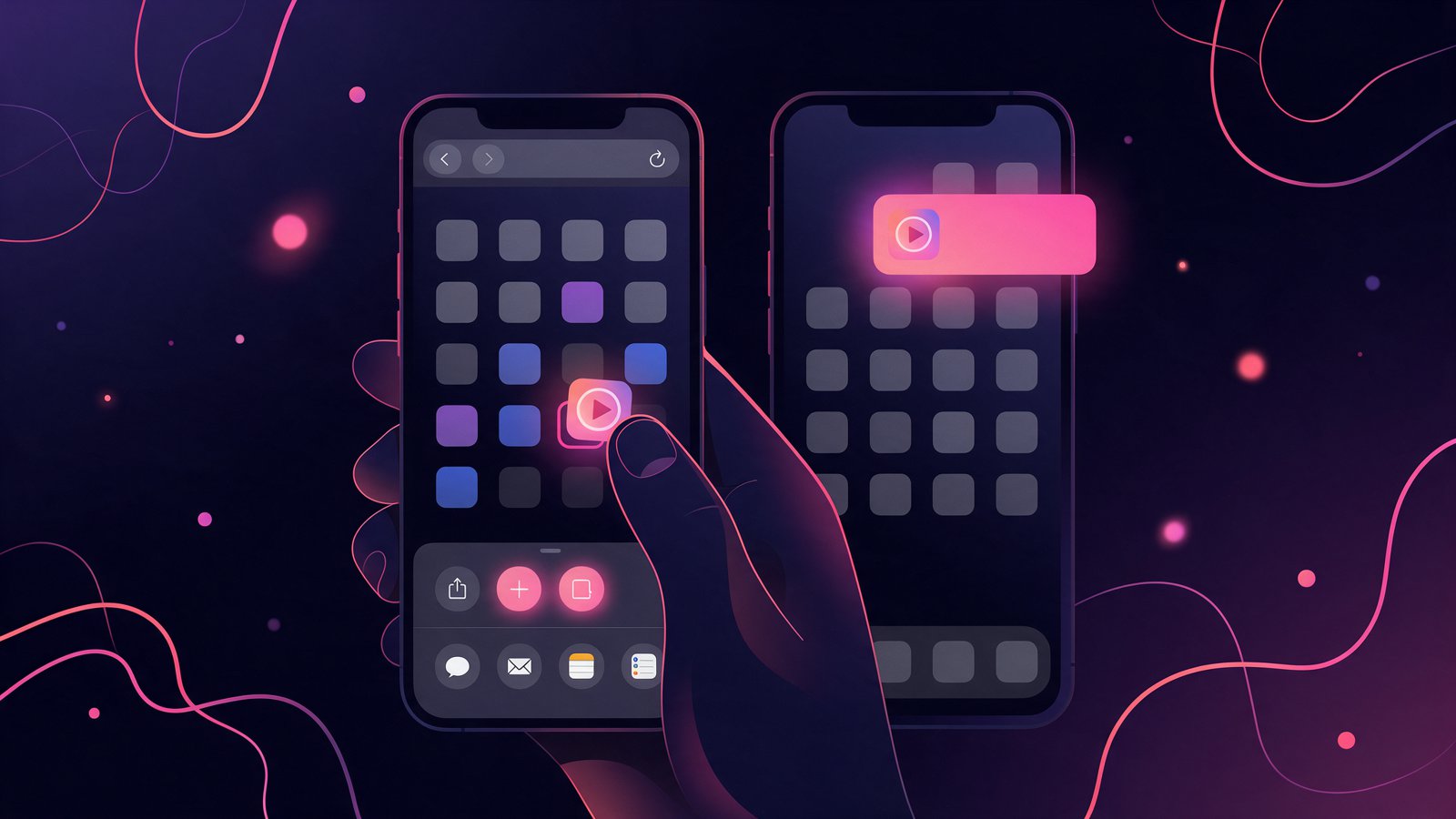
Searching for a Candy AI Shorts app turns up App Store and Google Play listings that have nothing to do with the platform, and a few APK sites that should be avoided. In fact, the real answer is shorter. Candy AI does not have a native app, on purpose. The Shorts feed is delivered through a web app you install from the browser in about twenty seconds. This guide shows the install on iPhone and Android. It also covers what the home-screen version does differently from a browser tab, and what the notifications actually cover. It belongs to our Candy AI Shorts guide, which explains the feed itself.
Is There a Candy AI Shorts App for iPhone or Android?
No Candy AI Shorts app exists in any store, and that is Candy’s own statement rather than an absence. The help center article on app availability says the platform does not offer a native mobile app for iOS or Android. Instead it is fully accessible through the mobile browser, with a Progressive Web App you can add to your home screen. The reasons it gives are, first, a faster app-like experience, a cleaner screen without the address bar, and push notifications.
There is also a practical reason it does not say. App stores do not carry 18+ companion platforms with this kind of content. So a store listing for Candy AI Shorts would be somebody else’s app using the name. Similarly, the same goes for APK files on download sites. With no official Android package, any APK is unrelated code, and it is one of the traps we describe in the Candy AI Shorts leaked links page. The only Candy AI app is the one you make yourself from candy.ai.
How to Install the Candy AI Shorts App on iPhone
Safari is the browser that can add a web app to an iPhone home screen. So use it even if you normally use Chrome.
- Open candy.ai in Safari and sign in, or create a free account. The site shows its own Get App prompt with the same steps once you are in.
- Tap the Share button, the square with an arrow at the bottom of the screen.
- Scroll the sheet and tap Add to Home Screen. Leave the name as Candy AI or shorten it.
- Tap Add. The icon appears among your apps.
- Open it from the home screen, not from Safari. It launches full screen without the address bar, and the Shorts tab is in the left menu.
Afterwards, when the app first opens, iOS asks whether it may send notifications. Say yes if you want the alerts described below; you can change it later in Settings under Notifications.
Open Candy AI and Install the AppHow to Install the Candy AI Shorts App on Android
Chrome handles web apps on Android, and in most cases it offers the install before you ask.
- Open candy.ai in Chrome and sign in.
- Look for the Install app banner at the bottom. If it appears, tap it and confirm.
- Otherwise tap the three dots in the top right corner and choose Add to Home screen, or Install app on newer versions.
- Confirm the name and tap Add. The icon lands on your home screen and in the app drawer.
- Allow notifications when the app asks, then open Shorts from the menu.
Samsung Internet and Firefox can do the same through their own menus. However, Chrome is the one Candy documents. Do not install anything that arrives as an APK file; the web app is the whole app.

What the Home-Screen App Does That the Browser Tab Does Not
Three things separate the installed Candy AI Shorts app from a tab, and the first is the one people notice. The web app runs full screen, so a vertical Short fills the display the way a Reels clip does instead of sitting under a browser bar. Second, it keeps its own place. The icon reopens the feed where you left it, and the Continue watching row at the top of Shorts picks up the series you started. Third, it can receive push notifications, which a browser tab cannot on iPhone.
Otherwise everything is identical, because it is the same site. Your account, Premium plan, token balance and unlocked episodes are the same in the app. They are also the same on the desktop site and in a plain mobile tab. Nothing needs to be re-bought, and there is no separate app subscription.
Candy AI Shorts Notifications: What They Actually Cover
The install prompt on candy.ai is titled Get App to Receive Notifications from, and it lists three sources: New Messages, New Features, and Sales and Discounts. In other words, that is the honest scope. New Messages covers your chats with characters. New Features covers product launches such as the Shorts tag rows and the Creators program. Sales and Discounts covers the promos on the subscriptions page.
However, what the prompt does not list is a per-series alert. Candy says it cannot guarantee a release schedule for new episodes, and in our use the way to catch a new drop was the New episodes ribbon on the feed card rather than a push. So if a series you are following matters to you, open the app and check the card. The Candy AI Shorts series and episodes list on this site tracks which series carried the badge and how many episodes each one has.
Using Candy AI Shorts on Desktop
The desktop site at candy.ai has the same Shorts tab. Chrome and Edge on Windows or Mac can install it as a desktop app too. Click the install icon at the right end of the address bar, or open the browser menu and choose Install Candy AI. The feed shows five cards per row on a wide screen, and the episode list sits under the player. The subtitle menu offers English, German, Spanish, French, Italian, Japanese and Portuguese.
Still, one difference is worth knowing. The Spicy-tagged Creators series only opens after you sign in on any device. So a shared computer will show the feed but not that series until you log in. Apart from that, the rest of the catalog and the two free episodes per series behave the same everywhere.
Want More After the Candy AI Shorts App Guide?
Once the app is installed, the Candy AI Shorts guide explains the feed, the free account and how unlocking works, and the series and episodes list shows what each series costs in tokens. Also, if you arrived here from an APK or leak search, what those links actually give you is worth two minutes. And for whether the platform is worth a Premium plan at all, read the Candy AI review.
Frequently Asked Questions
Is there a Candy AI Shorts app?
Not a native one. Candy AI states it has no iOS or Android app and delivers the platform, including Shorts, as a web app you add to your home screen from Safari or Chrome. Any store listing or APK using the name is not from Candy.
How do I install Candy AI Shorts on iPhone?
Open candy.ai in Safari, tap Share, tap Add to Home Screen, then Add. Open it from the icon and the Shorts tab is in the left menu. Allow notifications when asked if you want alerts for messages, features and sales.
How do I install Candy AI Shorts on Android?
Open candy.ai in Chrome, tap the Install app banner or the three-dots menu, choose Add to Home screen or Install app, and confirm. Do not download an APK; there is no official one.
Is the Candy AI Shorts app free?
The app is free because it is the website. Watching the first two episodes of each series is free with a Candy AI account, and locked episodes need Premium from $3.99 a month plus tokens, the same as on desktop.
Does the Candy AI app send notifications for new Shorts episodes?
The install prompt lists New Messages, New Features and Sales and Discounts. Candy AI does not promise per-series alerts, so the New episodes ribbon on the feed card is the reliable signal.
Can I use Candy AI Shorts on a computer?
Yes. The Shorts tab is on the desktop site, and Chrome or Edge can install candy.ai as a desktop app from the address bar. Your account, tokens and unlocked episodes are the same on every device.
Why is there no Candy AI Shorts app in the App Store?
Because app stores do not carry 18+ companion platforms with this content, and Candy AI chose a Progressive Web App instead. It gives the full-screen feed and push notifications without a store listing.
*Sources: Candy.ai Help Center, Does Candy.ai have an app for iPhone or Android, the live Candy AI Shorts feed and its Get App prompt, September 26, 2026, Candy.ai Help Center, What is Candy Shorts.* *Images: editorial illustration, not a screenshot of the product.*