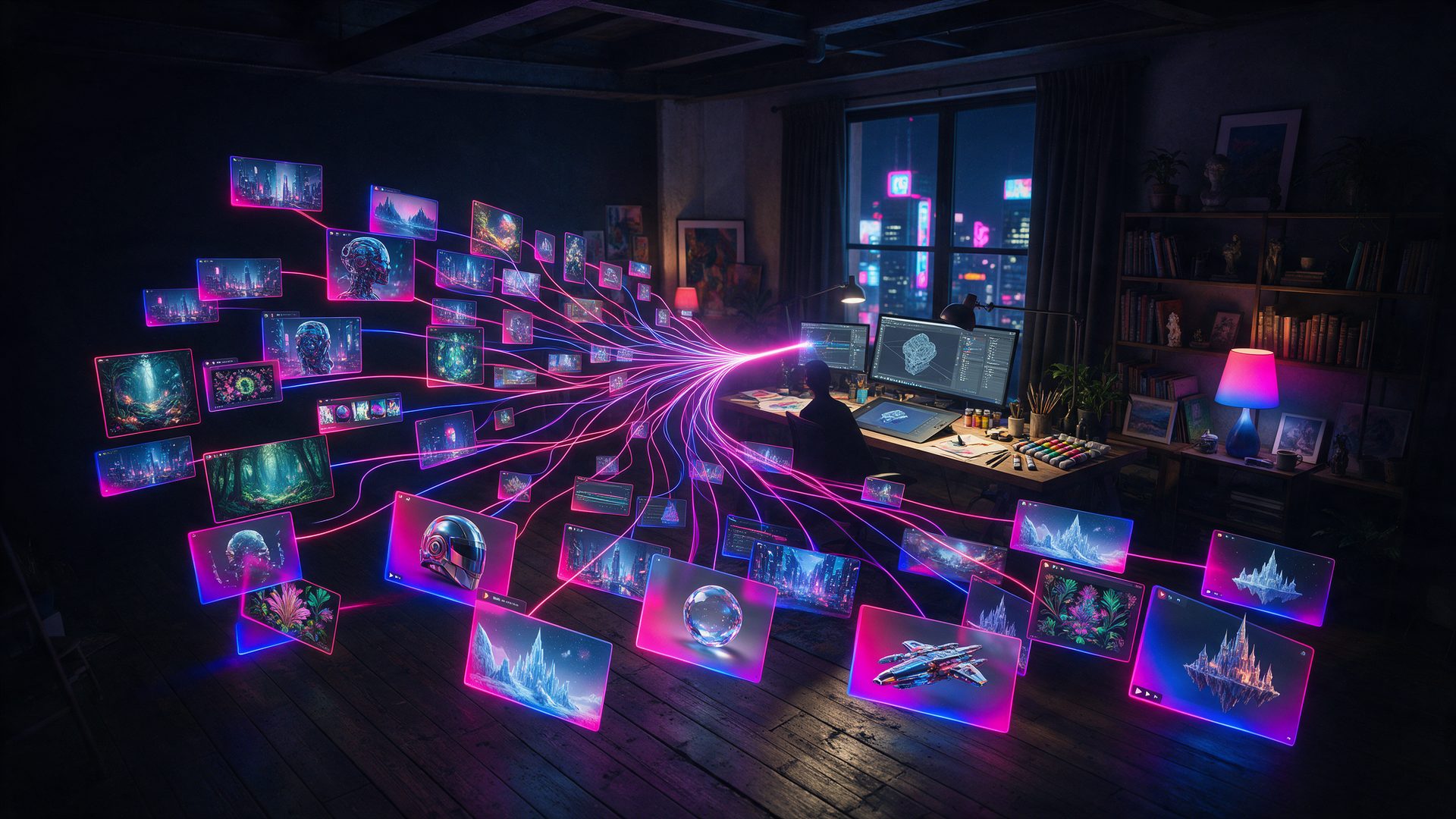
One hundred free units a day, and a canvas that draws while you type. This Krea AI review follows the units, not the showreel.
Most AI image tools make you wait, then judge. Krea flips that: the picture forms while you are still typing. So this Krea AI review starts with the free tier and works out what those 100 daily units really cover.
The company is not a newcomer. Its pricing page claims 40 million subscribers, and in September 2026 it opened the beta of Krea Agent, a layer that briefs dozens of models on your behalf.
Scale is not the same as value, though. Because of that, the testing behind this Krea AI review focused on three plain questions: what it makes, what it costs, and where the free plan stops.
What Is Krea AI?
Krea AI is a browser based creative suite. You describe what you want, and it returns images, video, 3D objects or an upscale, all from one workspace and one balance of compute units.
The part people know it for is the realtime canvas. As you type or sketch, the output redraws live, so you steer the image instead of rolling the dice and waiting. Meanwhile the heavier work runs on a mix of in-house models and licensed ones.
That mix is the whole pitch. Instead of paying Flux, Seedance, Veo, Kling and Nano Banana separately, you spend one unit balance across all of them. In addition, Krea layers its own Krea 2 image model and a node based workflow editor on top.
Who Is Krea AI For?
This suits people who iterate. Designers chasing a look, marketers making twenty variants of one concept, and hobbyists who would rather nudge an image than re-prompt it all benefit from the live canvas.
It suits strict production pipelines less well. Compute units meter everything, and the free tier locks most of the model catalogue, so a studio with fixed delivery dates will end up on a paid plan quickly.
In short, come here to explore. Budget properly before you come here to deliver.
How Does Krea AI Work?
The suite splits into four things worth judging separately: the agent, the realtime canvas, the in-house models, and the workflow tooling underneath them.
Krea Agent: One Brief, Many Models
Krea opened the Krea Agent beta on 3 September 2026. You write a brief in plain language, and the agent plans the job, picks which image, video or audio models to use, and iterates for you.
It reaches well past Krea’s own stack. Reported coverage runs to 60 plus models, Krea 2, Flux, Veo, Kling, Runway, Luma, Nano Banana and Topaz among them, which is unusual for a vendor that also sells its own.
The catch is control. Handing model choice to an agent is fast, yet it makes a bad result harder to diagnose, because you no longer know which model produced it.
Realtime Canvas: What This Krea AI Review Tested First

The realtime canvas is the reason the brand spread. Type a phrase, and the image assembles as the words land. Sketch a rough shape, and it follows the shape.
In practice this changes the workflow more than any model upgrade does. You stop writing long prompts and start steering, which is faster for exploring a look and far less wasteful of units.
Notably, the free plan keeps full access to the real time models even while it restricts the rest, so this is the one part you can judge properly without paying.
Krea 2, Upscaling and 3D
Krea 2 is the current in-house image model, and it sits alongside the licensed ones rather than replacing them. Paid tiers also unlock image upscaling up to 22K, which is far beyond the 2K ceiling the free plan allows.
The 3D side turns text or a photo into an object, and the video side covers text to video and motion transfer. Both are useful, though neither is the reason most people arrive.
Krea Nodes, App Builder and LoRA Training
Under the simple interface sits a node editor. You connect models, prompts and processing steps into a workflow, then App Builder turns that workflow into something reusable you can run or share.
LoRA finetuning trains the models on your own characters, styles or objects. Free and lower tiers cap that at 50 images, while the top tiers raise it to 2,000.
As a result, Krea covers both ends: click and explore at the front, wire it yourself at the back.
Krea AI Review in Practice: How Good Is It?

The live canvas is genuinely good, and it is the feature worth switching for. Steering an image in real time beats writing a paragraph and hoping, especially when you are still deciding what you want.
Model breadth is the second real strength. One balance across Flux, Veo, Kling, Seedance and Nano Banana removes a pile of separate subscriptions, and the agent makes that catalogue usable without studying each model.
The friction is the unit economics. Everything draws from the same meter, so a heavy video session and a long upscale run compete with each other, and the published conversions are blunt: 20,000 units buy roughly 257 Nano Banana 2 images or 83 Seedance 2.0 videos.
Consistency is what this Krea AI review kept coming back to. Like most multi model suites, holding one character across a sequence still takes retries, and retries cost units. Because of this, exploratory work is where the value sits.
Krea AI Pricing: Is Krea AI Free?
Krea publishes five tiers plus enterprise, and it discounts annual billing by 40%. The table below shows the monthly price first, because that is what you pay if you are only trying it.
| Plan | Price |
|---|---|
| Free | $0 – 100 units per day, no credit card, realtime models only |
| Basic | $9/mo ($5.25 billed yearly) – 5,000 units, selected video models |
| Pro | $35/mo ($21 billed yearly) – 20,000 units, all image and video models |
| Max | $105/mo ($63 billed yearly) – 60,000 units, LoRA up to 2,000 images |
| Business | $200/mo ($160 billed yearly) – 80,000 units, up to 50 seats, SSO |
The free plan is real but narrow. It gives 100 units a day with no card, and it keeps full access to the realtime models, yet it marks all image models, all video models and all 3D models as excluded, and it caps upscaling at 2K. So the honest answer to is Krea AI free is: free to play with, paid to produce. Every price in this Krea AI review came off the live billing page on 22 September 2026.
Krea AI vs Midjourney
Midjourney still wins on raw aesthetic out of the box. Its house look is stronger, and for a single beautiful still it needs less steering.
Krea wins on the loop. Realtime feedback, a node editor, video and 3D in the same place, and one balance across rented models make it the better workspace when the job is iteration rather than a single hero image.
Instead of choosing on image quality alone, choose on what you do all day. One prompt, one framed print: Midjourney. Twenty variants before lunch: Krea.
Is Krea AI Legit? What to Expect
Krea is a real company with a public product, a published pricing page and an API, and its subscriber claim of 40 million sits on that same page. It is not a fly by night wrapper.
For this Krea AI review the pricing page and the plan terms were read in full. Paid tiers list a commercial license for generated content, business terms add no-training clauses for your material, and the enterprise tier adds indemnification. Free users get none of those protections spelled out.
As with any generative suite, the models it rents carry their own terms. WIPO’s overview of generative AI and copyright is a fair primer before you put AI output into paid client work.
Krea AI Review: Alternatives Worth Comparing
Krea AI vs Runway
Runway owns its models and its timeline, so a sequence holds together better than a pile of separate generations. Pick it when the edit is the deliverable.
It is also the calmer tool for scripted work. Krea stays faster for exploring a look, while Runway is built for finishing one.
Krea AI vs Kling AI

Kling AI is one of the models Krea rents, so going direct removes the unit conversion and usually costs less per clip.
However, you give up the canvas, the image side and the 3D tools in that trade. A mixed workload gets expensive once you are paying several vendors instead of one.
Krea AI Review Scorecard: Where It Excels and Where It Falls Short
Pros
- Realtime canvas that redraws as you type, the fastest way to steer a look
- One compute balance across Flux, Veo, Kling, Seedance, Nano Banana and Krea 2
- Krea Agent plans and runs multi model jobs from a plain language brief
- Free tier needs no credit card and keeps full realtime model access
- Node editor and App Builder for people who want to wire their own workflow
- Upscaling to 22K and LoRA training up to 2,000 images on the top tiers
Cons
- Free plan excludes all image, video and 3D models and caps upscaling at 2K
- Everything meters against one unit balance, so video and upscales compete
- Published conversions are modest: 20,000 units is about 257 images or 83 clips
- Character consistency across a sequence still needs retries, and retries cost units
- The agent hides which model ran, which makes a poor result harder to diagnose
- No publisher affiliate program, only a perks based Creative Partner Program
Krea AI Review Verdict: Is It Worth It?
Krea is the best place to think out loud with an image model. The realtime canvas earns its reputation, and the rented catalogue means you rarely hit a wall that requires another subscription.
By the end of this Krea AI review the free tier read as a genuine trial rather than a full product. It lets you judge the thing Krea does best, then stops exactly where production begins, which is a fair trade as long as you know it going in.
So the short answer from this Krea AI review: pay for Pro if you iterate for a living, stay free if you are exploring, and price the units before you plan a video heavy month. The canvas is the product. Everything else is the catalogue it sits on.
Want More After This Krea AI Review?
Comparing the whole field first? Our roundup of the best AI image generators from text puts Krea next to the models it rents and the ones it competes with.
Chasing one specific job instead? Krea also powers part of our AI hairstyle changer picks, where the realtime canvas does something genuinely practical.
Frequently Asked Questions
What is Krea AI?
Krea AI is a browser based creative suite for images, video and 3D. Its realtime canvas redraws as you type, and one balance of compute units covers both its own models and rented ones such as Flux and Veo.
Is Krea AI free?
There is a free plan with 100 compute units a day and no credit card. However, it keeps only the realtime models, excludes the full image, video and 3D catalogue, and caps upscaling at 2K.
How much does Krea AI cost?
Paid tiers run $9, $35, $105 and $200 a month, or $5.25, $21, $63 and $160 when billed yearly. Those buy 5,000, 20,000, 60,000 and 80,000 compute units per month respectively.
Is Krea AI safe to use?
Krea is an established company with public pricing, an API and business terms that include no-training clauses. Paid tiers list a commercial license, while enterprise adds indemnification for generated work.
How do you use Krea AI?
Sign in, pick a tool such as image, video or realtime, then describe what you want. Alternatively brief Krea Agent once and let it choose the models, or wire your own chain in the Nodes editor.
What is Krea 2?
Krea 2 is the current in-house image model. It sits beside the licensed models rather than replacing them, so you can switch between it and options such as Flux or Nano Banana on the same balance.
Does Krea AI have a realtime canvas?
Yes, and it is the signature feature. Images redraw live as you type or sketch, which makes steering a look far quicker than writing a long prompt and waiting for a batch.
Can you train your own model on Krea AI?
LoRA finetuning is included, trained on your own characters, styles or objects. Lower tiers allow 50 images per LoRA, while the Max and Business tiers raise that ceiling to 2,000.