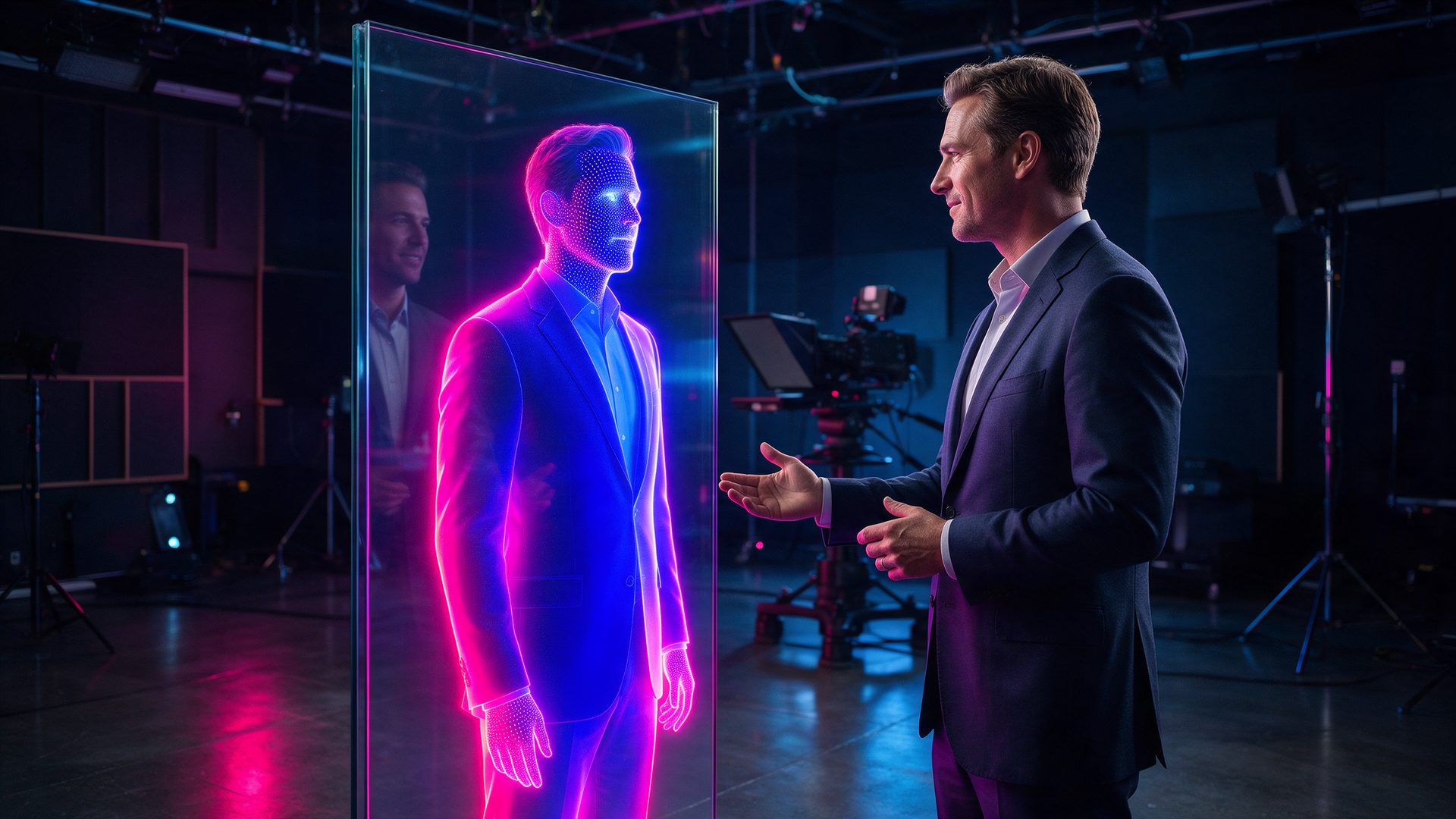
You record yourself once, and a digital twin presents every video after that. This HeyGen review checks what the twin really costs per minute.

Filming yourself is slow. You need light, a quiet room and several takes. HeyGen promises to skip all of that, so this HeyGen review looks at the avatars, the plans and the credit math.
The company says it now has 30 million users. As a result, searches for HeyGen AI, sometimes typed as Hey Gen, keep climbing. However, the pricing page is easy to misread.
So the checks behind this HeyGen review followed three questions. First, what is free? Second, how far do 600 credits go? Finally, where do paying users complain?
What Is HeyGen?
So, what is HeyGen? It is an AI video platform that turns a script into a video with a talking presenter. For example, you type the text, pick an avatar and export the clip.
Joshua Xu and Wayne Liang founded the company in late 2020 under the name Surreal. Later, it moved its headquarters to Los Angeles. Today its homepage headline reads “AI videos starring you, made in minutes”.
In addition, the product has grown past avatars. The same account now covers voice cloning, video translation, a prompt-driven Video Agent and a full editor called AI Studio.
Who Is HeyGen For?
Three groups get the most from it, and their needs differ.
Marketers use it for ads and social clips without a camera crew. Meanwhile, training teams turn slide decks into presenter-led lessons. Finally, founders and coaches clone themselves to publish more often.
However, it is a poor fit for some users. Filmmakers who want cinematic scenes should look at pure video models instead. Likewise, anyone who needs long videos every week will hit the credit limit fast.
How Does HeyGen Work?
Four parts of the platform do most of the work. Here is what each one does and where the limits sit.
AI Avatars and Avatar V: Where This HeyGen Review Began

First of all, avatars are the core product. You can pick a stock presenter or build a custom one from a short recording of yourself. HeyGen calls these custom presenters digital twins.
On April 15, 2026, the company announced Avatar V, its newest avatar model. According to HeyGen, it keeps voice, gestures and expressions consistent across long videos. However, that claim comes from the company itself.
HeyGen Avatar Voice Cloning
A twin needs a voice. Therefore, HeyGen pairs the avatar with an AI voice clone built from your own audio. Voice cloning starts on the Creator plan.
In addition, you can type a new script at any time, and the clone reads it. Still, only clone a face and a voice that you own or have clear permission to use.
Video Translation in This HeyGen Review
Video translation is the second big draw. You upload a finished video, and HeyGen dubs it into another language with matching lip movement. The site lists more than 175 languages and dialects.
For creators with a global audience, this feature saves real money. However, the free plan covers only about 30 languages, so the full list needs a paid plan.
Video Agent and AI Studio
Video Agent builds a draft video from a single prompt. Meanwhile, AI Studio is the editor where you change scenes, text and timing by hand.
Besides that, the platform converts text, images, audio, slides and PDFs into video. In 2026 it also added the Seedance 2.0 model and an open-source framework called HyperFrames for developers.
HeyGen Review in Practice: How Good Is It?

In daily use, realism is the best reason to pay. Faces hold up in a normal talking-head frame, and lip sync stays tight in most languages. For a quick explainer, most viewers will not stop to question it.
The harder part is the meter. Third-party pricing guides, such as the one from Creatify, put the newest avatar models at about 20 credits per minute. So the 600 credits on Creator buy roughly 30 minutes a month.
In addition, every new render spends credits again. Because of this, a typo you fix after export costs the same as a fresh video. For this HeyGen review, that habit drained a plan fastest.
User feedback tells a similar story. On Trustpilot, HeyGen holds a 4.1 score from more than 4,200 reviews, and 68% of them are five-star. The complaints, on the other hand, mention unexpected credit use, daily generation limits and frequent layout changes.
HeyGen Pricing Review: Is HeyGen Free?
HeyGen pricing has four public tiers plus Enterprise. Every price in this HeyGen review comes from the official pricing page, checked on October 7, 2026 with monthly billing.
| Plan | Price |
|---|---|
| Free | $0, 3 videos a month, up to 1 minute each |
| Creator | $29 a month, 600 credits, videos up to 30 minutes |
| Pro | $49 a month, 1,000 credits, 4K export |
| Business | $149 a month plus $20 per extra seat, 1,500 credits |
| Enterprise | Custom |
Is HeyGen free? Yes, the Free plan costs nothing and gives you three videos a month. However, each one stops at one minute and carries a watermark.
Therefore, Creator is the first plan most people can publish with. It removes the watermark and adds voice cloning, 1080p export and the full language list. Pro then raises export to 4K and adds 400 more credits.
HeyGen Pricing for Teams
Business is built for teams. It allows videos up to 60 minutes and includes five custom avatars. In addition, it brings shared workspaces, single sign-on and SCORM export for training systems.
Two details deserve attention. First, yearly billing lowers Creator to $24 a month. Second, credits are shared across every feature, so translation and avatars draw from one pool.
Is there a HeyGen promo code? We hold no exclusive code right now. Instead, the yearly discount is the one saving the pricing page itself confirms.
HeyGen vs Synthesia: What This Review Compared
HeyGen vs Synthesia is the comparison most buyers make, and the two tools overlap a lot. Both turn a script into a presenter-led video.
First, HeyGen leans toward creators and marketers. It moves fast, pushes its digital twins and ships new models often. Synthesia, by contrast, is known mainly for corporate training and internal communication.
So which should you pick? Choose HeyGen when you want your own face on social clips and ads. Instead, choose Synthesia when a large company needs templated training videos at scale.
Is HeyGen Legit? What This Review Checked
Yes, HeyGen is a legitimate and well-funded company. In 2024 it raised $60 million in a round led by Benchmark, as Maginative reported. In June 2026 the company said it had passed $200 million in annual recurring revenue.
Is HeyGen safe to use? For normal work, yes. HeyGen also says 85% of the Fortune 100 use the product. Still, avatar and voice cloning carry obvious risks, so get written consent before you copy anyone.
Two caveats stand. First, the user and revenue figures come from the company. Second, review scores differ a lot by site, so read the recent complaints before you pay for a year.
HeyGen Review: Alternatives Worth Comparing
HeyGen vs InVideo AI

InVideo AI builds a full video from a prompt, with stock footage, music and a voiceover. It suits faceless channels that do not need a presenter.
Choose it when the story is the product. Our InVideo AI review covers its plans and limits.
HeyGen vs Fliki

Fliki turns a script or blog post into a video with a voiceover and stock scenes. It is simpler and usually cheaper to start with.
In contrast, HeyGen gives you a far more convincing human presenter.
HeyGen vs D-ID

D-ID is best known for talking photos. You upload a still image, and it animates the face to match your audio.
It works well for short clips. However, HeyGen offers a deeper editor and full-body digital twins.
HeyGen Review Scorecard: Where It Excels and Where It Falls Short
Pros
- Realistic avatars and digital twins built from a short recording
- Video translation into more than 175 languages and dialects with lip sync
- Free plan with three one-minute videos a month to test the core tools
- Voice cloning, Video Agent and a full editor in one account
- Business plan adds SSO, SCORM export and videos up to 60 minutes
Cons
- Credits drain quickly, since the newest avatars use about 20 credits per minute
- Free videos carry a watermark and stop at one minute
- Every re-render spends credits again, even for a small fix
- Trustpilot complaints mention unexpected credit use and daily generation limits
- 4K export is locked to the $49 Pro plan and above
HeyGen Review Verdict: Is It Worth It?
Is HeyGen worth it? For anyone who publishes presenter-led video, yes. It is the fastest way we know to put a believable face on a script.
For example, Creator is enough for a solo marketer who posts a few short clips a week. Pro makes sense once you need 4K. On the other hand, casual users should stay on Free and learn the editor first.
The short answer from this HeyGen review: buy it for the twin, and plan around the meter. Lock the script before you render, and 600 credits last the month. Render first and edit later, and the same plan is gone in a week.
Want More After This HeyGen Review?
HeyGen is one of many tools that can clone a presenter. Our guide to the best AI avatar generators compares the main options, with prices for each.
Need scenes instead of a talking head? The best AI video generators collection covers the platforms that create footage from a prompt. Also, our ElevenLabs review explains the voice side in detail.
Frequently Asked Questions
What is HeyGen?
HeyGen is an AI video platform founded in 2020. It turns a script into a video with a realistic avatar. In addition, it offers voice cloning, video translation and a prompt-driven Video Agent.
Is HeyGen free?
Yes, HeyGen has a Free plan with three videos a month. However, each video is limited to one minute and carries a watermark. Paid plans remove both limits.
How much does HeyGen cost?
HeyGen pricing starts at $29 a month for Creator and $49 for Pro. Business costs $149 a month plus $20 for each extra seat. Meanwhile, yearly billing lowers Creator to $24 a month.
How many minutes do 600 HeyGen credits buy?
Third-party guides put the newest HeyGen avatar models at about 20 credits per minute. Therefore 600 credits cover roughly 30 minutes of video. Simpler features can cost less.
Is HeyGen safe and legit?
HeyGen is a legitimate company based in Los Angeles and backed by Benchmark. For everyday video work it is safe. Still, only clone a face or voice with clear consent.
Is there a HeyGen promo code?
We do not hold an exclusive HeyGen promo code at the moment. However, yearly billing lowers the Creator plan from $29 to $24 a month on the official pricing page.
Who owns HeyGen?
HeyGen is a private company led by co-founder and chief executive Joshua Xu. He started it with Wayne Liang in late 2020. Also, Benchmark led its $60 million round in 2024.