Cartoon story channels pull millions of views without a single animator. This AutoDraft AI review looks at the tool behind many of them.
Kids tales, horror shorts and moral stories in simple 2D animation are one of the quiet giants of YouTube. AutoDraft AI sells itself as the studio for exactly that kind of channel. This AutoDraft AI review checks what the tool really does, what it costs and where it still needs a human hand, because the name is climbing search trends right now.
Searches show up in several spellings, from autodraft ai to auto draft ai. One warning first: the official site lives at autodraft.in. The autodraft.ai address is a parked domain that has nothing to do with the product, so type the right one.
What Is AutoDraft AI?
What is AutoDraft AI? It is an AI animation tool built by All Bots Technologies, a startup founded in 2023 in Bengaluru, India. The company pitches it as the best AI animation tool for YouTubers. In practice, it bundles everything a cartoon story channel needs into one workspace: characters, backgrounds, voices, sound and an editor.
The product started out as a generator for comics, webtoons and animation art. That heritage still shows in features like text to image, storyboard to image and image stylization. Today, however, the focus is clearly on finished cartoon videos. The homepage claims more than 400,000 creators and over 1,500 monetized channels, figures that come from the company itself.
Who Is AutoDraft AI For?
AutoDraft AI suits creators who run, or want to start, an animated story channel. Think bedtime stories, horror tales, moral lessons and simple explainers, often in Hindi or English. Small animation studios can also use it to speed up background and character turnaround work, since it keeps one art style across a whole series.
On the other hand, it is not a tool for photorealistic footage, talking avatars or product ads. Anyone who wants a polished, film grade 3D look should look at a different category of video generator altogether.
How Does AutoDraft AI Work?
This part of the AutoDraft AI review walks through the workflow as the company documents it. You pick a studio, write or generate a story, build the characters and scenes, and then refine the result on a timeline.
Animation, Cinema and Whiteboard Studio

Three studios cover three video styles. Animation Studio handles classic 2D cartoon stories, Cinema Studio aims at a more cinematic look, and Whiteboard Studio produces the hand drawn explainer format. All three appear on the free plan, which makes testing easy.
An AI story generator can draft the plot for you. Afterwards, an AI SEO generator and a thumbnail maker help package the upload, so the tool covers the whole path from idea to YouTube.
AI Characters and Consistent Backgrounds

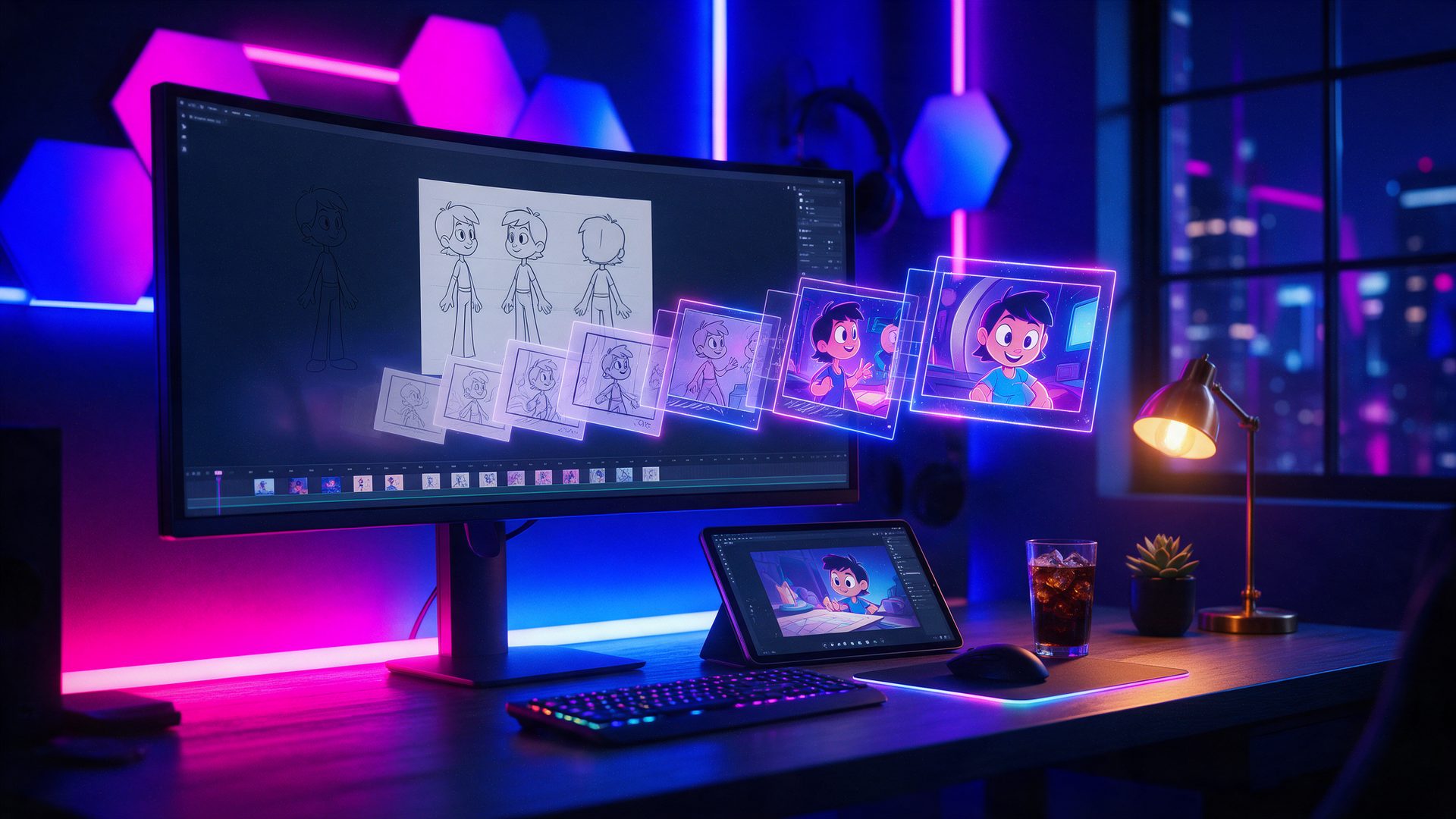
Characters come from text prompts, and the tool can produce character turnaround sheets for animators. Backgrounds can start from a prompt, a storyboard, a rough sketch or a flat colored image. AutoDraft AI then renders them in one of more than 100 consistent styles.
Style consistency is the real selling point here. A series looks like a series, rather than a patchwork of random AI images. Still, independent reviewers note that custom characters can drift between generations, so plan for a few retries.
Voiceover, Lip Sync and Action Controls
The editor gives fine control over movement. The company lists more than 1,000 action controls, over 100 expressions with lip syncing, custom props, and primary plus secondary animations. In addition, effects, chroma key and layer management sit in the same timeline.
For sound, there are hundreds of AI voice presets on every plan. Paid plans add AI voice cloning, AI sound effects and a copyright free music library. As a result, a finished episode needs no second app for narration.
Custom Models for Studios
Studios with their own art style can have AutoDraft AI train a custom model on it. This sits on the Enterprise tier and runs through the company team, not a self service button. For a channel with a recognisable look, it is the feature that protects brand consistency.
AutoDraft AI Review in Practice: How Good Is It?
Judged on its promise, the verdict of this AutoDraft AI review is positive but careful. Few tools target the cartoon story niche this directly, and the free tier is generous enough to learn the workflow. Exports go up to unlimited 4K cloud downloads on paid plans, which helps on YouTube.
Public feedback is thin, however. On Product Hunt the tool sits at 3 out of 5 from only two reviews. One user praises the text to animated character feature, while others call the process complicated and the animation quality uneven. A separate directory reports that three in four of its 16 reviewers recommend it.
What to Check Before You Commit
First, the terms of service say every payment is non refundable, including unused credits. Second, a free trial may ask for a payment mandate and then renews into a paid plan unless you cancel in time. Finally, the terms let the company showcase content you create for promotion, so keep that in mind for client work.
AutoDraft AI Pricing Review: Is AutoDraft AI Free?

Every price in this AutoDraft AI review comes straight off the official pricing page, read on October 2, 2026. There is a free plan with 20 credits to get started and no card required. The paid plans, however, come in two price lists depending on where you open the page.
| Plan | Price |
|---|---|
| Free | $0, 20 free credits, all three studios, AI voiceover |
| Base | $27/month on one price list, $10/month on the lower regional list (1,000 credits a month) |
| Pro | $105/month on one price list, $39/month on the lower regional list (4,000 credits a month) |
| Yearly billing | Save 20%, for example Base $8/month and Pro $32/month on the regional list |
| Enterprise | Custom quote, includes custom model training |
Our cloud screenshot service saw $27 and $105, while a browser in Europe saw $10 and $39 for the same plans, so check the checkout screen before you pay. Both paid tiers add voice cloning, sound effects, a music library, premium assets and feedback on your uploaded YouTube videos. Yearly plans bundle the credits per year instead, with 12,000 on Base and 50,000 on Pro. For a first channel, Base on monthly billing is the safest start.
AutoDraft AI Review: How It Compares to MagicLight AI
MagicLight AI is the closest rival, and our MagicLight AI review covers it in depth. Both tools turn a story into an animated video with recurring characters. MagicLight AI leans on big video models and promises single videos of up to 50 minutes.
AutoDraft AI, by contrast, behaves more like a lightweight animation studio. You control poses, expressions, props and layers on a timeline, and the art style stays locked. Choose MagicLight AI for long, hands off story films. Choose AutoDraft AI when you want to direct each scene yourself.
Is AutoDraft AI Legit? What This Review Checked
Is AutoDraft AI legit? For this AutoDraft AI review the company details were checked as well. The product belongs to All Bots Technologies Private Limited, an Indian startup with listed pre seed funding, a public team on Product Hunt and apps for Android and iOS. It also runs an open affiliate program for YouTube creators.
Legit does not mean risk free, though. Payments are non refundable under the terms, and the official FAQ answers did not load when we tested the site. So start on the free plan, keep a record of any trial you start, and cancel before it renews if the tool is not for you.
AutoDraft AI Review: Alternatives Worth Comparing
AutoDraft AI vs StoryShort

StoryShort builds faceless story videos for TikTok, Shorts and YouTube and can post them on autopilot. It wins for daily short form output, whereas AutoDraft AI gives far more control over each animated scene.
AutoDraft AI vs Revid

Revid turns scripts, links and trends into short viral clips with voiceover and captions. It is quicker for social content, while AutoDraft AI fits channels that publish longer cartoon episodes with recurring characters.
AutoDraft AI vs MagicLight AI

MagicLight AI generates long animated story films from one prompt with several video models behind it. Pick it when you want less manual work, and AutoDraft AI when you want a steady art style and frame by frame direction.
AutoDraft AI Review Scorecard: Where It Excels and Where It Falls Short
Pros
- Built squarely for cartoon story channels on YouTube
- A real free plan with all three studios and AI voiceover
- Over 100 consistent art styles, plus storyboard and sketch to background
- Fine animation control with 1,000+ actions, expressions and lip sync
- Story, SEO and thumbnail helpers in the same workspace
- Web, Android and iOS apps, plus custom model training for studios
Cons
- Two different price lists by region, which makes costs hard to compare
- All payments are non refundable, including unused credits
- Custom characters can drift between generations
- Very few independent user reviews so far
AutoDraft AI Review Verdict: Is AutoDraft AI Worth It?
The short answer from this AutoDraft AI review: yes, if you run a cartoon story channel and want to stay in control of the look. Few tools combine locked art styles, character tools, voice and a real animation timeline in one place. Because the free plan covers the core studios, you can test the fit at no cost.
What this AutoDraft AI review kept coming back to is caution with money. Prices differ by region, payments are final, and trials can roll into a paid plan. So stay on the free tier until you have finished one full episode, then pay monthly.
Treat it as a small animation studio in a browser rather than a push button video machine. Used that way, it can turn a story idea into a channel that actually ships every week.
Want More AI Video Tools After This AutoDraft AI Review?
This AutoDraft AI review covers one option in a fast moving field, so compare it before you commit. Our Best AI Video Generators collection lines up the main platforms and shows which one suits which job.
Working on a tight budget? The Best Free AI Video Generators round-up covers what you can make without paying. For playful character animation from a single photo, our Viggle AI review is a good next read.
AutoDraft AI Review FAQ
What is AutoDraft AI?
AutoDraft AI is an AI animation tool from India for YouTube creators. It makes 2D cartoon videos with AI characters, consistent backgrounds, voiceover and lip sync.
Is AutoDraft AI free?
Yes. The free plan gives 20 credits, all three studios and AI voiceover with no card required. Paid plans add more credits, voice cloning and 4K downloads.
How much does AutoDraft AI cost?
Base costs $27 a month and Pro $105 a month on one price list, or $10 and $39 on the lower regional list. Yearly billing saves 20%.
Is there an AutoDraft AI app or APK download?
Yes, AutoDraft AI runs on Android and iOS as well as the web. Install it from Google Play or the App Store rather than an APK file from another site.
Is there an AutoDraft AI coupon code?
The pricing page has an Apply coupon field, but we found no public code. Watch the official Telegram and Discord channels for promotions.
Can I get a refund from AutoDraft AI?
No. The terms say all payments are non refundable, including unused credits. Cancel a trial before it renews if you do not want the paid plan.
Is autodraft.ai the official AutoDraft AI website?
No. The official site is autodraft.in. The autodraft.ai domain is parked and unrelated, so do not enter any details there.