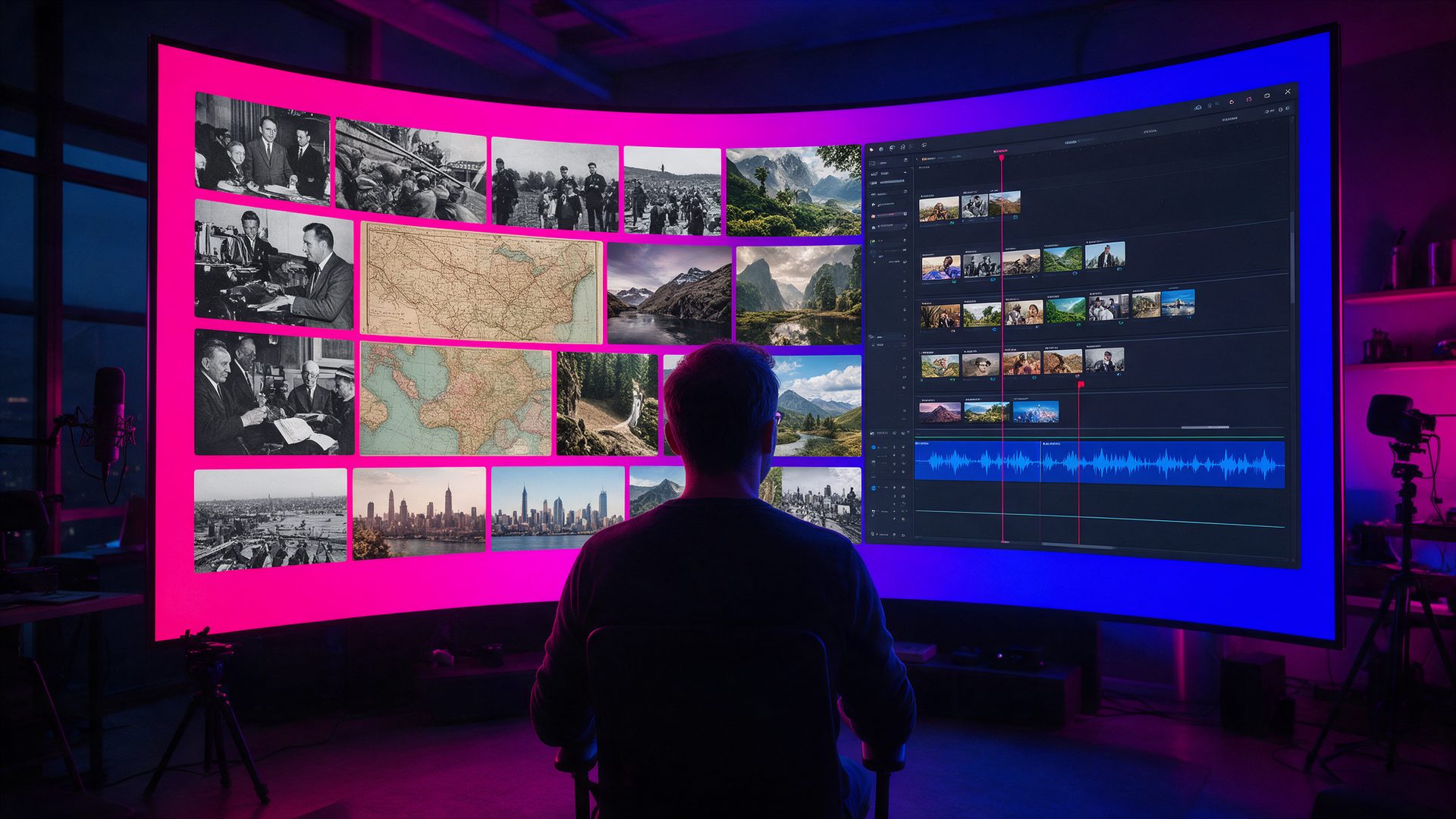
A twenty minute documentary used to take a week of editing. This VidRush AI review checks the tool that promises one in under an hour.
Faceless YouTube channels live or die on output. One history or finance documentary can eat days of research, scripting, voice work and editing, and VidRush AI claims to do all of it from a single brief. This VidRush AI review looks at that claim, because it is the reason the name is suddenly climbing search trends.
The pitch is simple: describe the video, approve a plan, and get back a finished long-form video with narration, footage and cuts. However, the price starts at $99 a month and there is no free plan. So this review weighs what you actually get for that money, where the output still needs a human, and which channels should not bother.
What Is VidRush AI?
So, what is VidRush AI? It is a browser-based AI video generator built for one job: long-form YouTube videos. Its own FAQ is unusually direct about the scope. VidRush makes Documentary and Top 10 videos between 6 and 60 minutes, built from real footage it finds about your subject.
That focus sets it apart from clip generators such as Kling or Veo, which invent a few seconds of new footage. VidRush instead acts like a small production team: it researches the topic, writes the script, records an AI voiceover, picks matching footage and cuts it all together. The company, VidRush AI Studios, also lists a separate avatar product called Persona I and an enterprise tier called Atlas, which is still marked as coming soon.
You may also see it written as vidrush.ai or Vid Rush. They are the same product, and there is no separate mobile app at the moment: everything runs in the browser.
Who Is VidRush AI For?
VidRush AI is aimed at faceless channel operators who publish long videos on a schedule. Its FAQ names the niches where it works best: history, finance, true crime, science and nature, geopolitics, machines and transportation, and educational explainers. The rule of thumb the company gives is useful. If you can find 20 or more minutes of real footage about a topic online, VidRush can produce it well.
On the other hand, it is the wrong tool for vlogs, gaming, reaction videos, software tutorials and anything vertical. In other words, if your plan is YouTube Shorts, TikTok or Reels, look elsewhere, because VidRush does not make them.
How Does VidRush AI Work?
This part of the VidRush AI review follows the workflow as the official documentation describes it. There are three phases: you write a brief, you confirm a plan, and the cloud renders the video. After that, everything opens in an editor.
One Brief In: Research, Script and Voiceover

You start with a brief that sets the format, the length and the title. Alternatively, you can paste a finished script of up to 60 minutes, or upload your own narration as an MP3 or WAV file. VidRush then researches the topic, writes or adapts the script and picks a voice from a library of more than 100 AI voices from ElevenLabs and Cartesia.
One detail is easy to miss. Bringing your own voiceover does not lower the credit cost, because credits cover the whole production pipeline. As a result, the savings from recording your own narration are creative, not financial.
The Quote Statement: See the Cost Before You Spend
Before anything renders, VidRush shows a Quote Statement. It lists how the tool understood your brief, the settings it will use and an estimate of the credits the video will cost. You confirm it, or you change the brief first.
This is the feature that most credit-based video tools lack. Instead of discovering the cost after a failed render, you see it up front, and that makes budgeting a channel far more predictable.
Real Footage, Not AI Footage
VidRush is clear that nothing in its videos is AI-generated footage. The tool sources visuals from licensed stock libraries and from the web, guided by your brand settings, and you can blacklist or whitelist sources. The docs say the stock footage and music are cleared for commercial use, so the videos are safe to monetize.
Even so, the script itself remains your responsibility. In addition, YouTube expects you to switch on the altered or synthetic content label when you upload, since the narration is an AI voice.
Style Matching, the Editor and Rush Agent
Point VidRush at your channel and it studies the pacing, type and motion of your existing videos. It saves that as a brand profile, together with your language, voice and compliance rules, so every new video looks like it belongs on the channel.
When the first cut is ready, it opens in a timeline editor with drag-and-drop, a media library and text overlays. You can swap clips, retime cuts, fix captions or replace the audio without starting over. Meanwhile, Rush Agent lets you request the same edits in plain language through chat.
VidRush AI Review in Practice: How Good Is It?

Judged on its narrow promise, the verdict of this VidRush AI review is positive. The company itself says the output gets you about 80% of the way, and the editor handles the rest. That is an honest framing, and it matches what paying users describe. VidRush holds a TrustScore of 4.3 out of 5 on Trustpilot across 49 reviews, with 84% five stars.
The praise centres on speed and support. Reviewers describe videos finished in one or two hours instead of days, and several name a support agent who solved their problems personally. Meanwhile, the critical reviews are specific: buffering in the editor, glitchy audio, irrelevant clips and long still images that hurt viewer retention.
What to Check Before You Commit
First, access is not instant. The docs say VidRush is in a controlled access phase, so new accounts come through a waitlist or an invitation. Second, refunds cover only technical failures, such as corrupted files or missing narration, never creative results. Finally, German and Spanish are newer than English, and the docs suggest a review pass before you publish in those languages.
VidRush AI Pricing Review: Is VidRush AI Free?
Every price in this VidRush AI review comes straight off the official pricing page, read on October 1, 2026. Is VidRush AI free? No: there is no free plan and no free trial, and the docs say so directly. VidRush AI pricing is credit-based, and each plan converts credits into an approximate number of finished minutes.
| Plan | Price |
|---|---|
| Starter | $99/month: 2,000 credits, about 45 minutes or 6 videos, 1 concurrent generation |
| Creator | $239/month: 6,000 credits, about 136 minutes or 23 videos, 1 team seat, 2 concurrent generations |
| Pro | $639/month: 18,000 credits, about 409 minutes or 68 videos, 3 team seats, 3 concurrent generations |
| Yearly billing | 20% off: $2.18, $1.75 or $1.56 per finished minute |
The pricing page adds that unused credits roll over, up to 1.5 times your monthly allowance. The cost per minute also depends on the model you pick: Deep Video v1 Mini, Deep Video v1 Pro or the Persona I avatar model. For a channel that publishes one or two long videos a week, Starter is the realistic entry point. Creator makes sense once you publish daily or run more than one channel.
VidRush AI Review: How It Compares to InVideo
InVideo is the tool most readers weigh against VidRush, and Google Trends shows the two are often searched together. InVideo turns a prompt into a narrated video from stock and generated shots, and it covers short and long formats at a much lower entry price. Our InVideo AI review covers its free plan and limits.
VidRush is narrower and more expensive, but it goes deeper on one format. Choose InVideo for ads, explainers and Shorts. Choose VidRush when the product is a 20 minute documentary that has to hold attention.
Is VidRush AI Legit? What This Review Checked
Is VidRush AI legit? For this VidRush AI review the company details were checked too. The site footer names VidRush AI Studios LLP, the Trustpilot listing places the company in the United Arab Emirates with support at support@vidrush.ai, and the docs credit founder Noah Morris and the VidRush team. The company replies to every negative Trustpilot review, which is a good sign.
Treat the homepage numbers, such as 100K+ creators and 3 billion long-form views, as company claims rather than audited figures. Also note the billing complaints: a few reviewers found refunds hard to get and cancellation confusing. Read the refund policy first, and remember that you can pause a subscription for up to three months instead of cancelling.
VidRush AI Review: Alternatives Worth Comparing
VidRush AI vs Pictory

Pictory turns scripts, articles and long recordings into narrated videos with stock footage and captions, and it costs far less to start. It suits blogs and podcasts repurposed as video; our Pictory AI review tests it in detail.
VidRush AI vs StoryShort

StoryShort is built for faceless short-form channels and can publish to TikTok, Shorts and YouTube on autopilot. It covers exactly the vertical formats that VidRush refuses to make.
VidRush AI vs MagicLight AI

MagicLight AI also makes long videos, up to 50 minutes, but it animates invented characters instead of using real footage. Pick it for story channels; our MagicLight AI review explains its credit system.
VidRush AI Review Scorecard: Where It Excels and Where It Falls Short
Pros
- Built for long-form YouTube, with Documentary and Top 10 videos from 6 to 60 minutes
- A Quote Statement shows the credit cost before every render
- Real, licensed footage instead of AI-generated clips, cleared for monetization
- Brand profiles copy your channel’s pacing, voice and visual style
- Full timeline editor plus Rush Agent chat edits, no need to start over
- TrustScore of 4.3 out of 5, with support that users praise by name
Cons
- No free plan or free trial, and plans start at $99 a month
- Access is controlled through a waitlist or an invitation
- No Shorts, Reels, vlogs, gaming or tutorials
- Refunds only for technical failures, and some users report clunky cancellation
VidRush AI Review Verdict: Is VidRush AI Worth It?
The short answer from this VidRush AI review: it is worth it for one kind of creator. If you run a faceless channel in history, finance, true crime or science and publish long videos every week, VidRush can replace a freelance editor at a fraction of the cost per video.
What this VidRush AI review kept coming back to is fit. Outside its niches, the tool is the wrong purchase, and with no free trial you only find that out after paying. So check the niche list and the refund policy first, then start on Starter and keep the first videos short.
Used as an 80% first draft that you polish in the editor, VidRush turns a week of documentary work into an afternoon. That is the real promise, and it mostly delivers.
Want More AI Video Tools After This VidRush AI Review?
This VidRush AI review covers one option in a fast moving field, so compare it before you commit. Our Best AI Video Generators collection lines up the main platforms and shows which one fits which job.
Not ready for $99 a month? The Best Free AI Video Generators round-up covers what you can make without paying.
VidRush AI Review FAQ
What is VidRush AI?
VidRush AI is a web-based AI video generator for long-form YouTube. It turns a brief or script into a finished documentary or Top 10 video of 6 to 60 minutes, with voiceover and real footage.
Is VidRush AI free?
No. VidRush AI has no free plan and no free trial, according to its own docs. Paid plans start at $99 a month for 2,000 credits, which covers about 45 minutes of video.
How much does VidRush cost?
VidRush costs $99, $239 or $639 a month for Starter, Creator and Pro. However, yearly billing saves 20% and works out between $2.18 and $1.56 per finished minute.
Is there a VidRush referral code or promo code?
We found no public promo code on the official site. VidRush runs a referral and affiliate program instead, so any code you see comes from an individual creator, not from the company.
Can you monetize VidRush videos on YouTube?
Yes. VidRush says its footage and music come from licensed libraries cleared for commercial use. Still, you are responsible for the script, and YouTube expects the synthetic content label.
Is there a VidRush app?
No separate mobile app is listed. VidRush runs in the browser, and new accounts currently come through a waitlist or an invitation while the platform is in controlled access.
What are the best VidRush alternatives?
InVideo and Pictory are cheaper all-rounders with free entry points. In addition, StoryShort covers Shorts and TikTok, and MagicLight AI makes long animated story videos.