
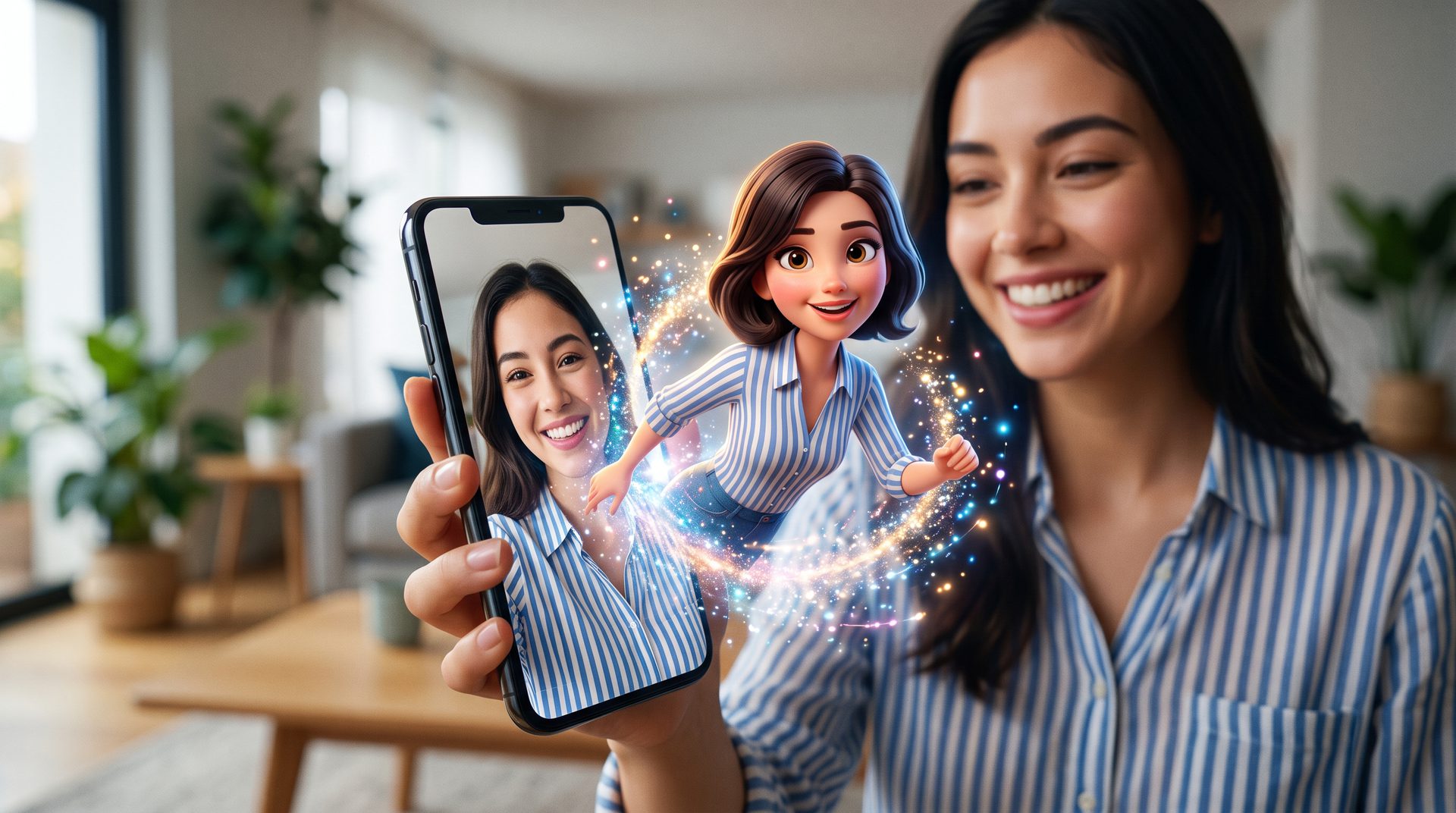
How to Use the Pixar AI Prompt to Become a 3D Pixar Character
Have you seen those adorable 3D cartoon avatars all over your feed? That look comes from the viral Pixar AI prompt, and you can copy it in seconds. First, you upload a selfie. Then the AI rebuilds you as a glossy Pixar-style character.
The trend took over TikTok and Instagram in early 2026. In fact, the question “What would I look like as a Pixar character?” became one of the biggest AI photo trends of the year. People love it because the result still looks like them, just sweeter and rounder.
Moreover, it works in the tools you already have. For example, you can paste the prompt into ChatGPT or Gemini and get a result in under a minute. Both handle the smooth, movie-quality Pixar look really well.
So, are you ready to star in your own animated movie? Below, you will find three copy-paste prompts, plus quick tips to keep your face accurate. Let us turn that selfie into a Pixar hero.
The Best Pixar AI Prompts to Try
Ready to experiment? Here are three Pixar style AI prompts that consistently deliver. First, try the classic character look. Then move on to a full movie scene or a group shot. Just copy a prompt, upload your photo, and hit generate.
Turn yourself into a 3D Pixar character
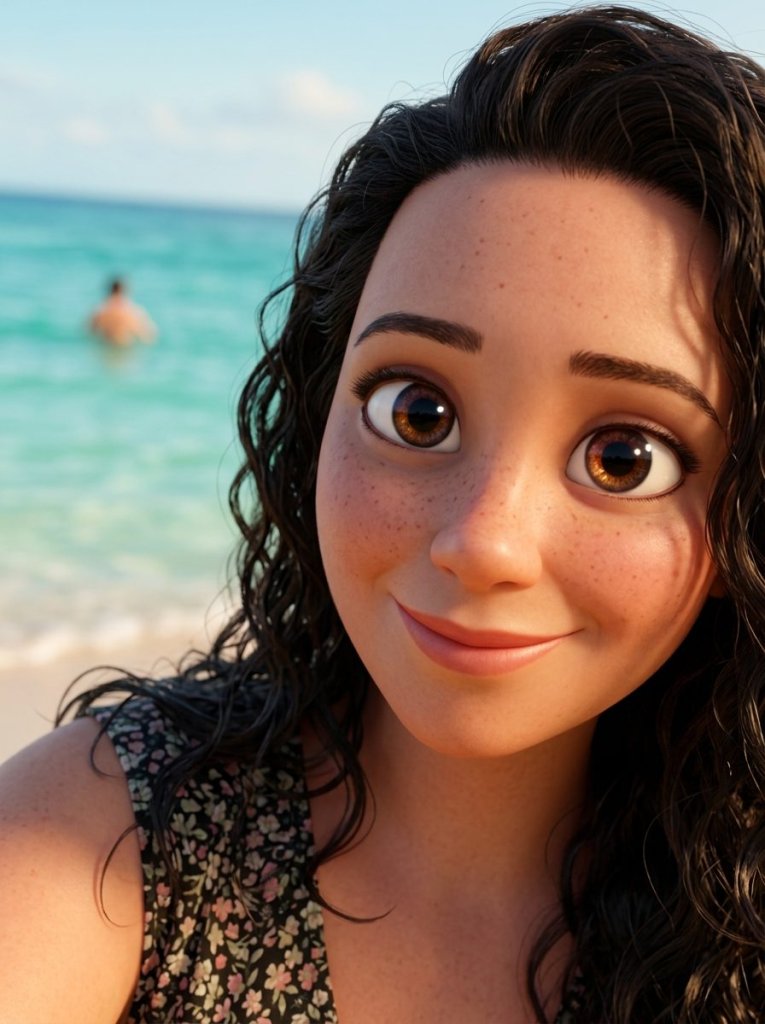
IMAGE PROMPT
Convert this image into a 3D Pixar-style character with smooth, polished rendering and soft cinematic lighting typical of Pixar films.
Keep my face, hairstyle, and outfit exactly the same, but give me slightly exaggerated, expressive features and big, friendly eyes.
Use a clean, colorful background and high-detail, movie-quality texture. Do not change my face.





Tip: Use a clear, well-lit selfie so the AI keeps your face accurate.
Star in your own Disney-Pixar movie scene
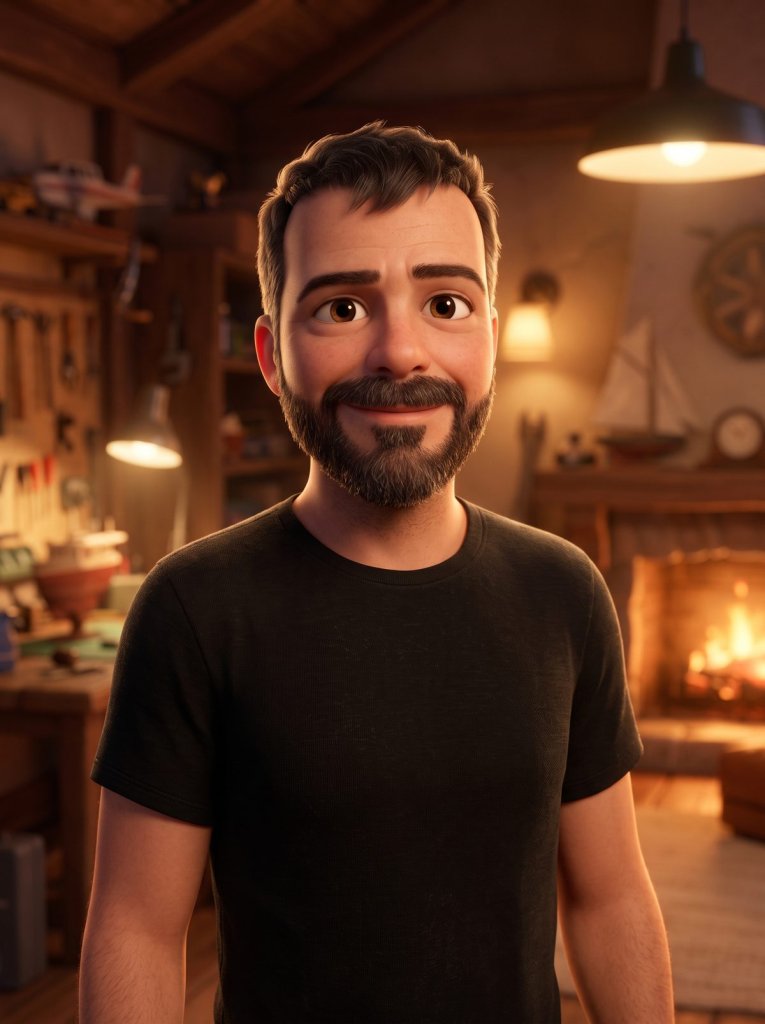
IMAGE PROMPT
Turn this photo into a Disney-Pixar 3D animated movie still.
Place me as the main character in a warm, cinematic scene with soft rim lighting, vibrant colors, and a shallow depth of field.
Preserve my facial features and expression so I still look like myself, just rendered as a lovable Pixar hero.




Tip: Name a setting, such as a cozy kitchen or a magical forest, to make the scene feel like a real film.
Pixar-ify your couple or family photo
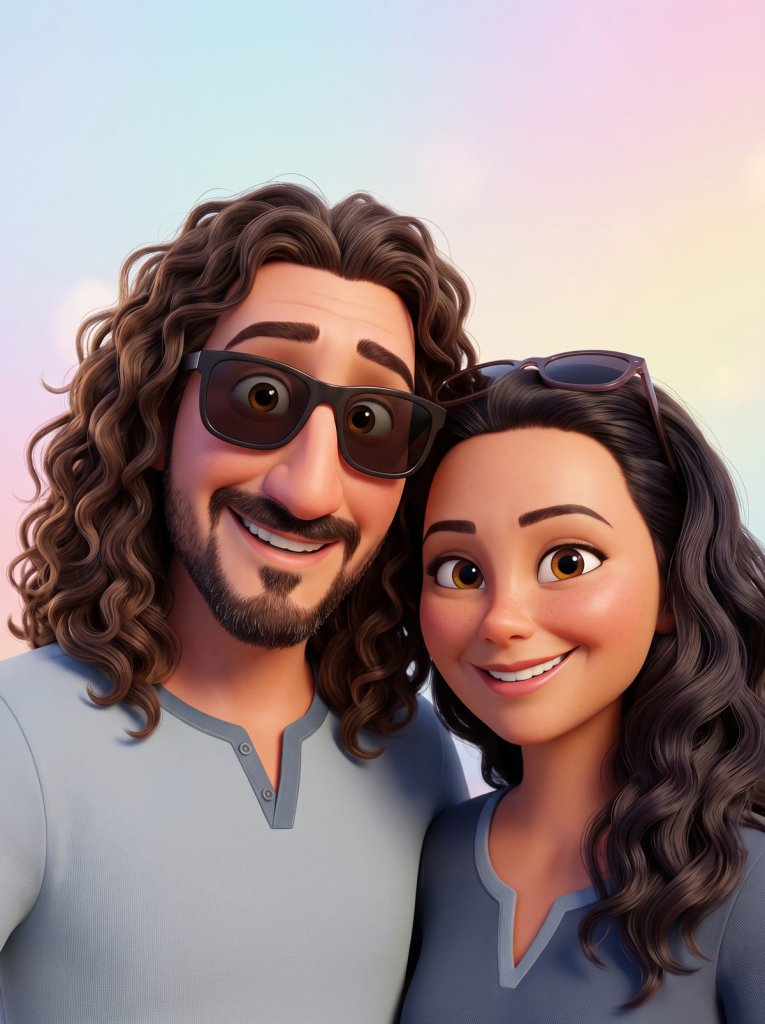
IMAGE PROMPT
Recreate the people in this photo as 3D Pixar-style characters standing together.
Keep each face, hairstyle, and outfit recognizable, add expressive eyes and gentle smiles, and render everything with the smooth, glossy, high-detail finish of a modern Pixar film.
Use soft studio lighting and a simple pastel background.
Tip: Upload a clear group photo where every face is visible for the best likeness.
Now Bring Your Pixar Character to Life
Got your 3D Pixar photo? Then take it one step further. Drop that still into an AI video tool, add the short prompt below, and watch your character come alive — a warm smile, a gentle kiss, soft floating hearts. Here is the exact video prompt.
The video prompt (turn your Pixar photo into a clip)
VIDEO PROMPT
Turn this Pixar image into a short animated clip.
A warm, tender moment with subtle, natural motion, a gentle kiss and soft floating hearts.
Cinematic Pixar-style lighting, gentle blinking and smiles, and keep every face consistent with the original.
Tip: Feed the AI your generated Pixar image as the first frame, then apply this prompt.
Tips for the Best Pixar AI Photos
Do you want your Pixar AI photo to look flawless? Then a few small tweaks make a big difference. First, always add the line “do not change my face” so the AI keeps your features. As a result, you stay recognizable.
In addition, lighting matters. For example, soft, warm light gives that cozy Pixar glow. Moreover, a simple or pastel background keeps the focus on your character. Also, you can name a setting, such as a kitchen, a city street, or a magical forest.
Next, think about the eyes. For instance, slightly bigger, brighter eyes sell the animated look. Meanwhile, a gentle smile makes the render feel friendly. Similarly, mentioning 3D Pixar style or Disney-Pixar helps the AI lock the aesthetic.
Finally, it is your turn. First, pick a prompt and upload your favorite selfie. Then let the AI do the rest. After that, share your character and tag a friend. Above all, have fun and explore our other AI how-to guides on AI Miracle.
Want More?
Loved becoming a Pixar character? Then keep creating. Browse our best AI image generators to nail the 3D look, then bring your character to life with the best AI video generators. After that, your Pixar avatar can wave, smile, and move.
Prompt inspiration is a story from perfectcorp.com — source.
Frequently Asked Questions
Which AI tool is best for the Pixar AI prompt?
Both ChatGPT and Gemini handle the Pixar AI prompt well. Gemini (Nano Banana) is great at keeping your face accurate, while ChatGPT gives a smooth, polished 3D render. So, try both and pick your favorite.
Is the Pixar AI trend free to use?
Yes, you can try it for free. ChatGPT and Gemini both offer free image generation with daily limits. Paid plans simply add faster speed and higher limits.
How do I turn myself into a Pixar character?
Open ChatGPT or Gemini, upload a clear selfie, and paste one of our prompts. Then hit generate. In under a minute, you get your own 3D Pixar-style character.
Can I use a Disney Pixar AI prompt for couples or family photos?
Absolutely. Upload a group photo and use the couple or family prompt above. The AI keeps each face recognizable and renders everyone in the same Pixar style.
Why does the AI change my face?
Sometimes the AI drifts from your features. To fix it, add the line “do not change my face” and use a sharp, well-lit photo. A front-facing selfie works best.
Does the Pixar AI prompt work the same in Gemini and ChatGPT?
Mostly, yes. The wording stays the same, but results vary slightly. Gemini leans realistic, while ChatGPT leans soft and glossy. Feel free to copy and paste the prompt into either one.
What makes a Pixar style AI prompt go viral?
It mixes nostalgia with curiosity. People grew up on Pixar films, so seeing themselves as a character feels personal and fun. That is why these shots get shared so much.