
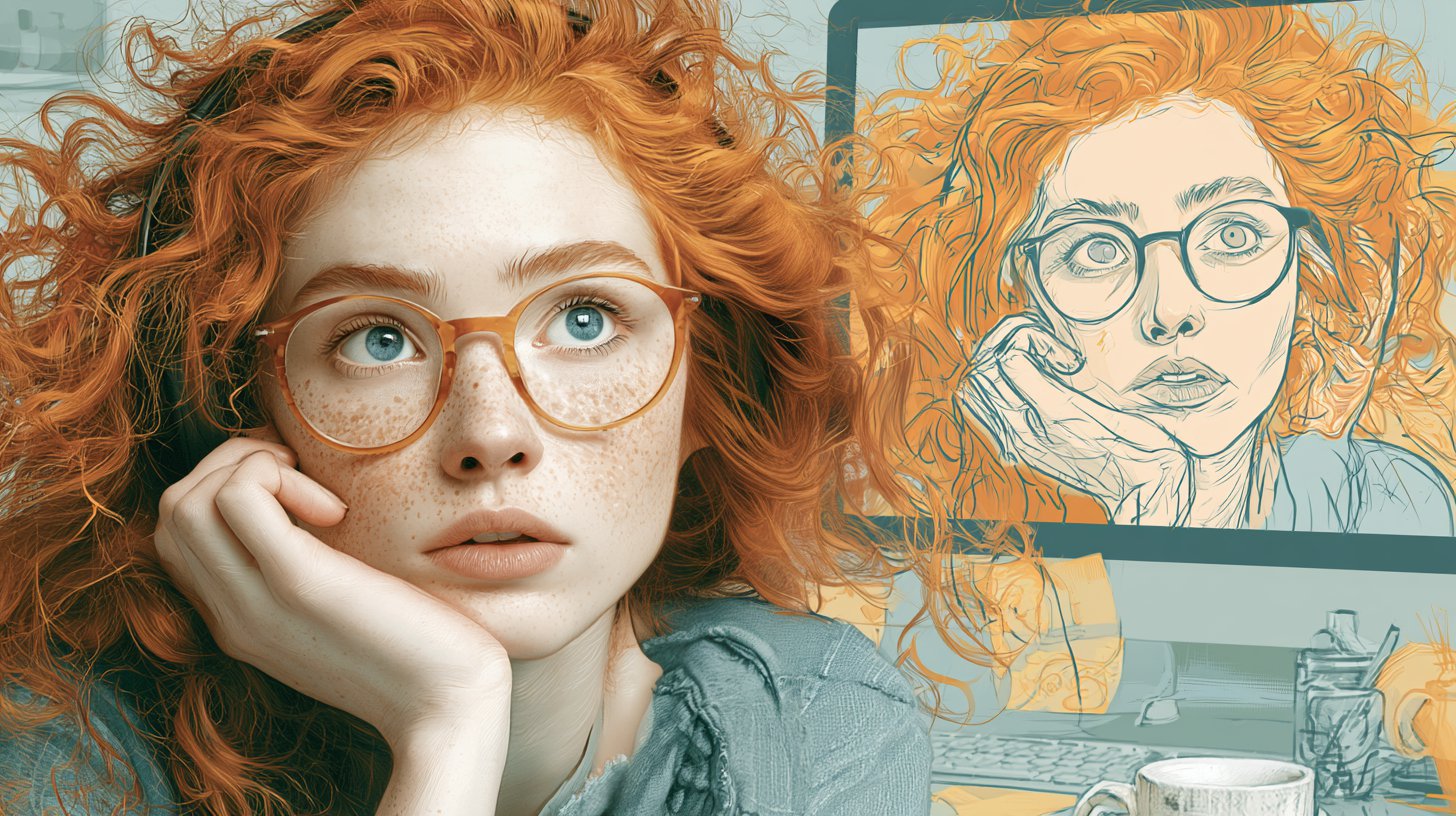
How to Use the ChatGPT Caricature Prompt
Have you seen those funny cartoon selfies all over your feed? That is the ChatGPT caricature prompt, and it is one of the biggest AI photo trends of 2026. First, you upload a clear selfie. Then, you paste a short prompt, and the AI turns you into a playful, exaggerated cartoon.
The idea is simple but clever. Instead of a polished portrait, you get an over-the-top version of yourself, often based on your job or personality. As a result, every image feels personal and a little bit silly.
The trend exploded in February 2026, and it quickly spread across Instagram, TikTok, Facebook, and X. Moreover, you do not need any drawing skills. You just need a photo and the right words.
Below, you will find the exact prompts to copy and paste. So grab a front-facing selfie, and let us turn you into a cartoon.
The Best ChatGPT Caricature Prompts to Try
Ready to start? Here are three caricature prompts that work well. First, try the original viral one. Then, experiment with the job and profile-picture versions. Remember to upload a clear, front-facing photo for the best likeness.
The Original Caricature Prompt
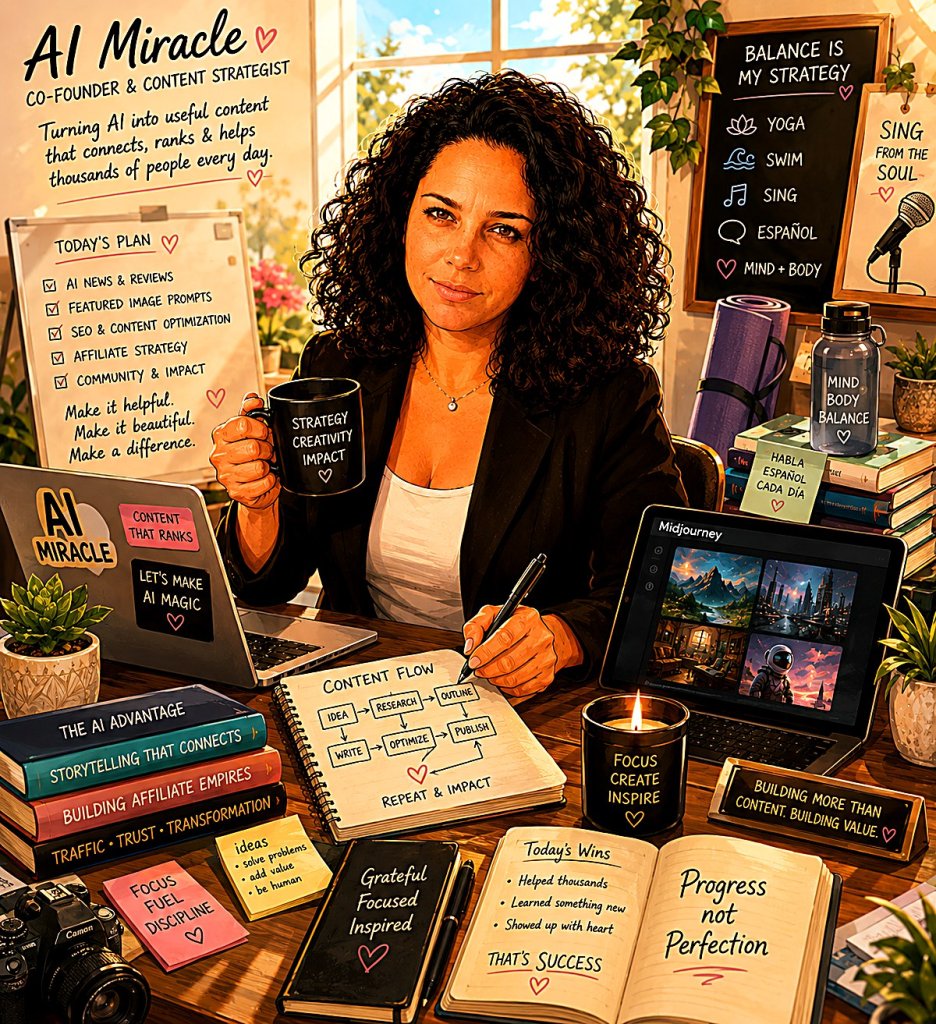
IMAGE PROMPT
Create a caricature of me and my job based on everything you know about me.





Tip: Use a clear, front-facing selfie in good light so the AI keeps your features recognizable.
Caricature Profile Picture Prompt
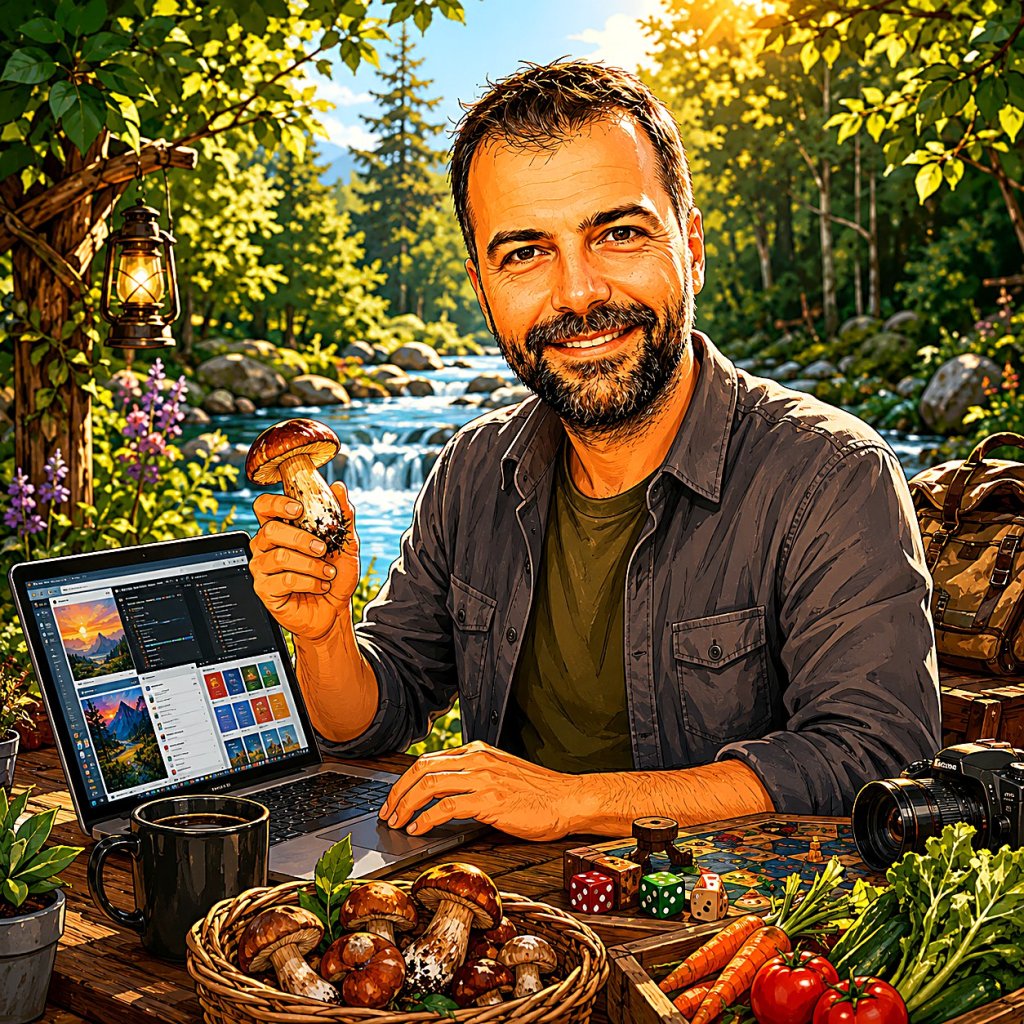
IMAGE PROMPT
Exaggerate facial features for a bright, colorful cartoon-style profile picture, playful expression, preserve identity, dynamic composition, high saturation, eye-catching style
Tip: Crop close to your face so the caricature works as a profile picture.
Caricature of You and Your Job
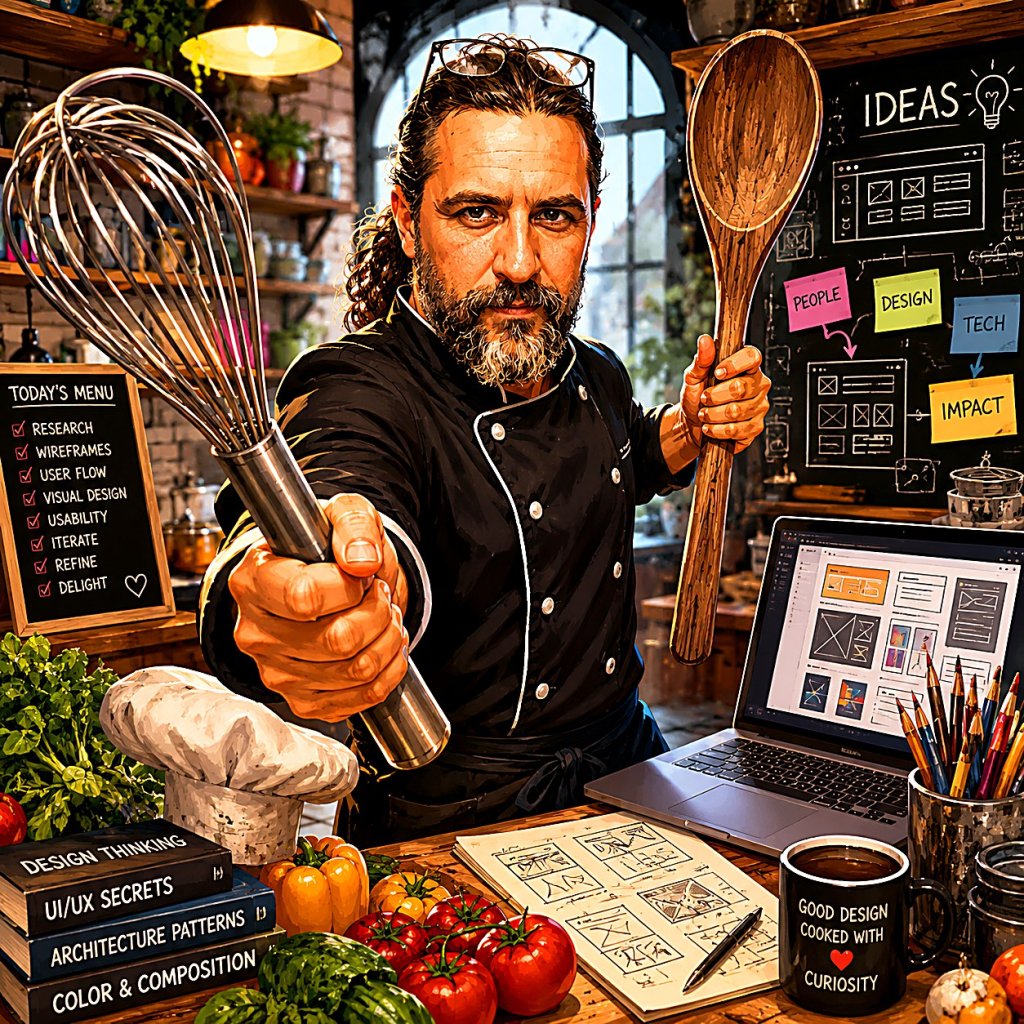
IMAGE PROMPT
Exaggerate features of a chef with giant kitchen tools, playful cartoonish style, humorous expression, emphasize uniform and hat, keep facial identity recognizable, bright colors, dynamic pose, high detail
Tip: Swap chef for your own job, then keep the rest of the prompt the same.
Tips for the Best ChatGPT Caricature Prompt Results
Want a cleaner cartoon? First, pick a sharp, well-lit selfie. Blurry photos confuse the AI, so the features come out muddy.
Next, add details about your job, hobbies, and personality. The more context you give, the more the caricature feels like you. For example, mention your uniform, your tools, or a signature accessory.
If the face looks off, simply try again. Sometimes a second generation fixes it. Also, ask the AI to keep your facial identity recognizable.
That is it. Have fun, share your cartoon, and tag a friend. For more copy-paste ideas, browse our other AI prompt how-to guides.

Want More?
Love turning photos into art? Then explore the best AI image generators to push your caricatures further. And if you want to animate the result, check out the best AI video generators to bring your cartoon to life.
Prompt inspiration is a story from thetab.com — source.
Frequently Asked Questions
Which AI tool is best for the ChatGPT caricature prompt?
ChatGPT writes the prompt, but it sends the image job to an image model. Gemini, Nano Banana, and other generators all work well. Pick the one that gives the most recognizable face.
Is the ChatGPT caricature trend free?
Yes, you can try it for free. ChatGPT and several image tools offer free daily credits. However, paid plans usually generate faster and at higher resolution.
What is the viral ChatGPT caricature prompt?
The original prompt is: Create a caricature of me and my job based on everything you know about me. Copy it, paste it, and add your own details.
Why does my caricature not look like me?
Usually the photo is blurry or poorly lit. Upload a clear, front-facing selfie. Then tell the AI to preserve your facial identity.
Can I make a caricature of me and my job?
Absolutely. Add your profession, your tools, and a personality trait to the prompt. As a result, the cartoon highlights exactly what you do.
Can I do the ChatGPT caricature prompt on my phone?
Yes. The ChatGPT app works on both iPhone and Android. Just upload your selfie, paste the prompt, and download the result.
How do I make a free ChatGPT caricature for a profile picture?
Use the profile-picture prompt above, then crop tight to your face. Bright colors and a simple background make it pop online.