
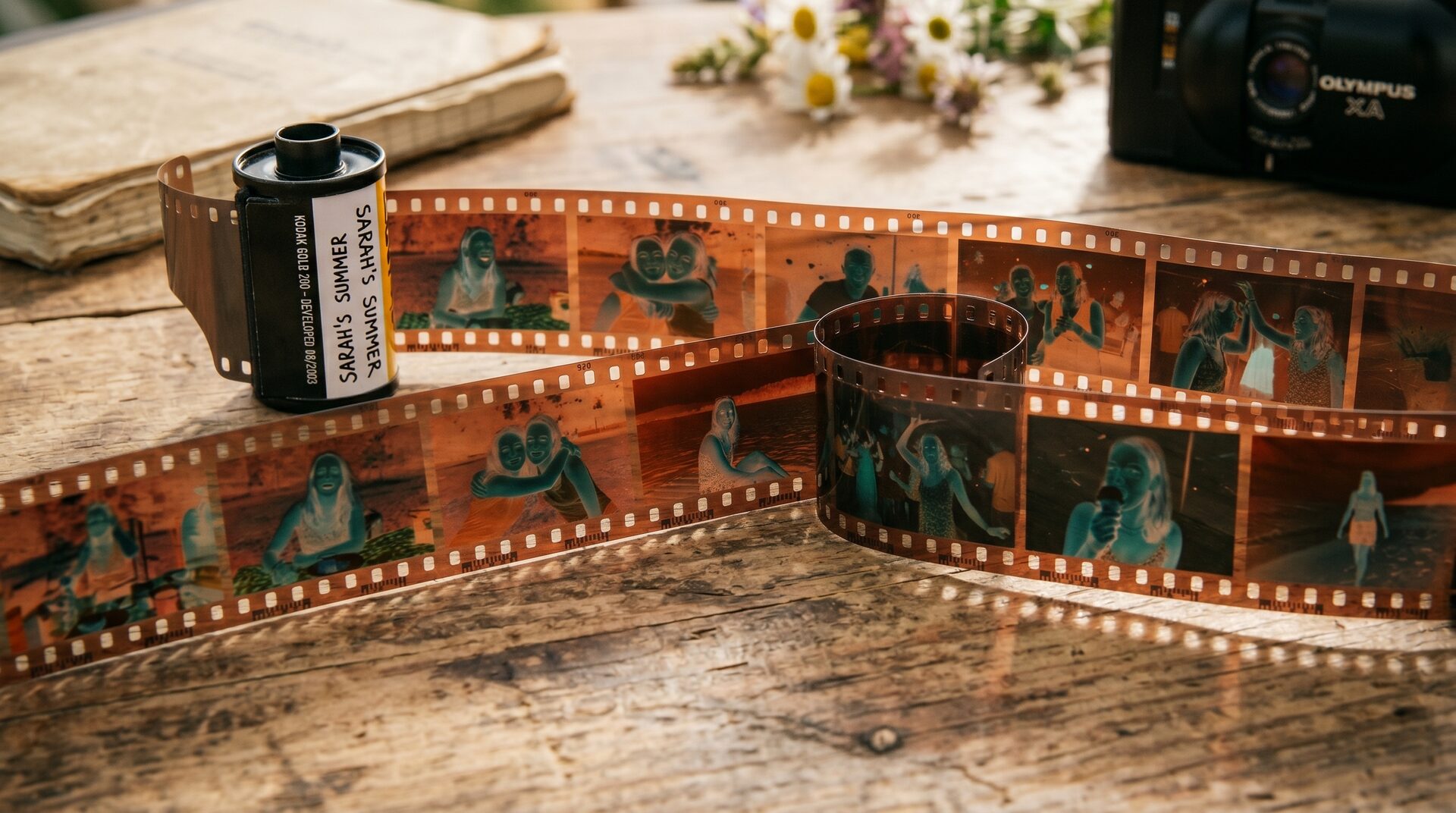
The Disposable Camera AI Prompt Taking Over Instagram
Polished selfies are out, and messy nostalgia is in. The disposable camera AI prompt has gone viral on Instagram, TikTok, and Tumblr in 2026. It turns a normal photo into a grainy, faded snapshot that looks like it came straight off a 90s point-and-shoot.
So why is everyone obsessed? After years of flawless AI images, people now crave something that feels real. As a result, the imperfect film look has become one of the biggest photo trends of the year.
The magic comes from tools like Google Gemini (Nano Banana) and ChatGPT. First, you upload a selfie. Then, you paste a short prompt. Finally, the AI adds the grain, light leaks, and soft blur for you.
Below, you will find three copy-and-paste prompts, plus tips to keep your face looking like you. Ready to make your own retro film photo? Then let us begin.
The Best Disposable Camera AI Prompts to Try
Below are three ready-made prompts for the disposable camera effect. First, copy one. Then paste it into ChatGPT or Gemini and upload a clear photo. Each prompt gives a slightly different retro mood, so try all three.
The classic 90s disposable camera look
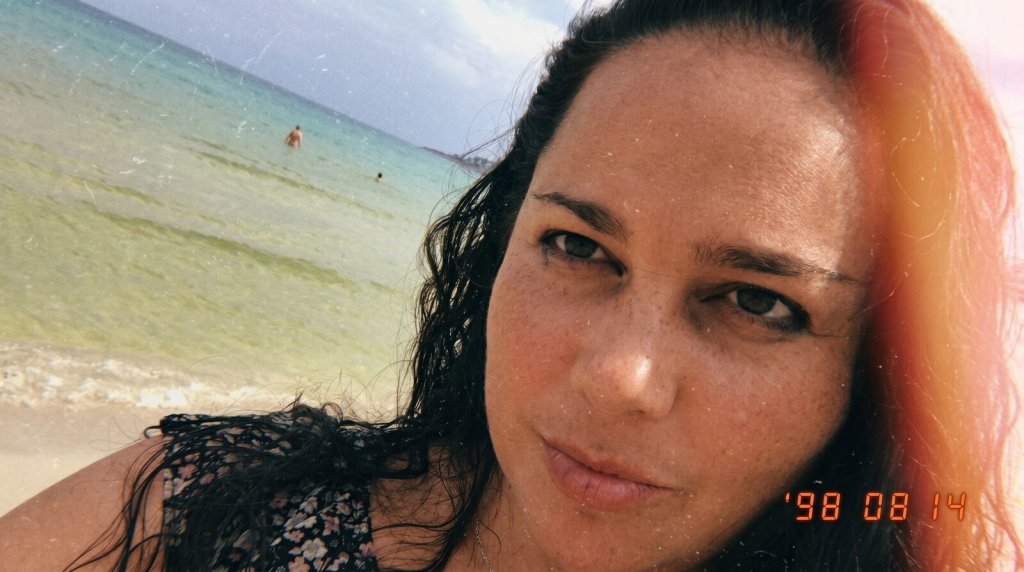
IMAGE PROMPT
Turn this photo into a faded late-90s disposable camera memory.
Add dusty film grain, soft motion blur, uneven lighting, tiny scratches, and a warm sunset glow leaking from one corner.
Make it feel accidental and nostalgic instead of polished.





Tip: Use a clear, well-lit selfie so the AI keeps your face accurate.
Disposable camera at golden hour (Lofi Dusk)
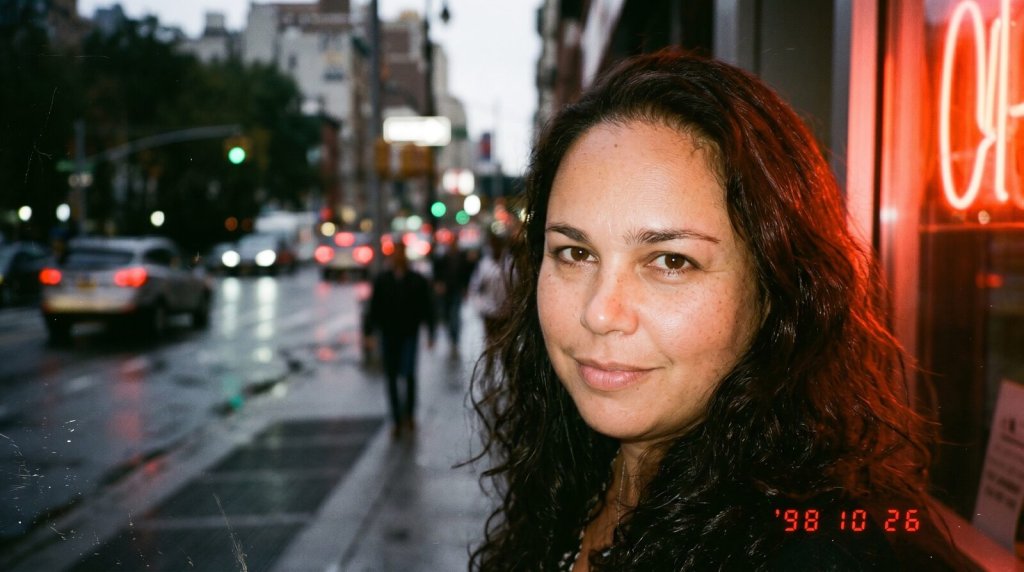
IMAGE PROMPT
Edit this image into a retro disposable camera aesthetic with cinematic dusk ambience, flash-lit subject, muted colours, glowing rim light, subtle lens blur, film grain and low-light street photography mood.
Tip: Shoot facing a window or warm light to copy that dusk glow.
Flash-on party photo (free in Gemini)
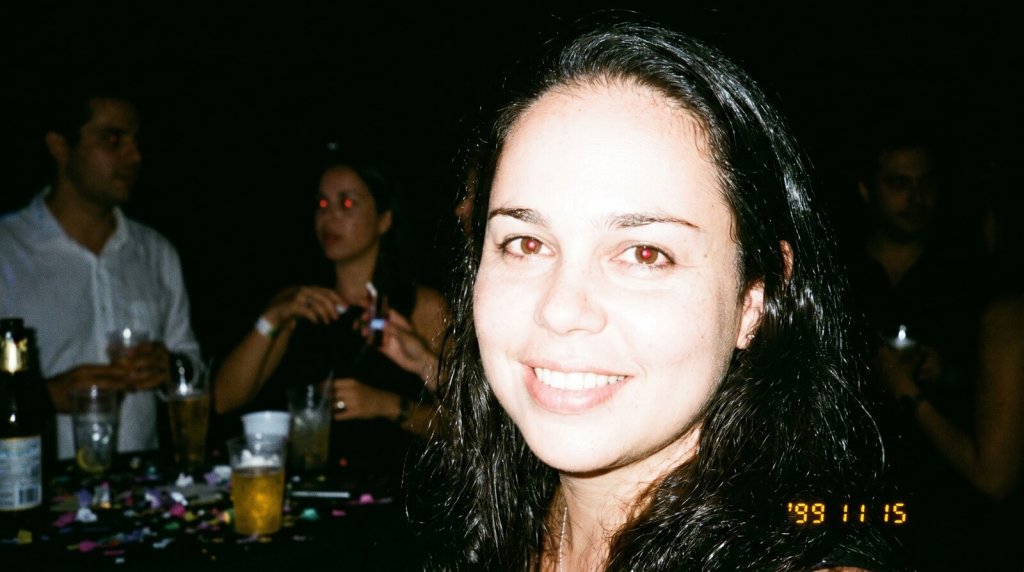
IMAGE PROMPT
Make this photo look like a candid party shot taken on a cheap disposable camera with the flash on.
Add harsh direct flash, bright overexposed skin, a deep dark background, red-eye, heavy film grain, and a small date stamp in the bottom corner.
Keep my face natural and do not change my features.
Tip: Ask for harsh, direct flash and red-eye to nail the party look.
Tips for the Best Disposable Camera AI Photos
Do you want your photo to look authentic instead of obviously AI? Then a few small tweaks make a big difference. First, start with a sharp, well-lit selfie.
Next, always add a line like “do not change my face” to the prompt. As a result, the AI keeps your real features while it adds the grain and blur. Moreover, this single line fixes most distorted results.
For a stronger effect, name the era. For example, say “1998” or “early 2000s” so the colors and grain match the decade. However, keep the rest of the prompt short, because long prompts can confuse the tool.
Finally, generate a few versions and pick the best one. Want more copy-paste trends like this? Then browse our how-to guides and keep creating.
Want More?
Loved the disposable camera AI prompt? Then keep the retro vibes going. Explore the best AI image generators to run these prompts, or turn your photo into a clip with the best AI video generators.
Prompt inspiration is a story from eweek.com — source.
Frequently Asked Questions
Which AI tool is best for the disposable camera prompt?
For the most part, Google’s Gemini app (Nano Banana) gives the best disposable camera effect. However, ChatGPT works well too. The real difference comes from your prompt, so keep it short and clear.
Is the disposable camera AI prompt free to use?
Yes, you can start for free. Gemini offers free image generation with daily limits. Therefore, you can test the disposable camera look without paying anything.
How do I stop the AI from changing my face?
Always add the line ‘do not change my face’ to your prompt. As a result, the AI keeps your real features. In addition, a clear, front-facing selfie helps a lot.
Can I use the disposable camera prompt in ChatGPT?
Yes. Just paste the chatgpt disposable camera prompt, upload your photo, and ask for film grain and flash. ChatGPT then returns a grainy, retro version of your image.
Why does my photo still look too clean?
Usually the prompt is too gentle. So, ask for heavy grain, light leaks, and overexposed flash. Moreover, naming a year like 1999 pushes the AI toward a stronger film look.
What makes a good disposable camera prompt?
A good prompt names the era, the grain, the flash, and the mood. For example, it might say faded 90s film, soft blur, and a warm glow. Short and specific always wins.
Can I do this trend on my phone?
Absolutely. Both the Gemini and ChatGPT apps run on phones. Therefore, you can shoot, paste the prompt, and post your retro photo without a computer.